
Blog / Subscription / Aug 31, 2026

Recurring Payments WordPress Plugin: The Complete Guide to Automated Subscription Billing (2026)

Recurring Payments WordPress Plugin: The Complete Guide to Automated Subscription Billing (2026)
LucrativeIT Blog · WordPress Plugins · 9 min read

A recurring payments WordPress plugin lets you charge customers automatically on a set schedule — weekly, monthly, or yearly — without manually sending an invoice every cycle. This guide covers how recurring payment WordPress systems work, what to look for before you install one, and how WPBillify handles subscription billing for memberships, SaaS products, and service businesses.

What is a recurring payments WordPress plugin?

WordPress does not process payments on its own, and it has no native concept of a "subscription." A recurring payments WordPress plugin fills that gap by connecting your site to a payment gateway — typically Stripe or PayPal — and automating three things: charging the customer on schedule, tracking the subscription's status, and reacting when something goes wrong (a card expires, a charge fails, a customer cancels).

Without this kind of plugin, "recurring payment WordPress" setups usually mean someone on your team manually re-billing customers every month — which doesn't scale and quietly leaks revenue every time a renewal gets missed.

Why recurring billing matters for your revenue

Recurring revenue is predictable revenue. Sites that switch from one-off payments to automated billing typically see three concrete benefits:

  • Fewer missed renewals — the system charges the card automatically instead of relying on someone remembering to invoice.
  • Lower churn from failed payments — automatic retries (dunning) recover a meaningful share of "silent" cancellations caused by an expired card rather than a customer actually wanting to leave.
  • Cleaner forecasting — with subscribers on fixed cycles, you can project next month's revenue instead of guessing.

What to look for in a recurring payment plugin

Not every "subscription plugin" for WordPress handles billing the same way. Before choosing one, confirm it covers these basics:

  • Support for multiple billing intervals (weekly, monthly, quarterly, annual)
  • Native integration with Stripe and/or PayPal subscription APIs — not a third-party workaround
  • Automatic retry logic for failed payments (dunning management)
  • Self-service subscriber portal so customers can update cards or cancel without emailing support
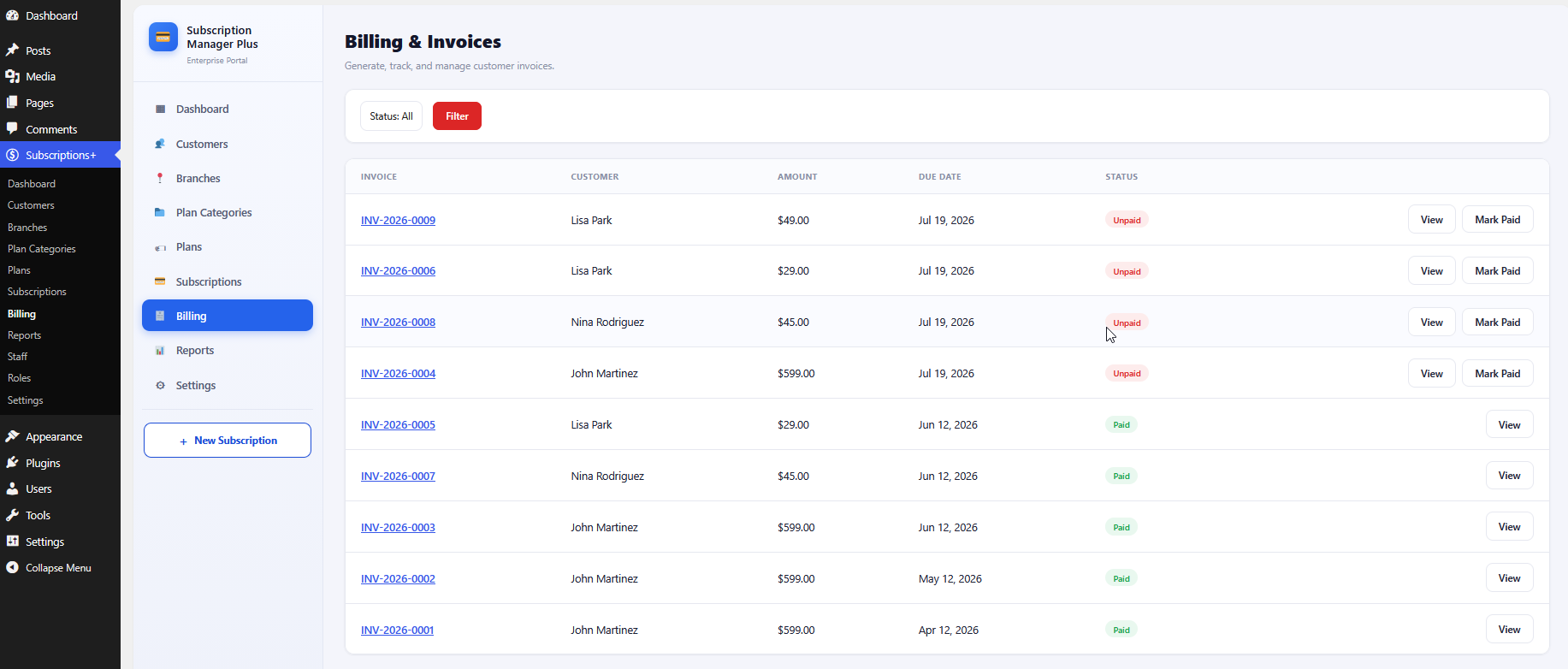
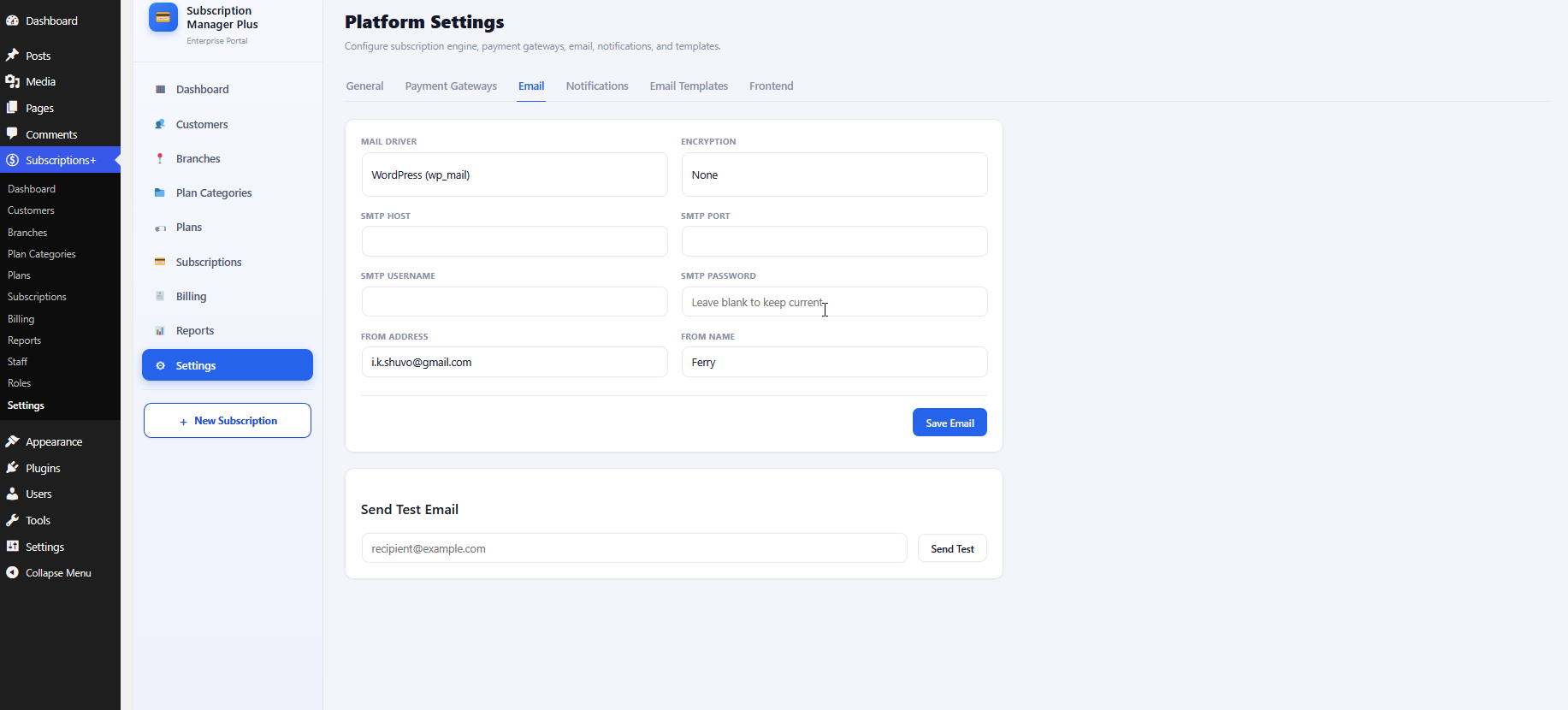
  • Automatic invoice generation and email receipts
  • Works without requiring a full WooCommerce store, if you don't need one
  • Proration handling for upgrades, downgrades, and mid-cycle changes

Introducing WPBillify

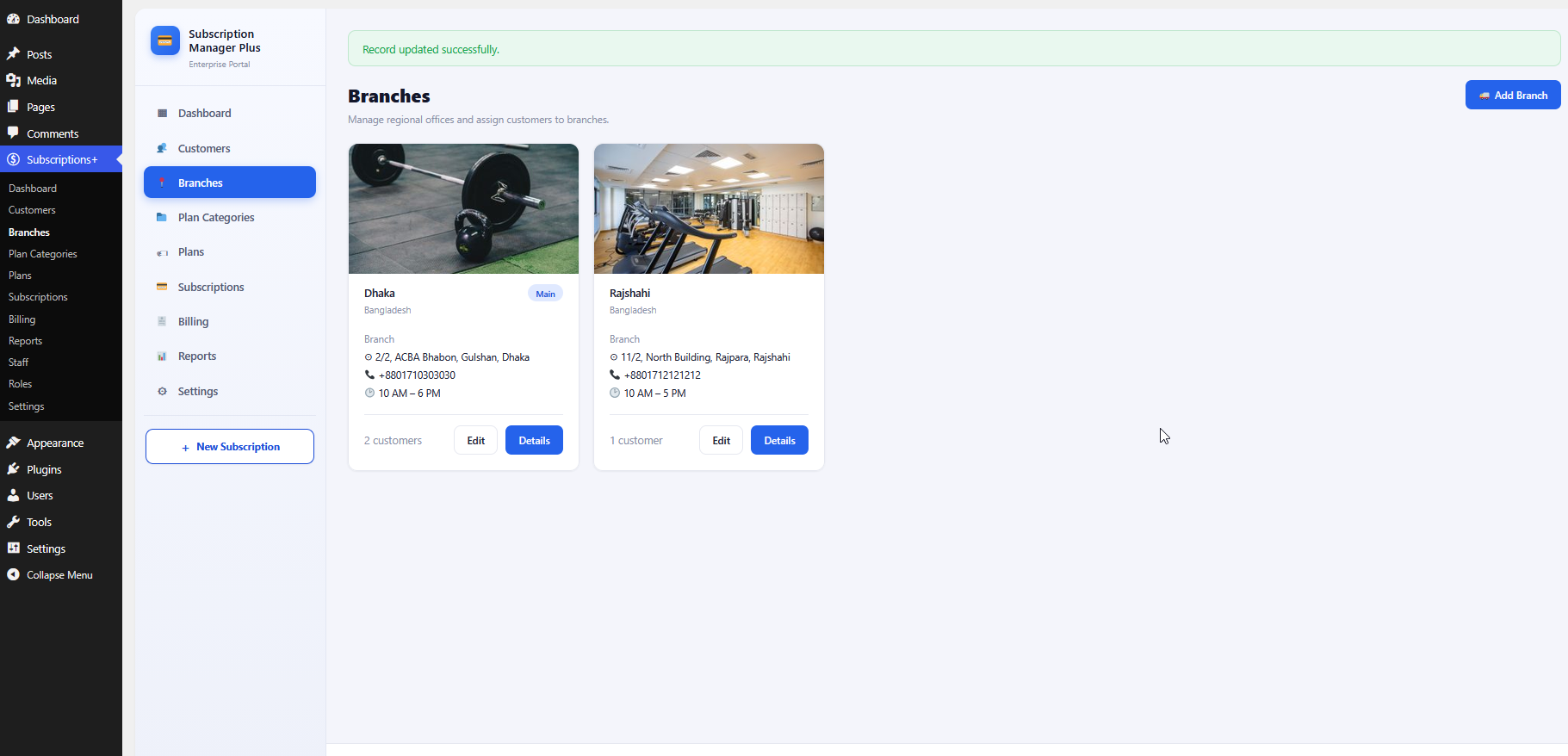
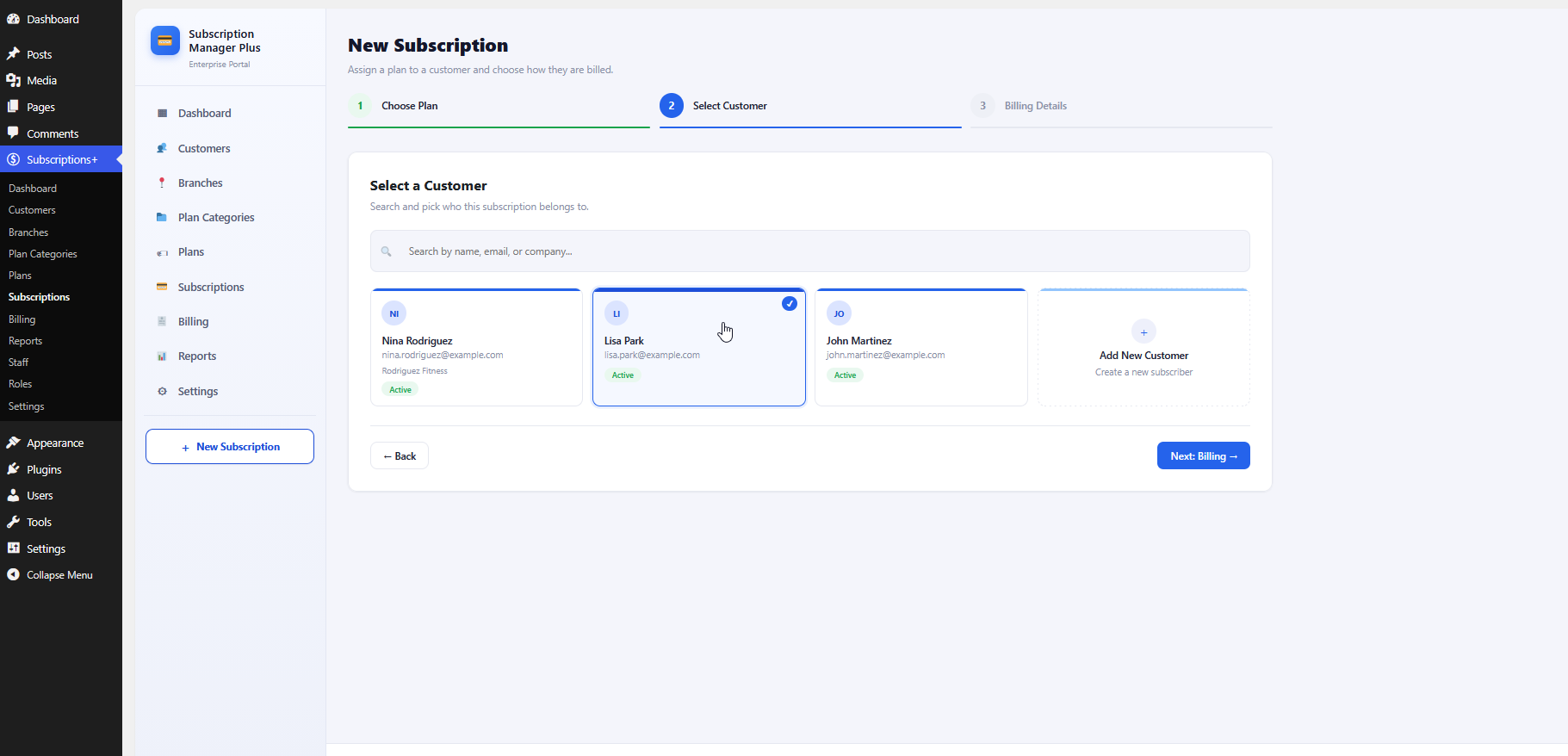
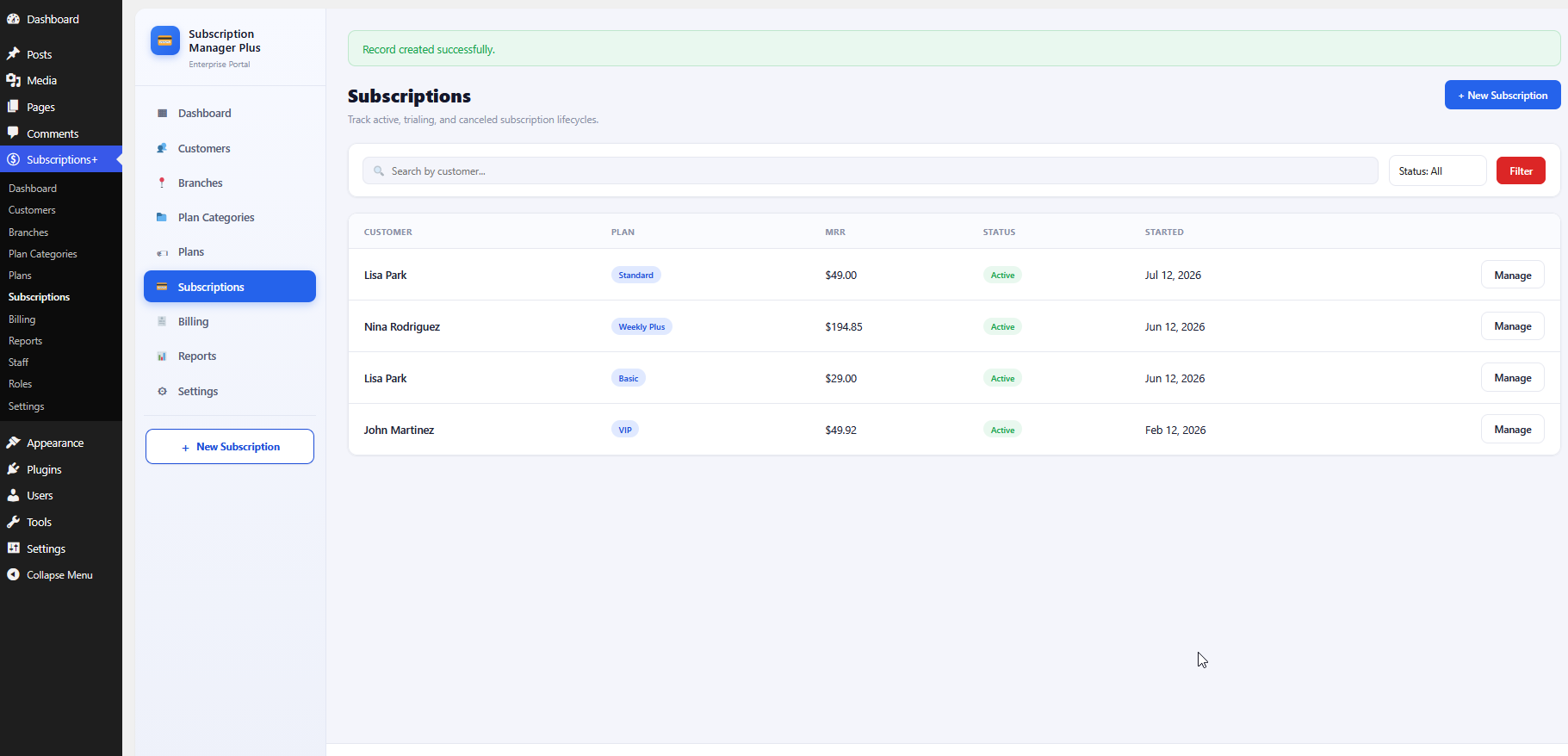
WPBillify is a dedicated recurring billing plugin built for WordPress site owners who need dependable subscription payments without bolting an entire e-commerce store onto their site. It handles the full billing lifecycle — signup, recurring charge, renewal, failed-payment recovery, and cancellation — from a single dashboard.

Core features

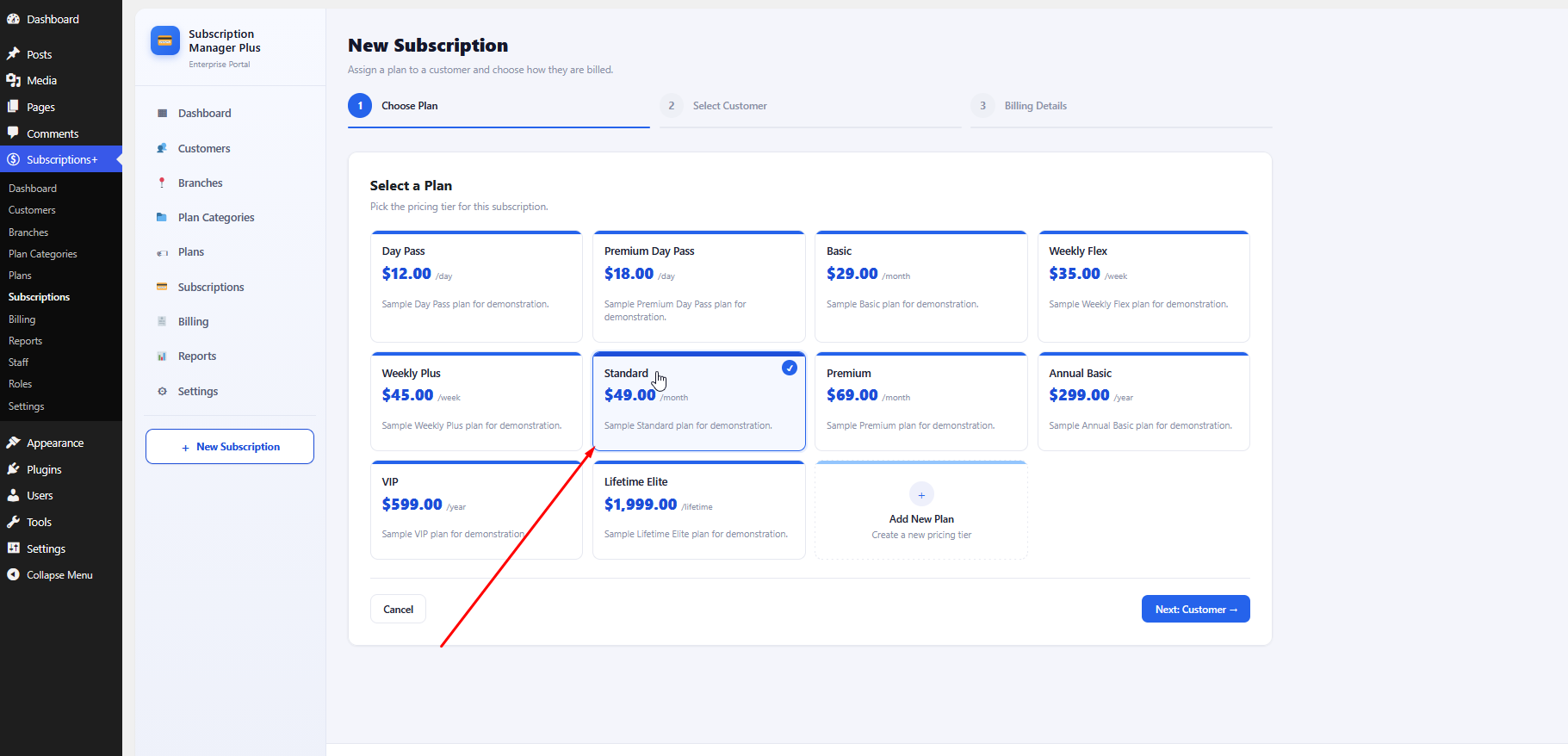
  • Flexible billing cycles — daily, weekly, monthly, or annual plans, with free trials and setup fees.
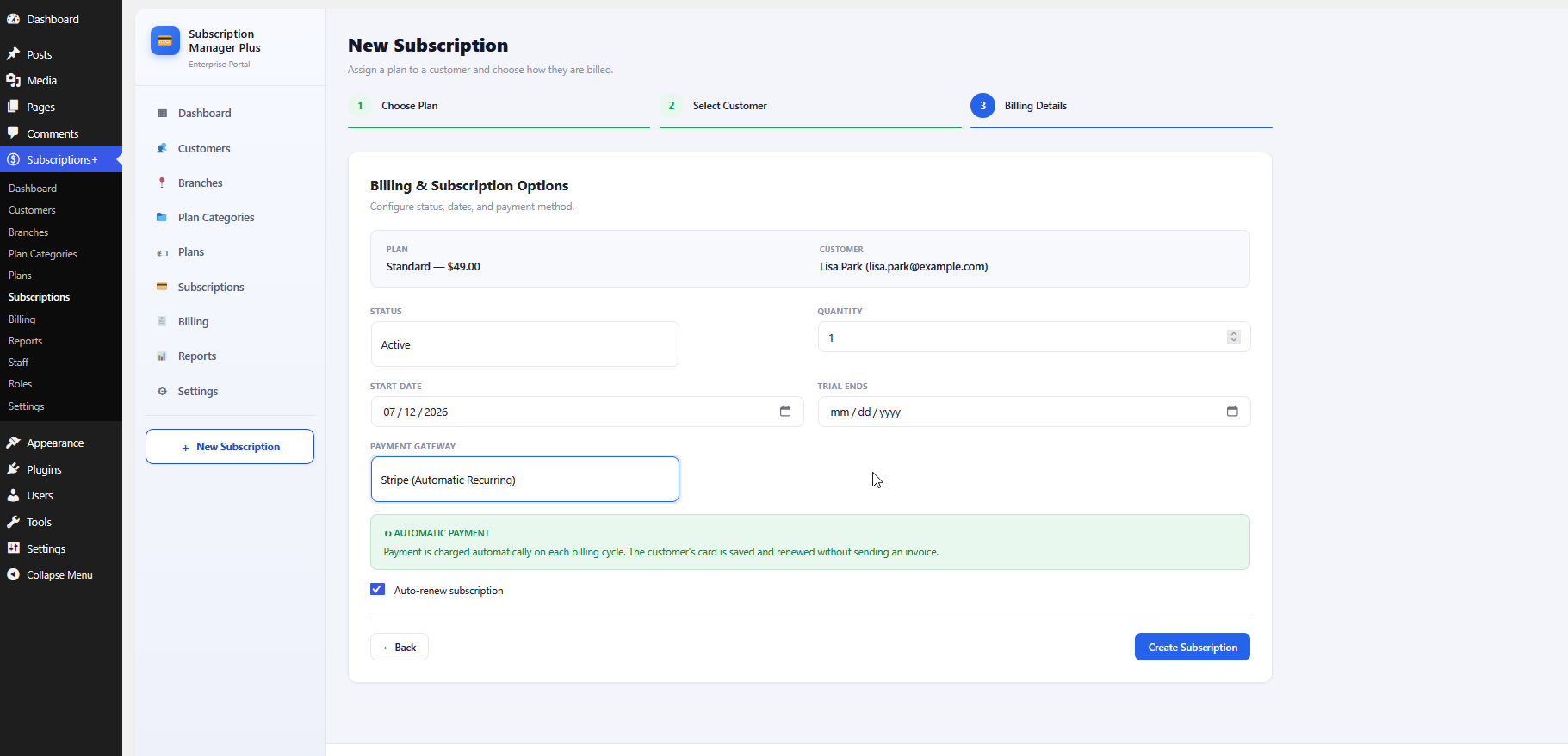
  • Stripe and PayPal integration — connects directly to each gateway's subscription API for secure, PCI-compliant charging.
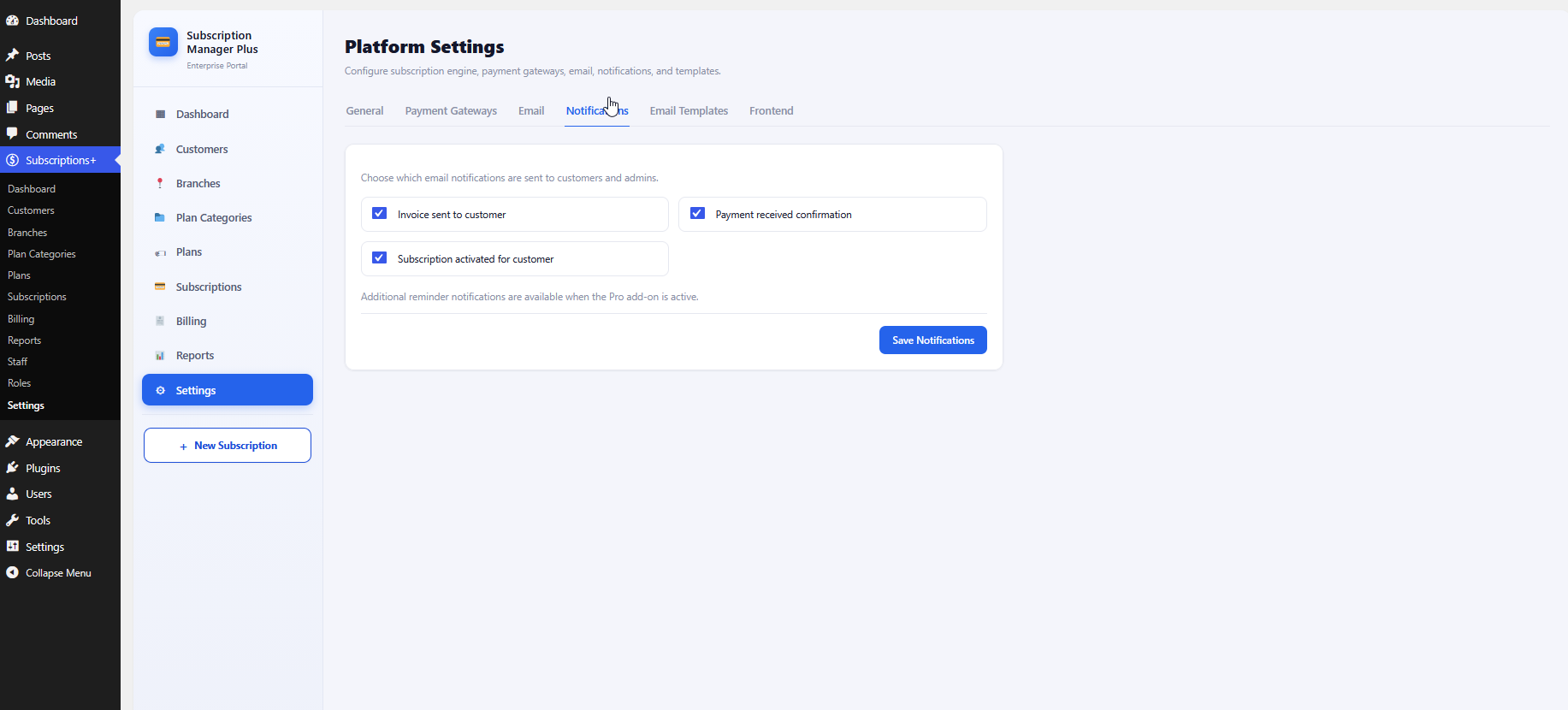
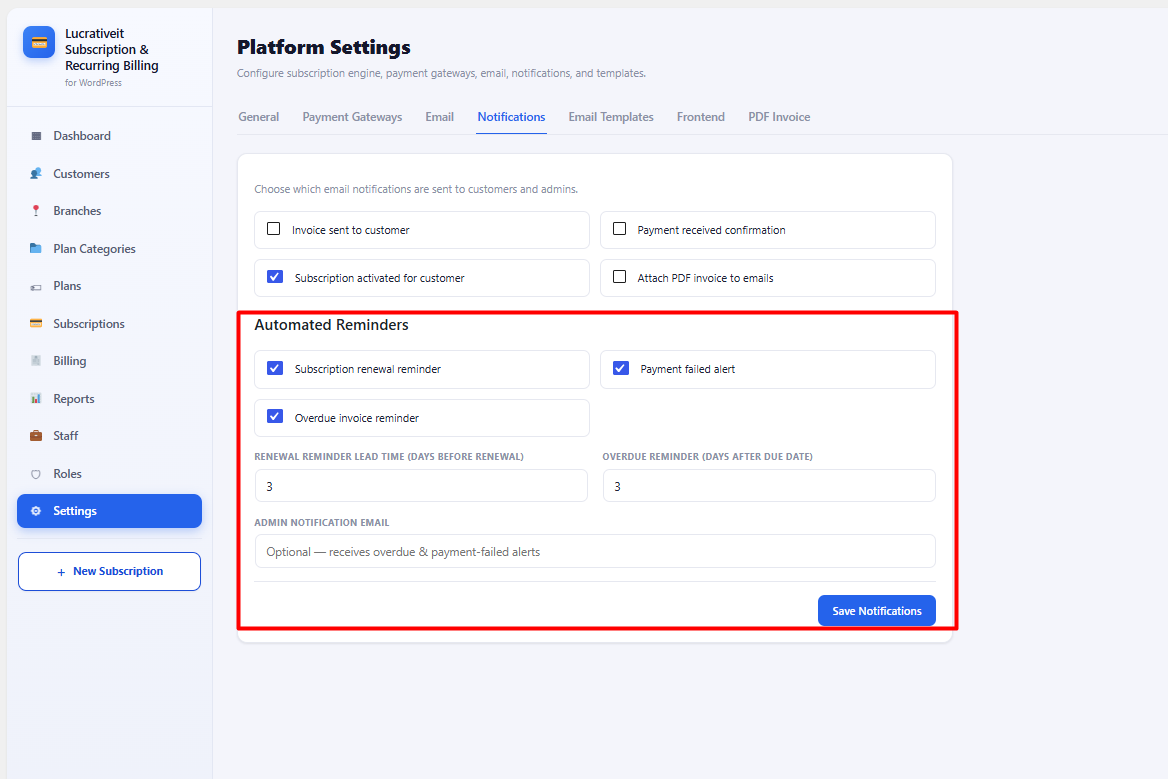
  • Automated dunning — configurable retry schedules and reminder emails before a subscription is suspended.
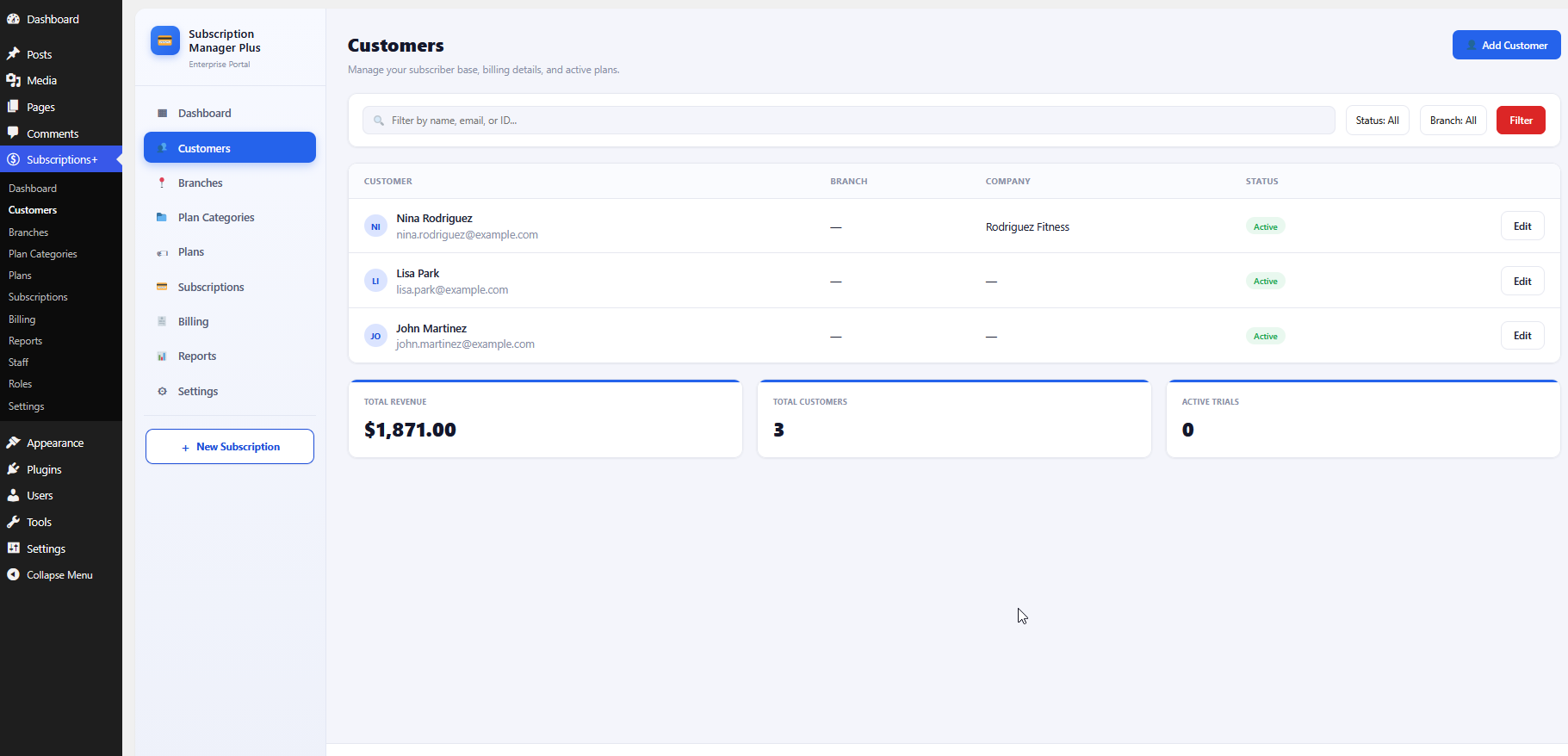
  • Subscriber self-service portal — customers can update payment methods, view invoices, and cancel without contacting support.
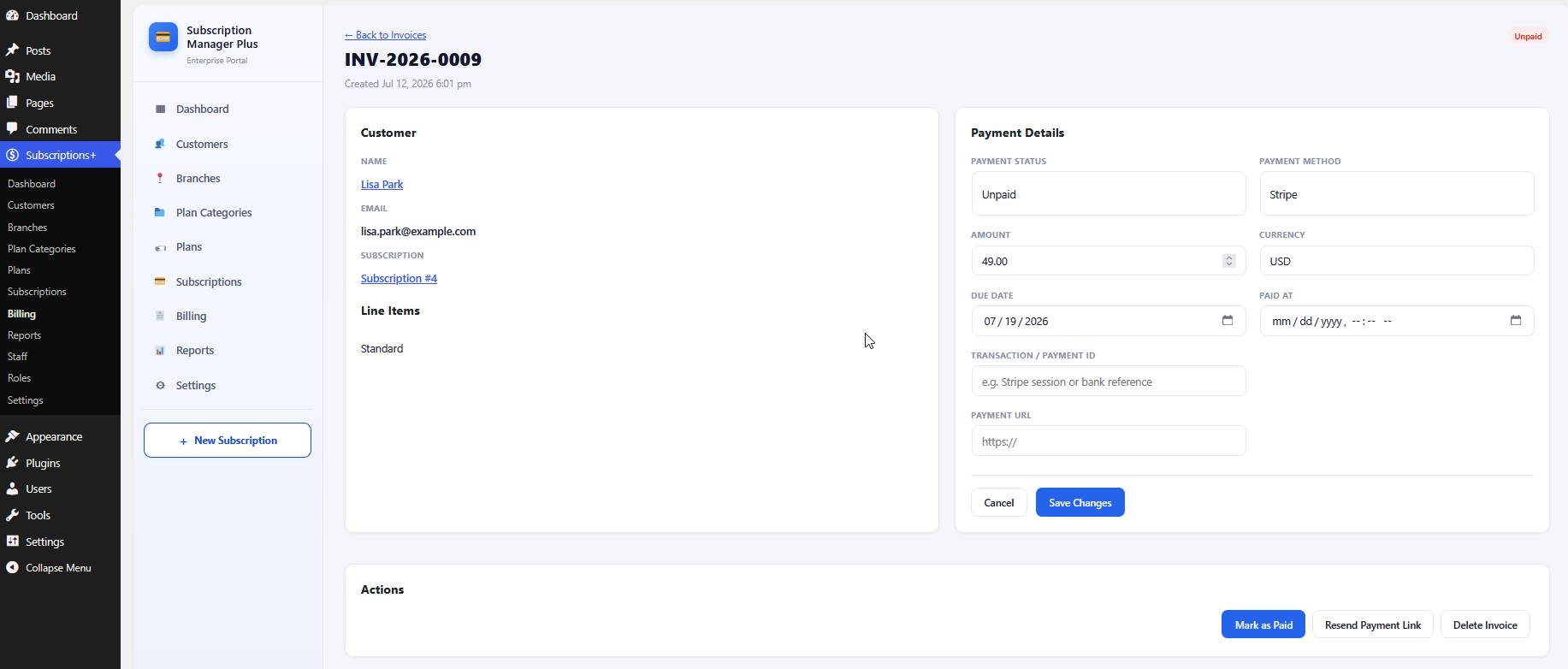
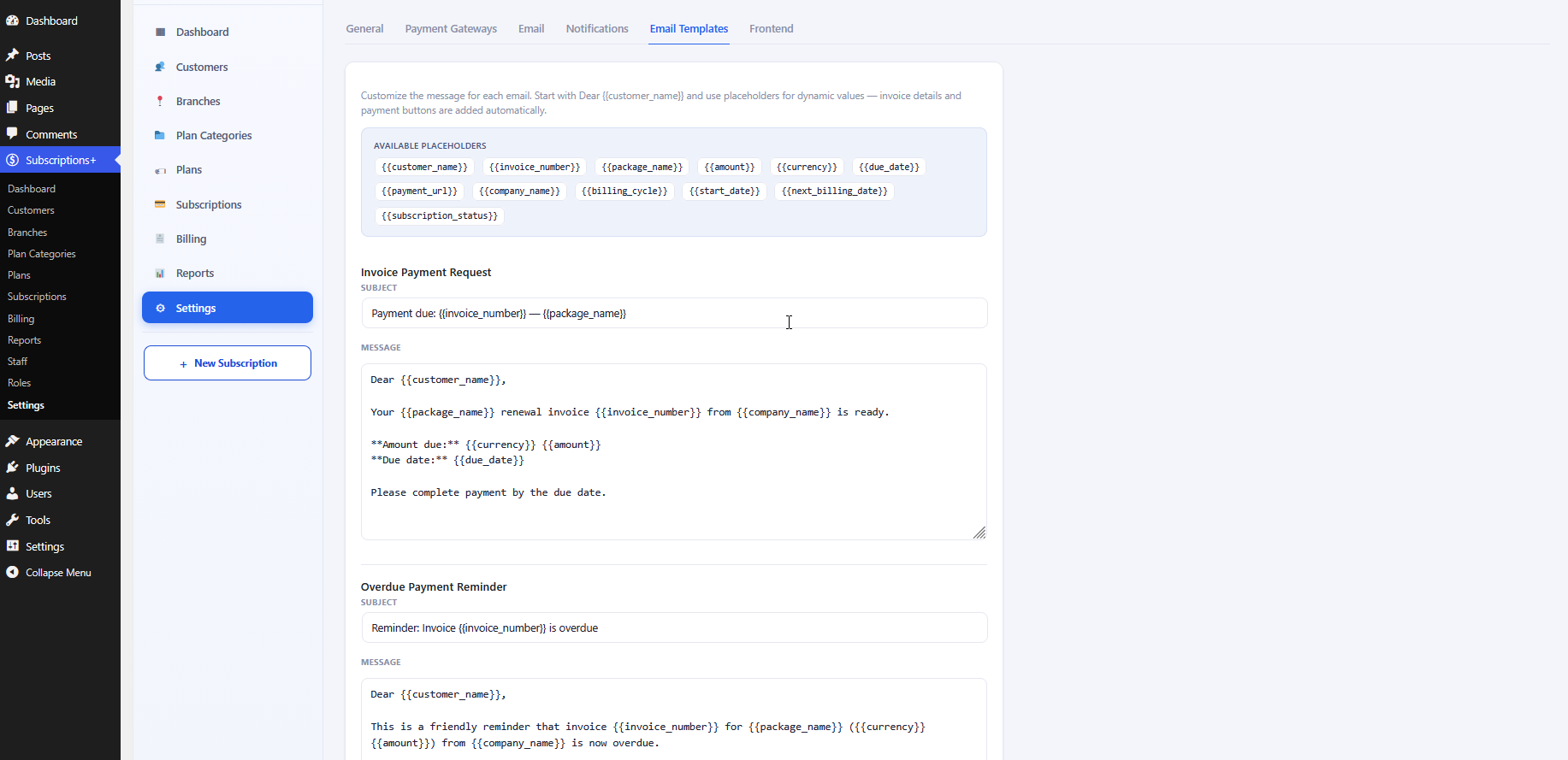
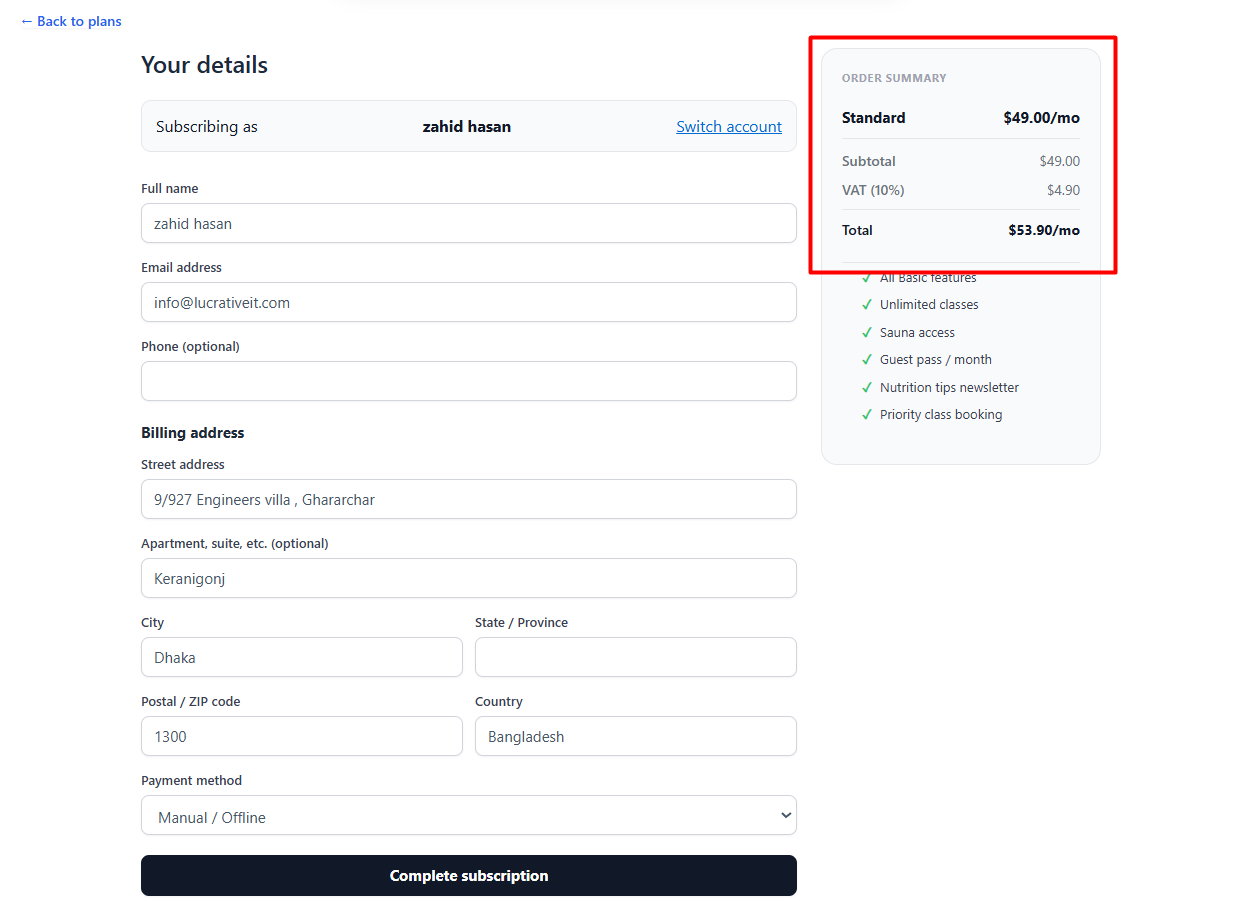
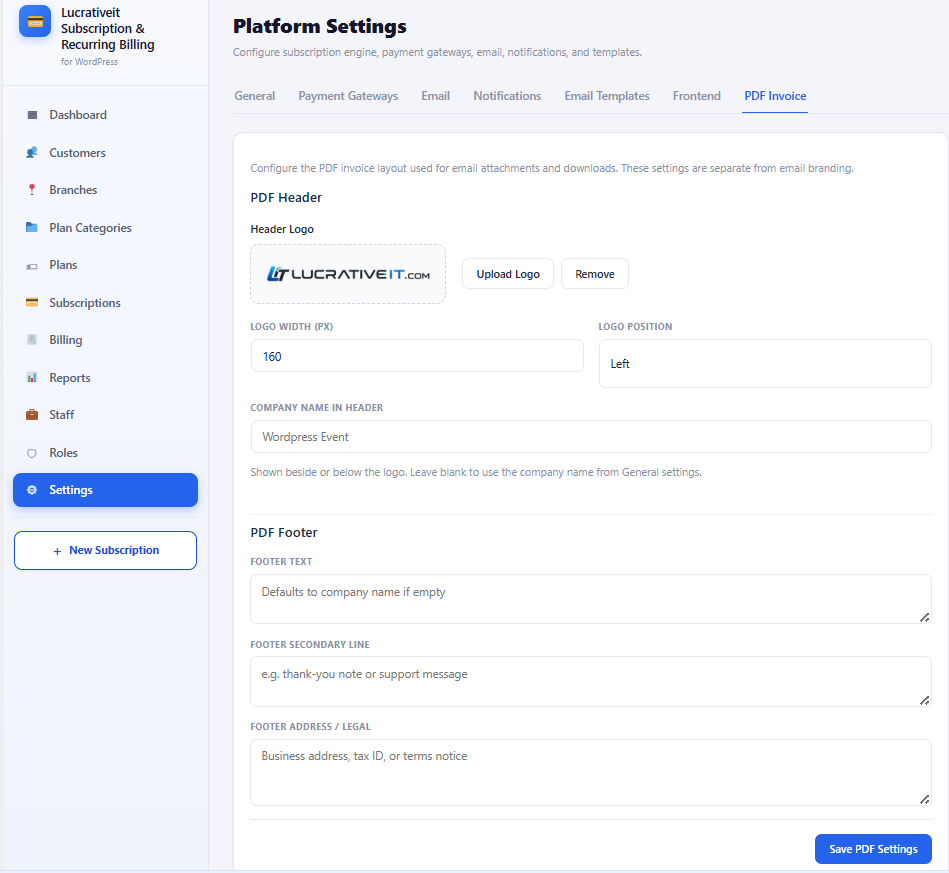
  • Automatic invoicing — every charge generates a downloadable invoice and receipt email.
  • Plan upgrades and downgrades — with automatic proration so customers aren't over- or under-charged.
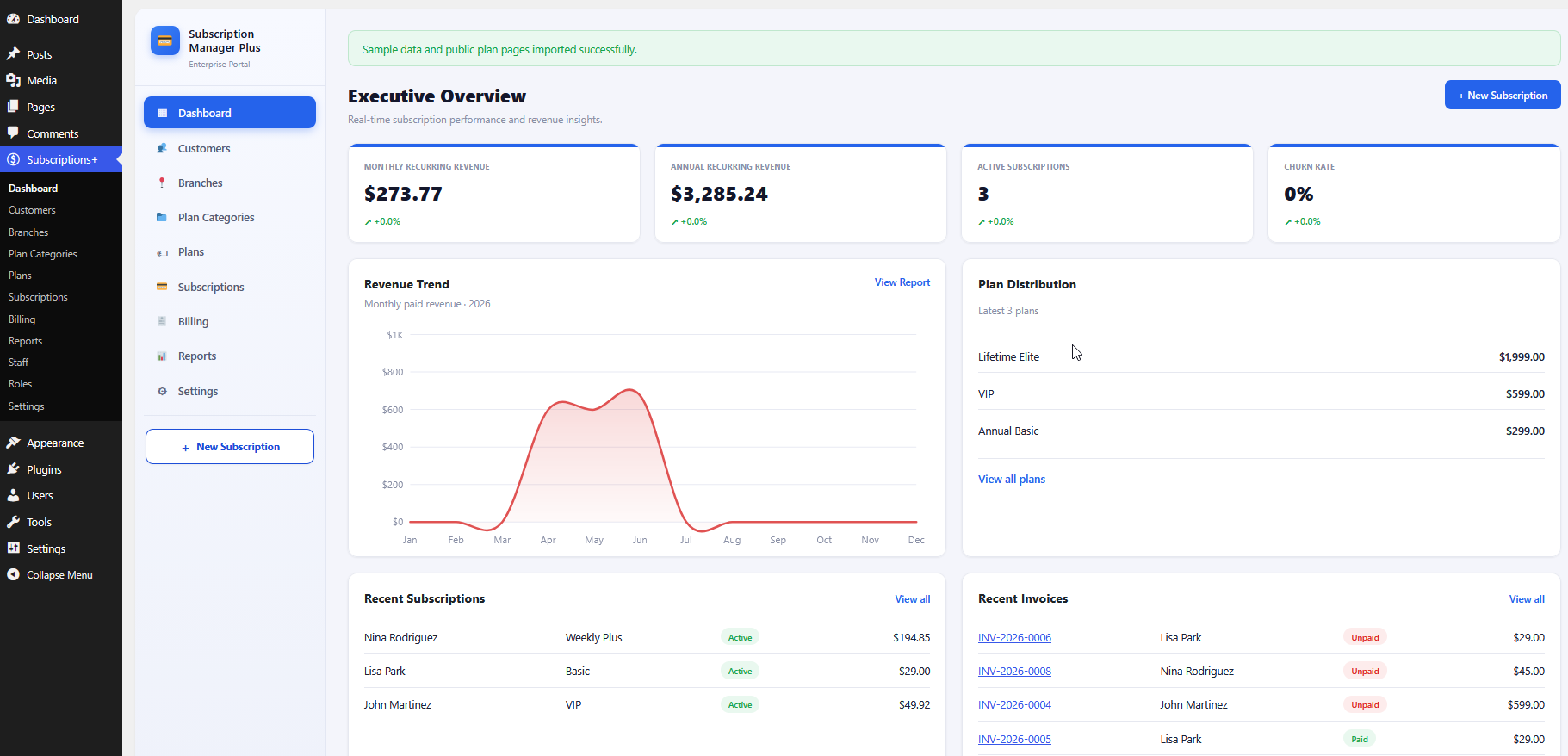
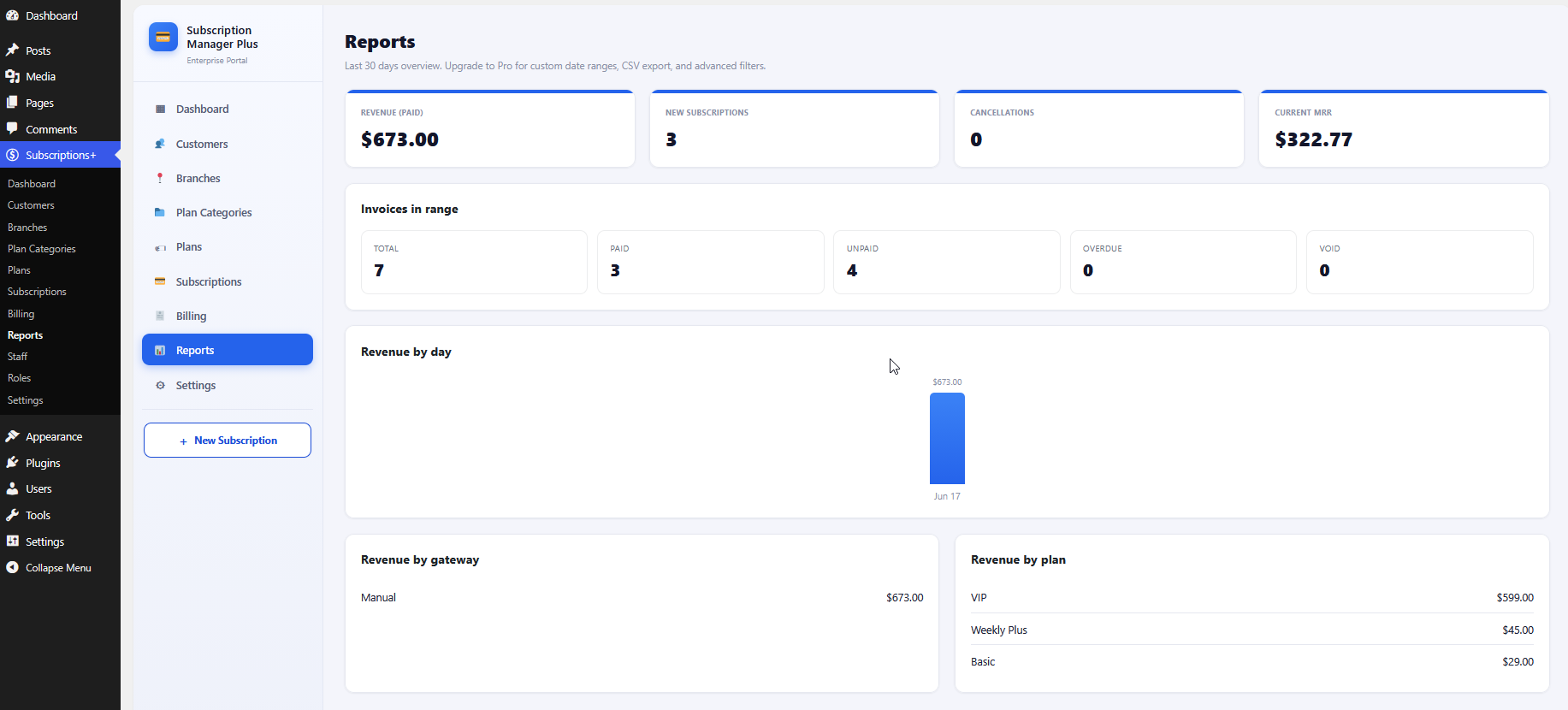
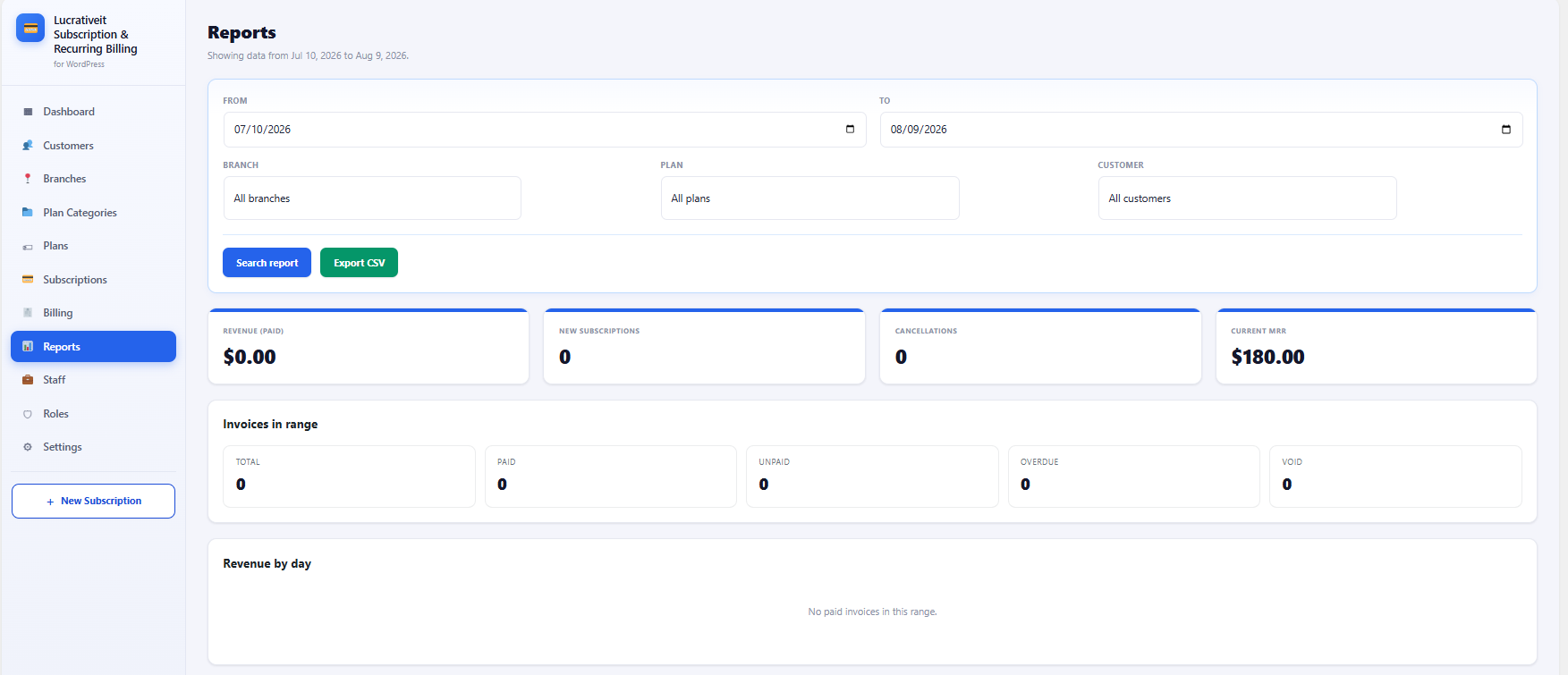
  • Reporting dashboard — active subscribers, monthly recurring revenue (MRR), and churn at a glance.

WPBillify vs. typical recurring payment plugins

Capability WPBillify Basic WooCommerce Subscriptions add-ons Manual invoicing
Works without a full store setup Yes No — requires WooCommerce Yes
Automatic dunning / failed-payment retries Yes Varies by add-on No
Self-service subscriber portal Yes Varies by add-on No
Automatic proration on plan changes Yes Varies by add-on No
Setup time Low Medium–High N/A (ongoing manual work)

How to set up recurring payments on WordPress

  1. Install and activate WPBillify from your WordPress dashboard or upload the plugin package under Plugins → Add New.
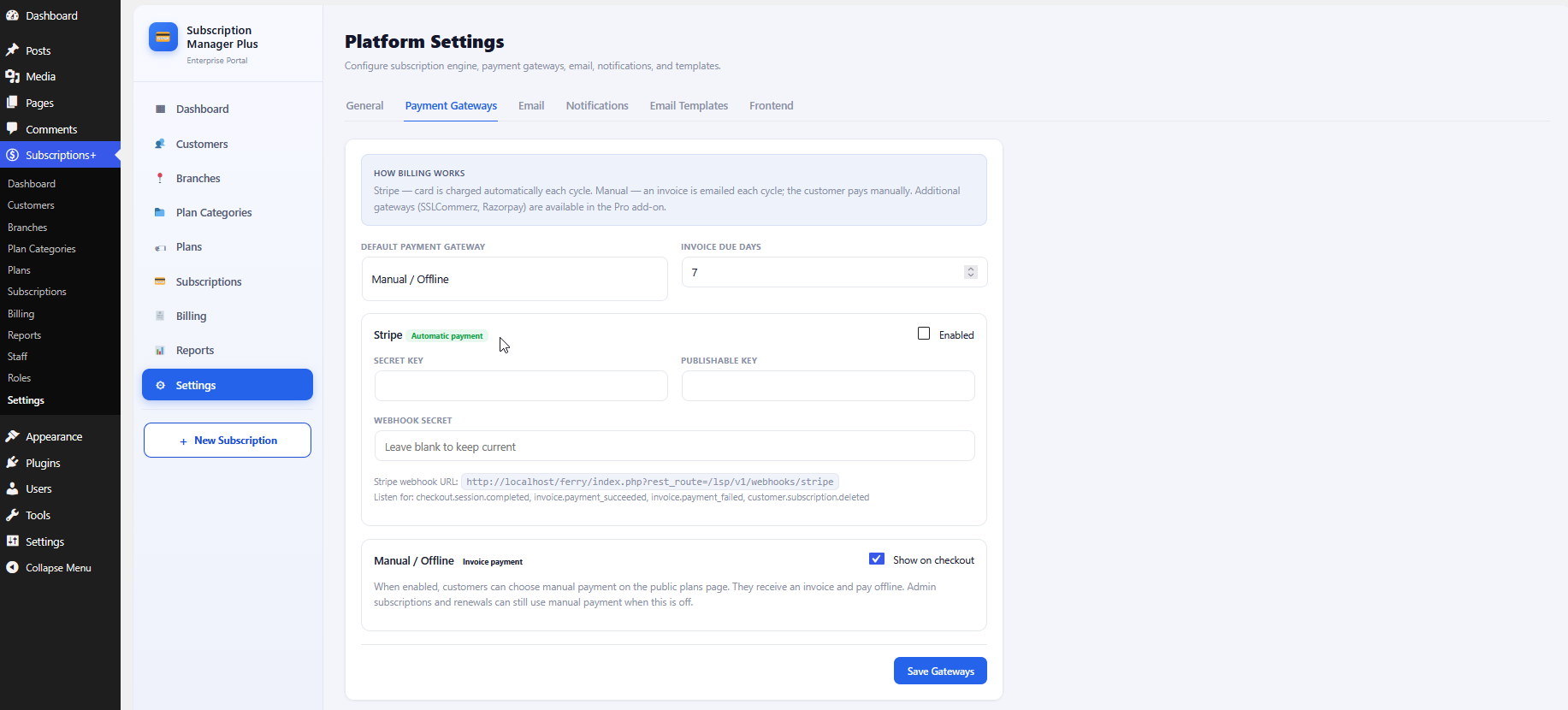
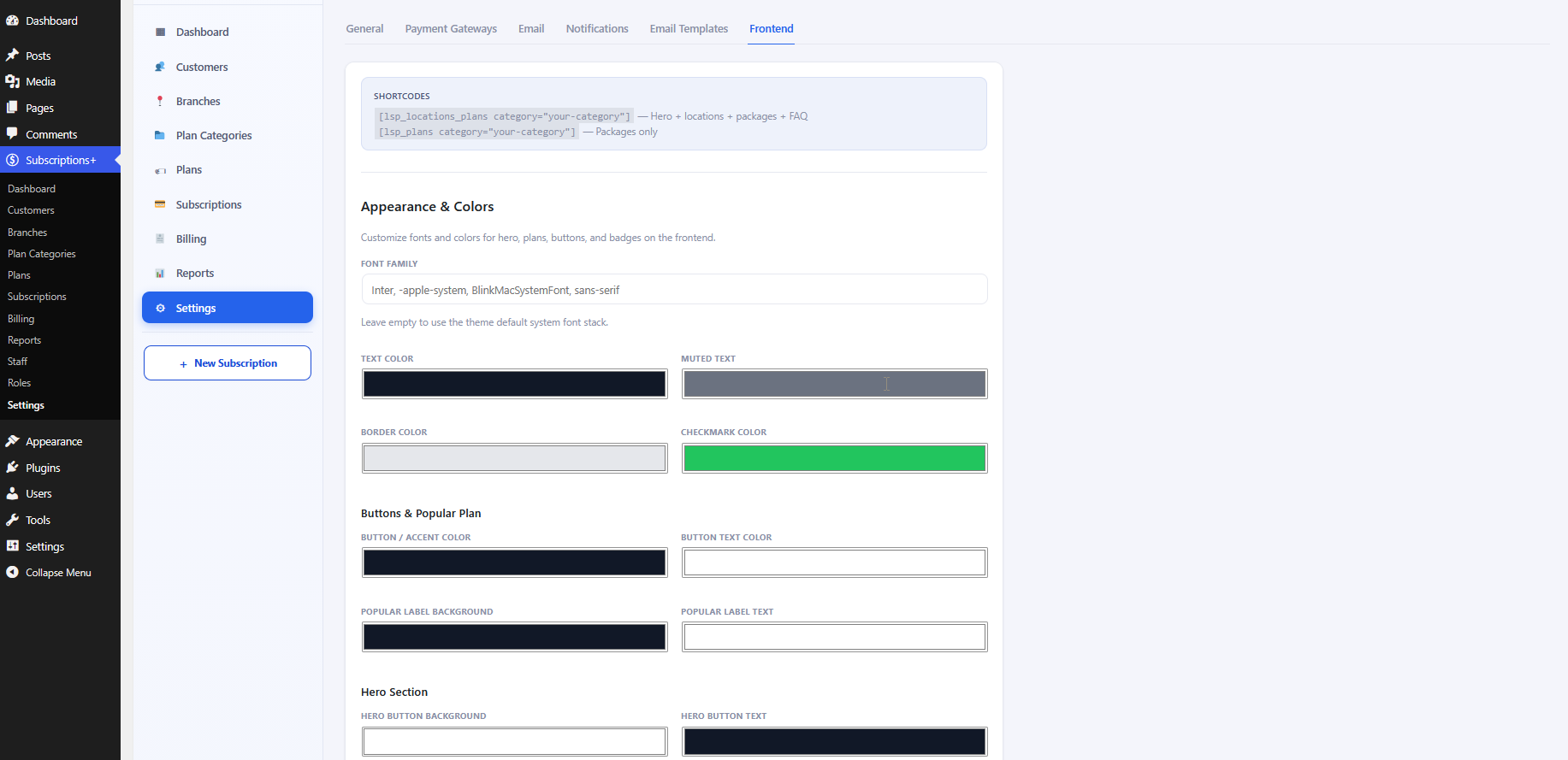
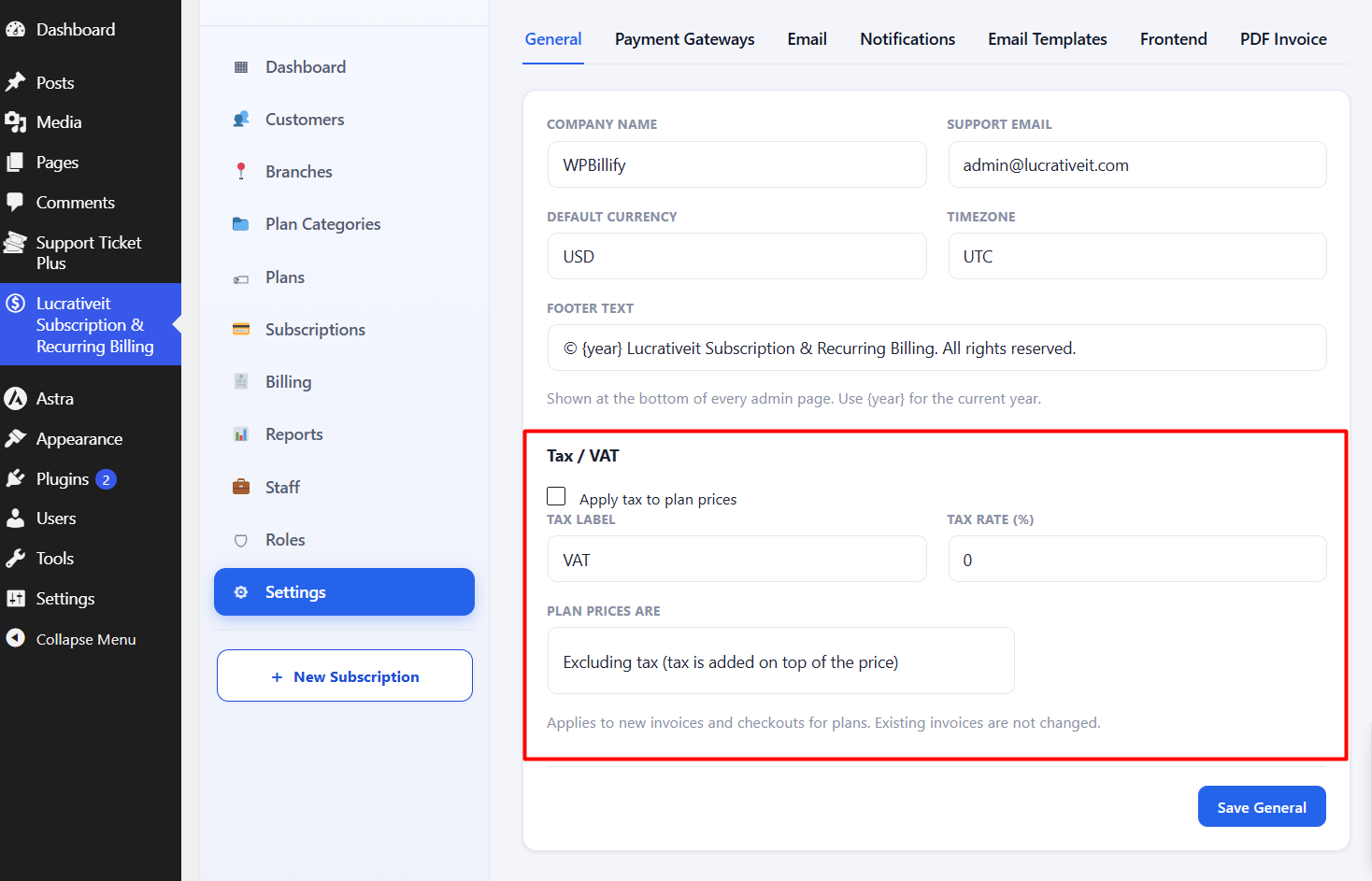
  2. Connect a payment gateway. Add your Stripe or PayPal API keys under WPBillify → Settings → Payment Gateways.
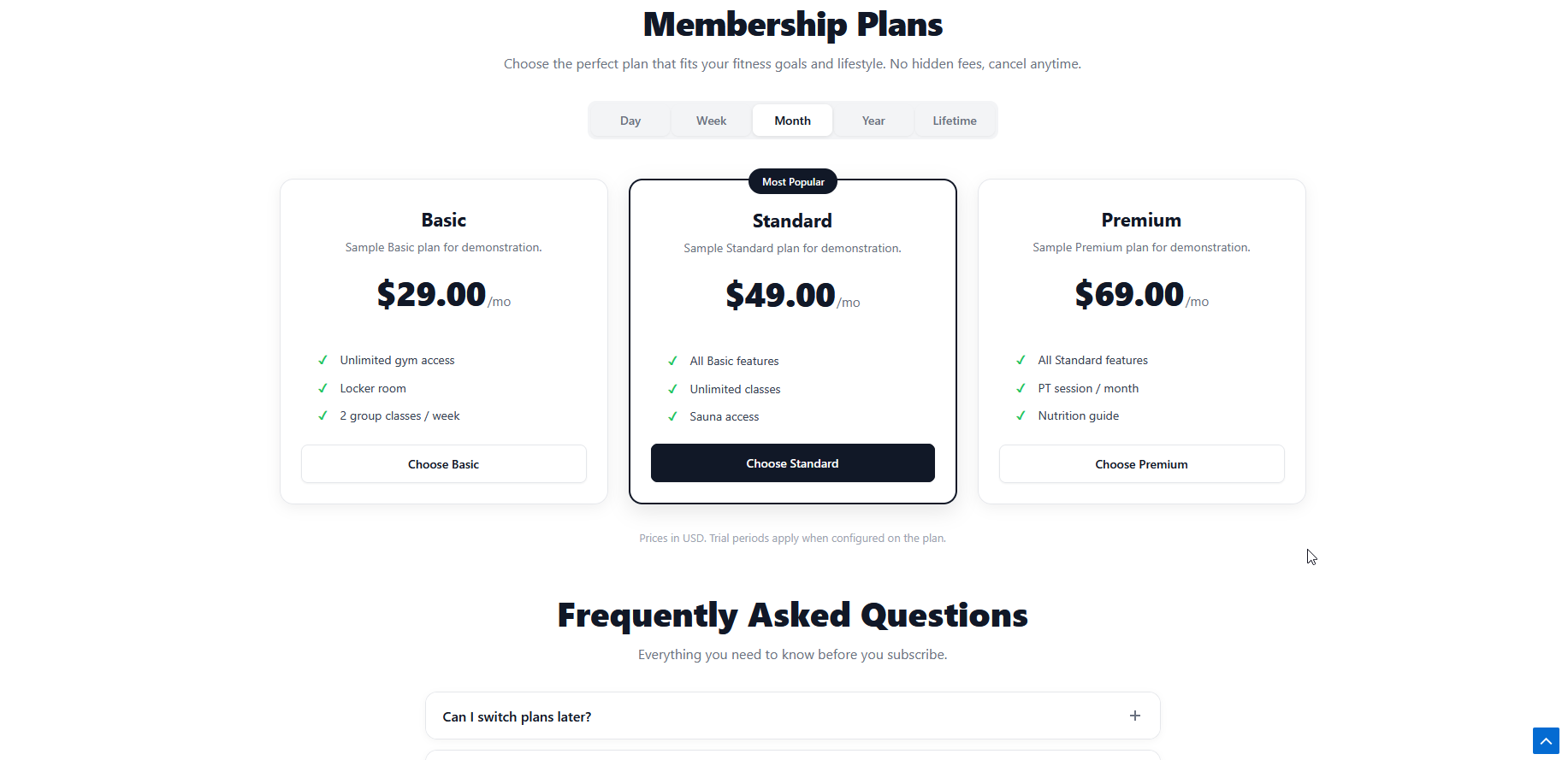
  3. Create your billing plans. Set the price, billing interval, trial period (if any), and setup fee for each subscription tier.
  4. Place the signup form or pricing table on your page using the plugin's shortcode or block.
  5. Configure dunning rules. Set how many times a failed payment should retry and when to notify the customer before suspending access.
  6. Test with a sandbox transaction in Stripe or PayPal's test mode before going live.

Quick tip

Always test at least one full billing cycle in your gateway's sandbox mode — including a simulated failed payment — before switching to live keys. This confirms your dunning emails and retry schedule actually fire the way you configured them.

Who actually needs this plugin

  • Membership sites — gate content behind monthly or annual access tiers.
  • SaaS products built on WordPress — bill for software access or usage plans.
  • Online course creators — charge recurring tuition or cohort fees.
  • Service businesses — send automatic recurring invoices for retainers or maintenance plans.
  • Newsletter and community platforms — collect recurring subscriber dues.

Ready to automate your subscription billing?

WPBillify handles recurring payments, dunning, and invoicing so you don't have to chase renewals manually.

See WPBillify plans →

Frequently asked questions

What is a recurring payments WordPress plugin?

A recurring payments WordPress plugin automatically charges customers on a set schedule — weekly, monthly, or yearly — without the site owner manually invoicing each cycle. It connects to a payment gateway like Stripe or PayPal to process the charges and manage subscription status.

Can WordPress handle recurring payments without WooCommerce?

Yes. WordPress doesn't process recurring payments natively, but a dedicated plugin like WPBillify adds subscription and recurring invoice functionality directly to a site without requiring a full WooCommerce store.

Which payment gateways support recurring billing on WordPress?

Stripe and PayPal are the most widely supported gateways for recurring billing on WordPress. Both offer native subscription APIs that plugins like WPBillify connect to for automated charging, retries, and cancellations.

What happens when a recurring payment fails?

A good recurring payments plugin uses dunning management — automatically retrying the failed charge on a schedule and emailing the customer to update their payment method — before suspending or cancelling the subscription.

Is WPBillify suitable for membership and SaaS sites?

Yes. WPBillify is built for membership sites, SaaS products, online courses, and service businesses that need flexible billing cycles, automatic invoicing, and subscriber management directly inside WordPress.

More articles

Continue reading

View all posts
How to Sell Subscriptions on WordPress Without WooCommerce

Subscription

How to Sell Subscriptions on WordPress Without WooCommerce

Don't want to bolt WooCommerce Subscriptions onto a full WooCommerce store just to bill customers monthly? This guide walks through selling subscriptions on WordPress without WooCommerce — using WPBillify's free built-in billing engine, payment gateways, and pricing-page shortcodes — from install to your first paying subscriber.

WPBillify vs WooCommerce Subscriptions: Which Should You Use?

Subscription

WPBillify vs WooCommerce Subscriptions: Which Should You Use?

A feature-by-feature comparison of WPBillify and WooCommerce Subscriptions covering dunning management, customer billing portals, setup complexity, and total cost of ownership. Includes a quick-verdict box, comparison table, "who should use which" breakdown, and an FAQ section — built for anyone searching for a WooCommerce subscriptions alternative that bundles dunning and portal features instead of selling them as separate add-ons.