

Installation
Install & open the dashboard
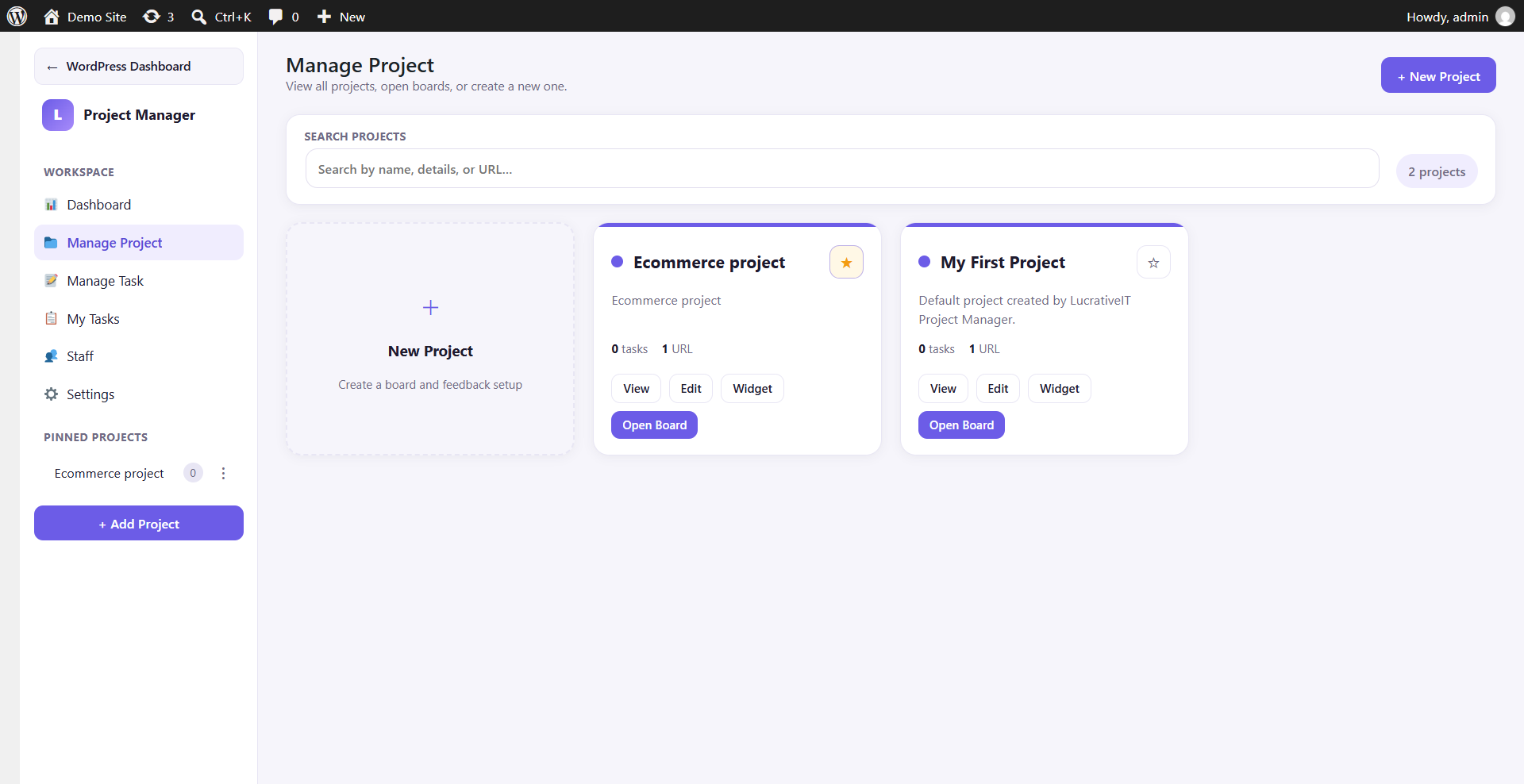
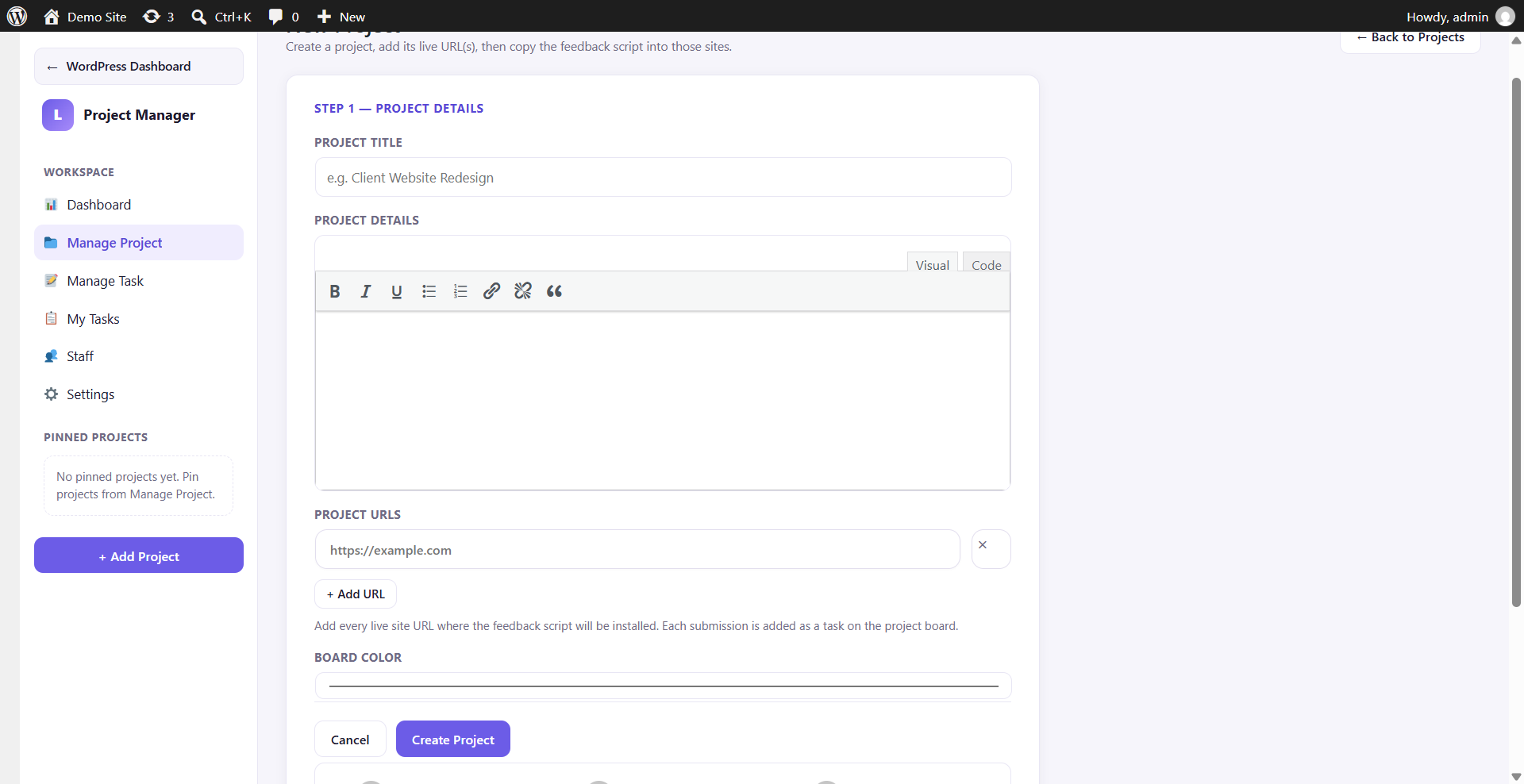
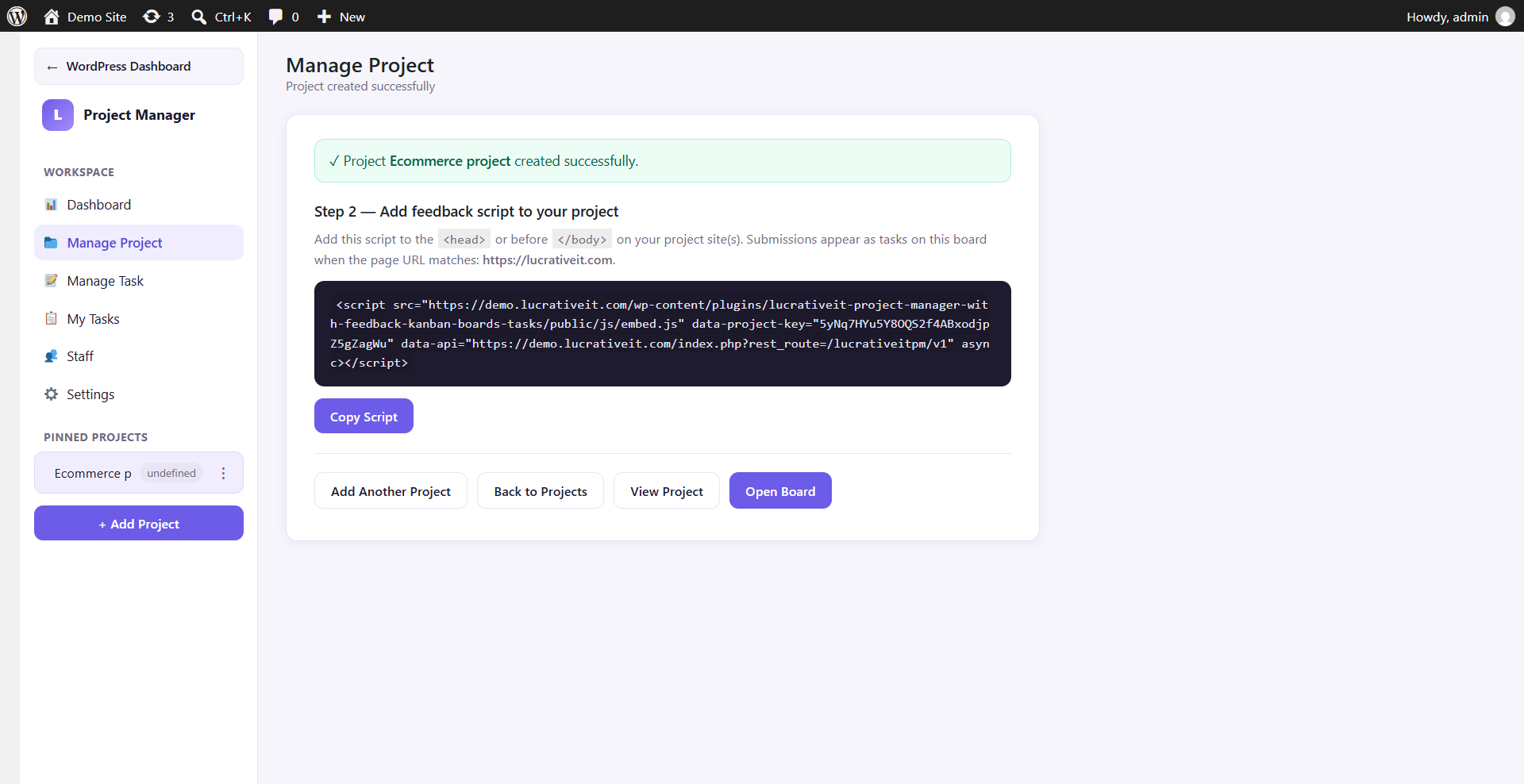
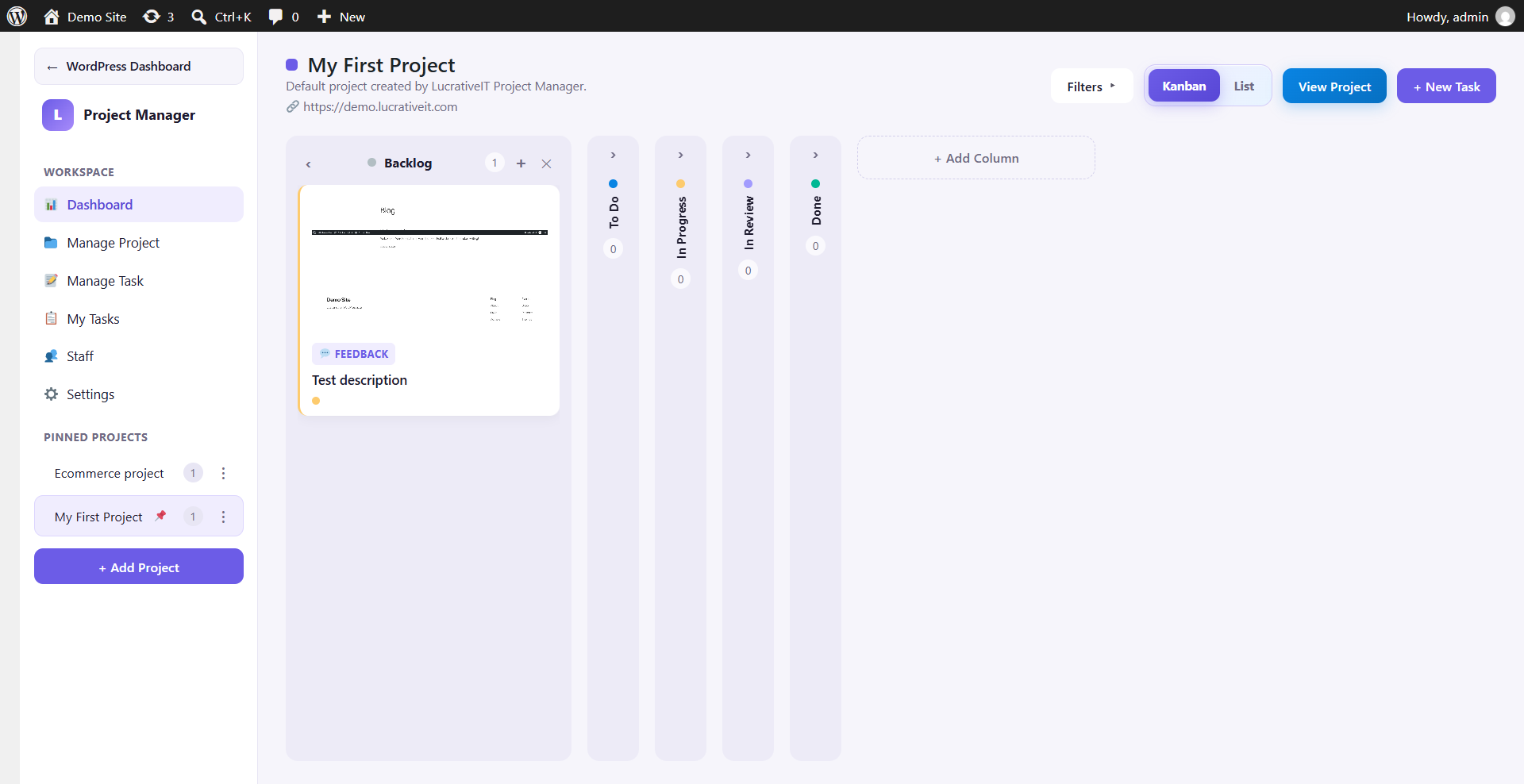
Upload the plugin, activate it, and a first board is created automatically. Open Project Manager in wp-admin for a site-wide or per-project overview.
- Upload to
wp-content/plugins/lucrativeit-project-manager-with-feedback-kanban-boards-tasks/ or install via ZIP upload.
- Activate LucrativeIT Project Manager with Feedback from the Plugins screen.
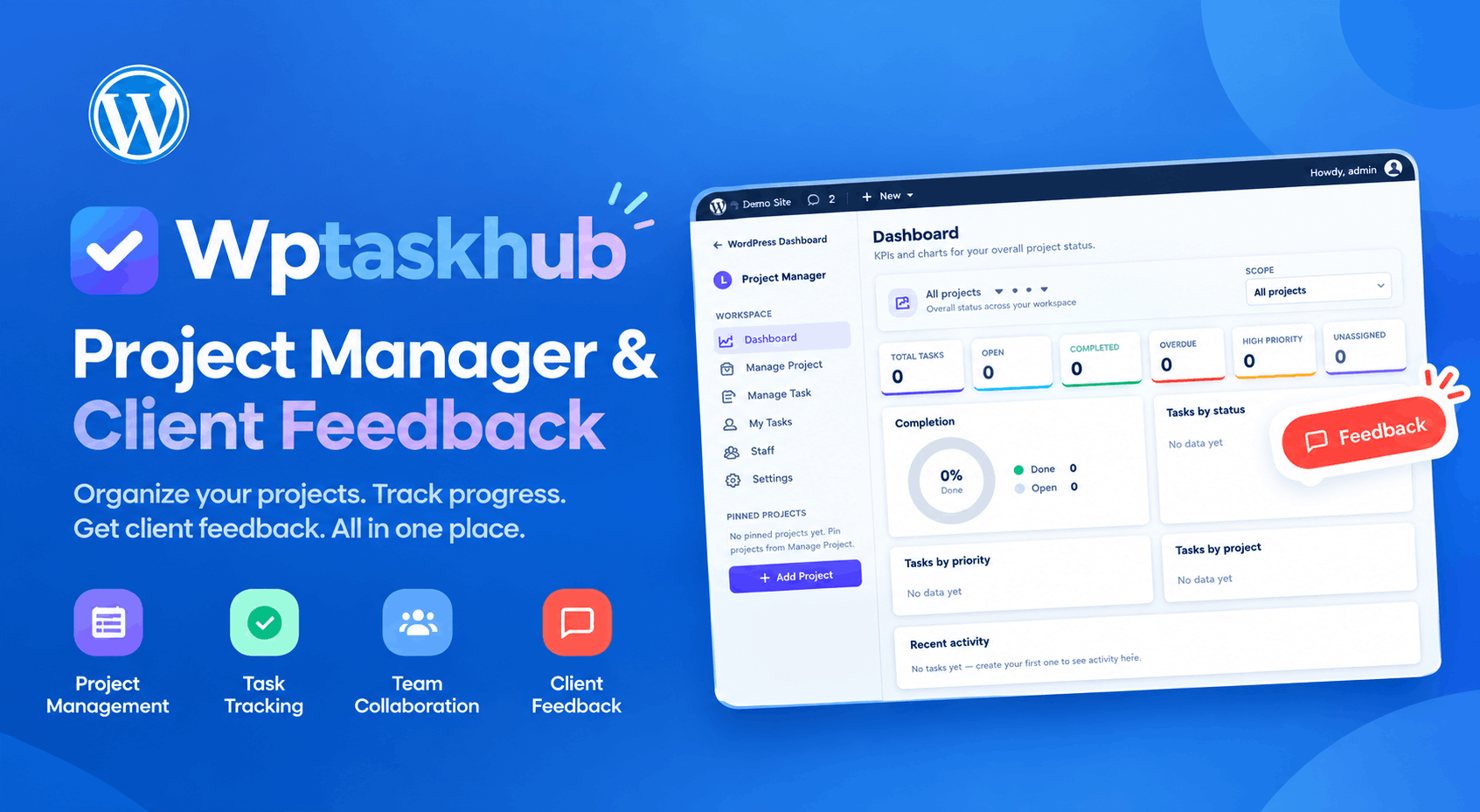
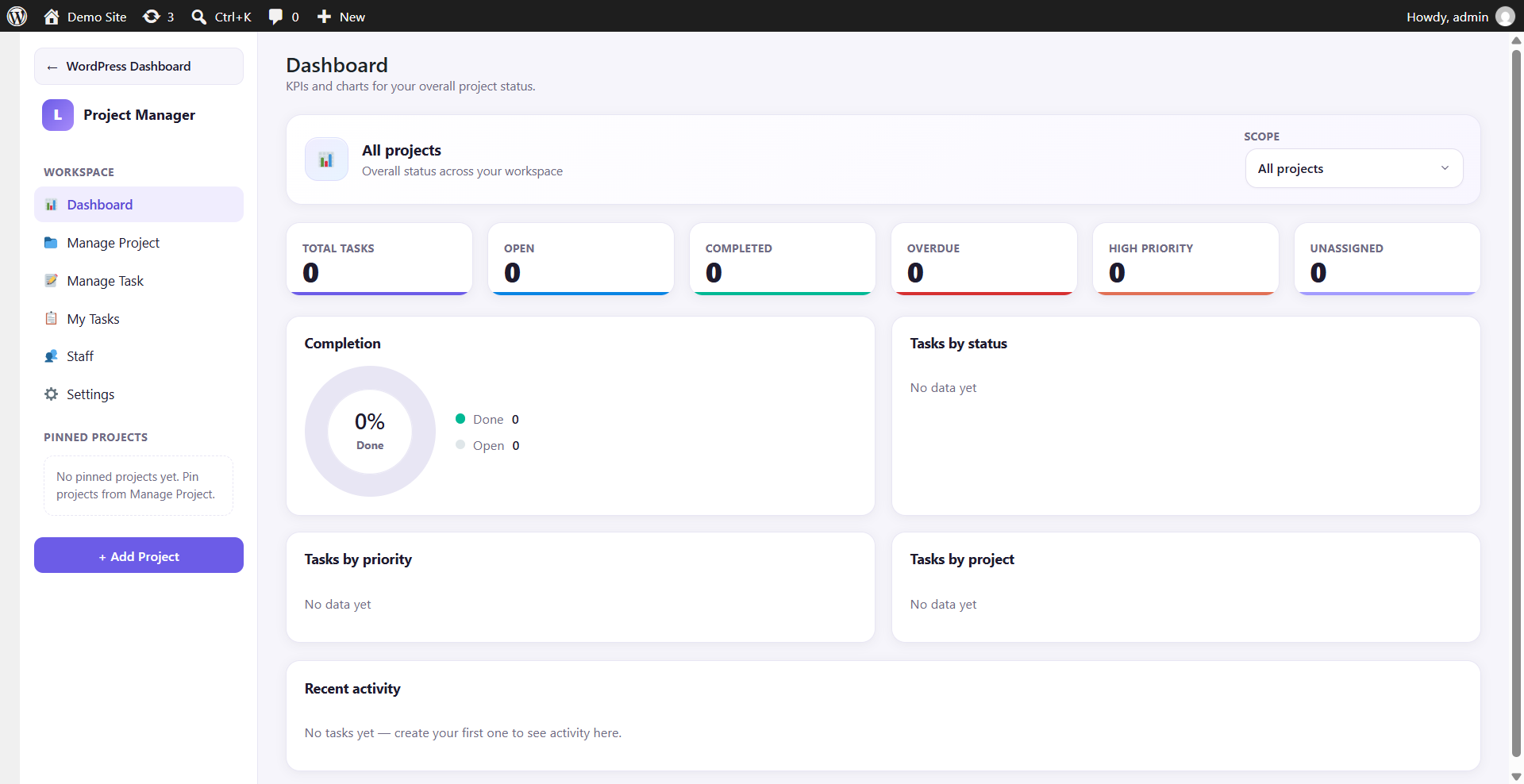
- Open the new Project Manager menu — the dashboard shows KPIs, charts, and recent activity.
- Use the Scope dropdown to switch between All projects and a single project.
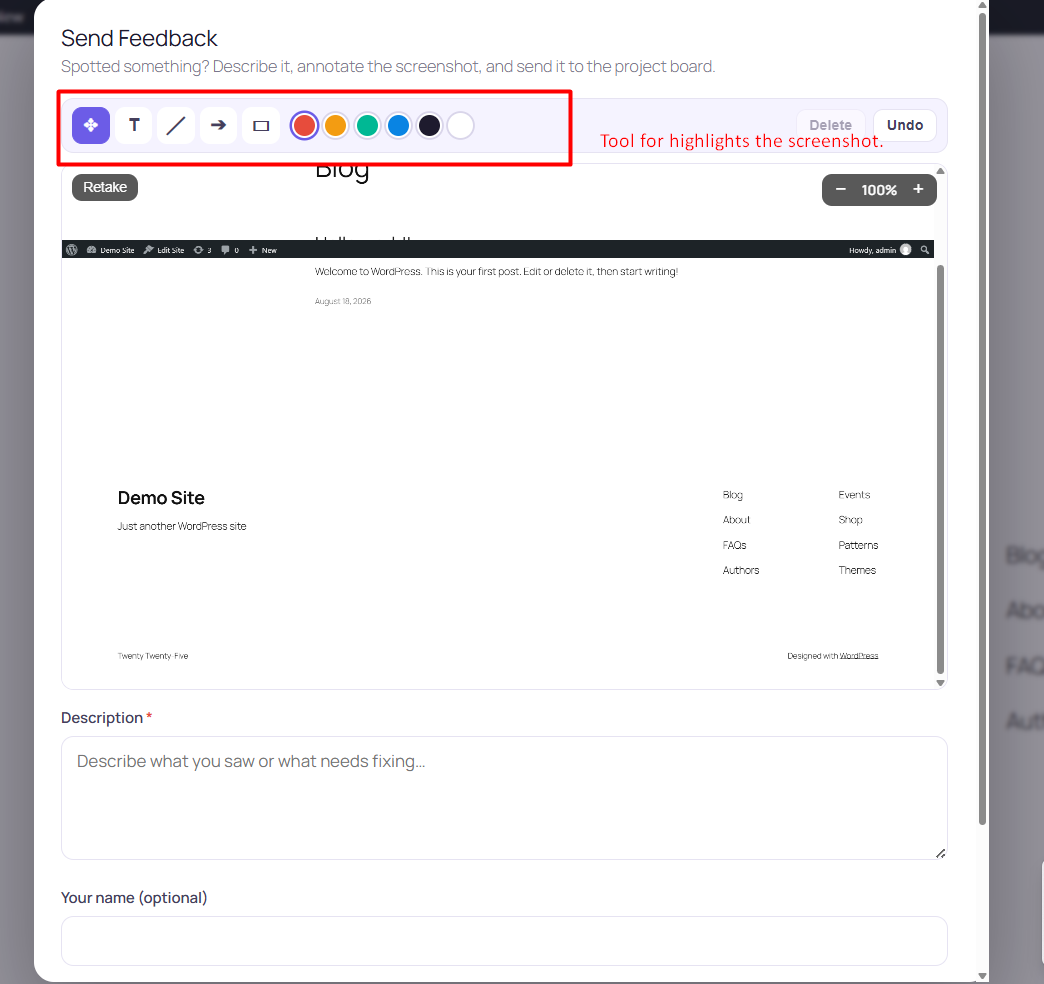
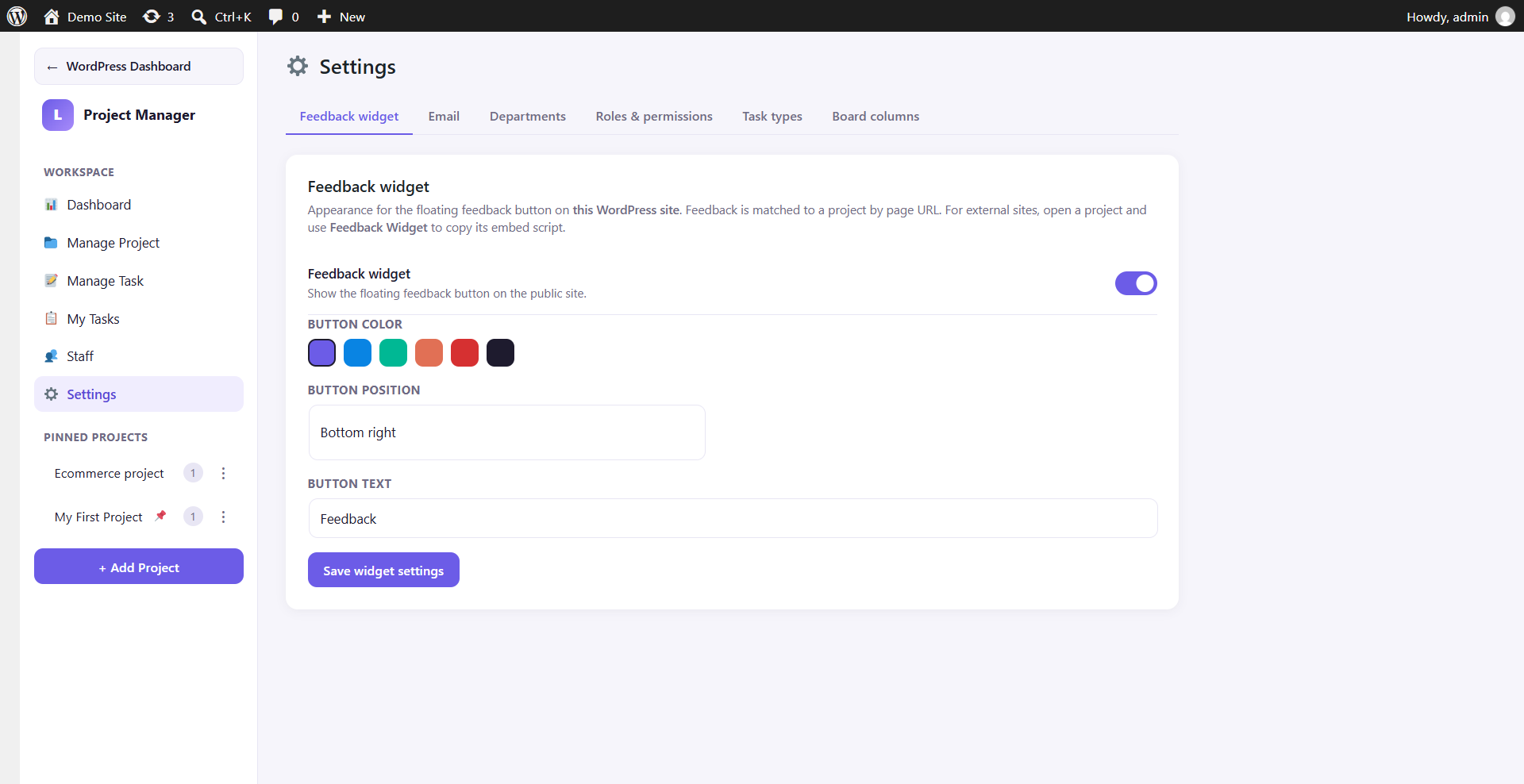
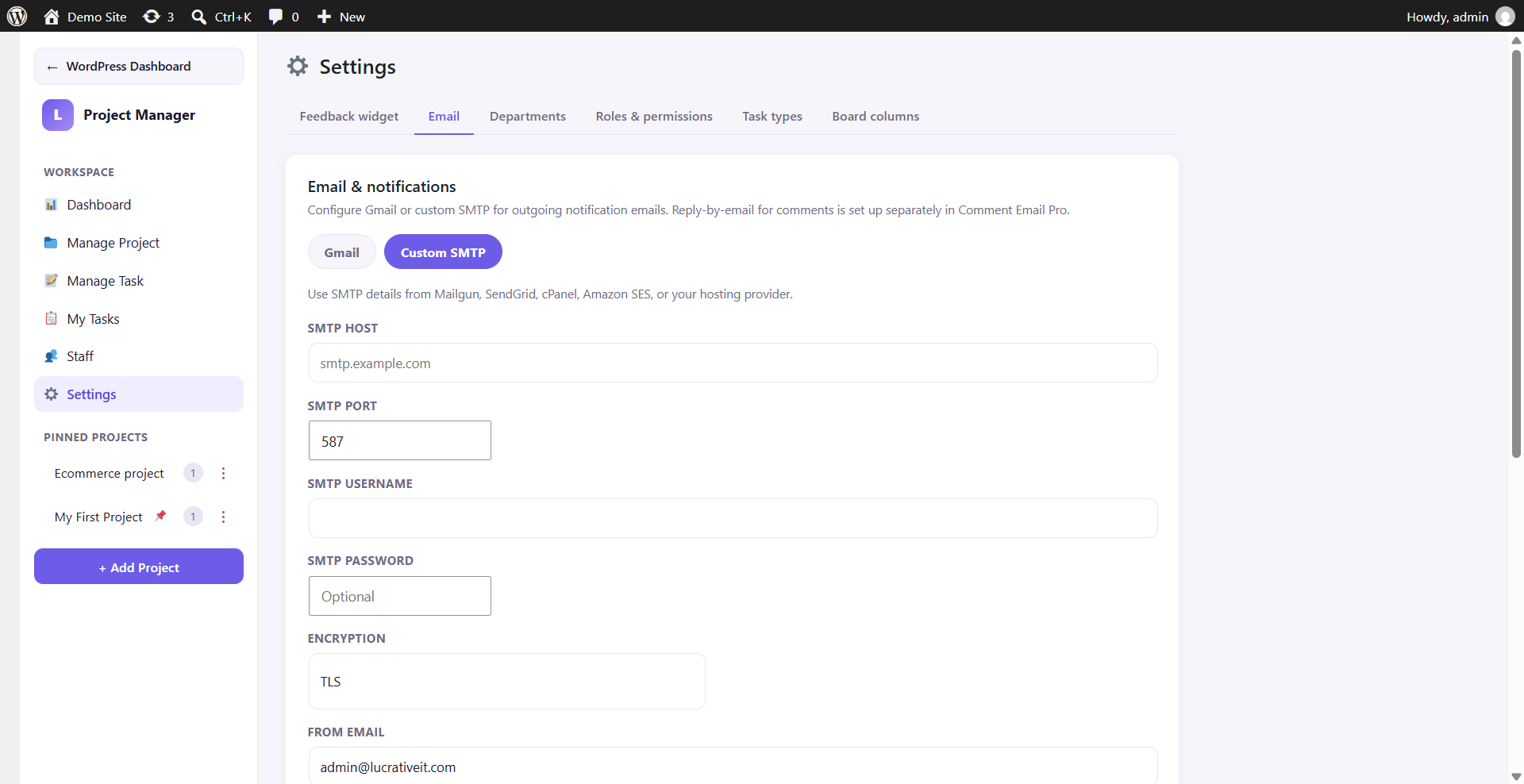
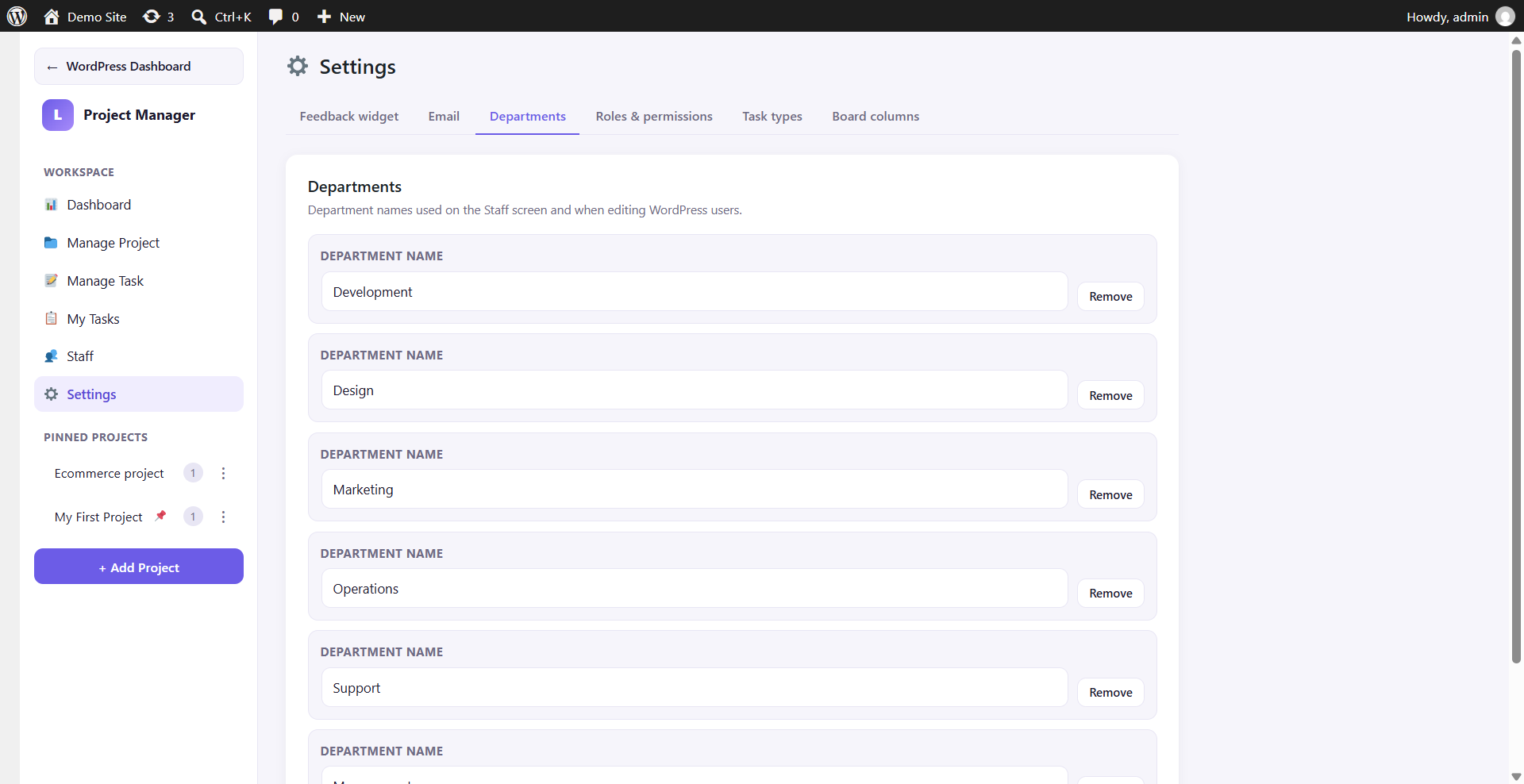
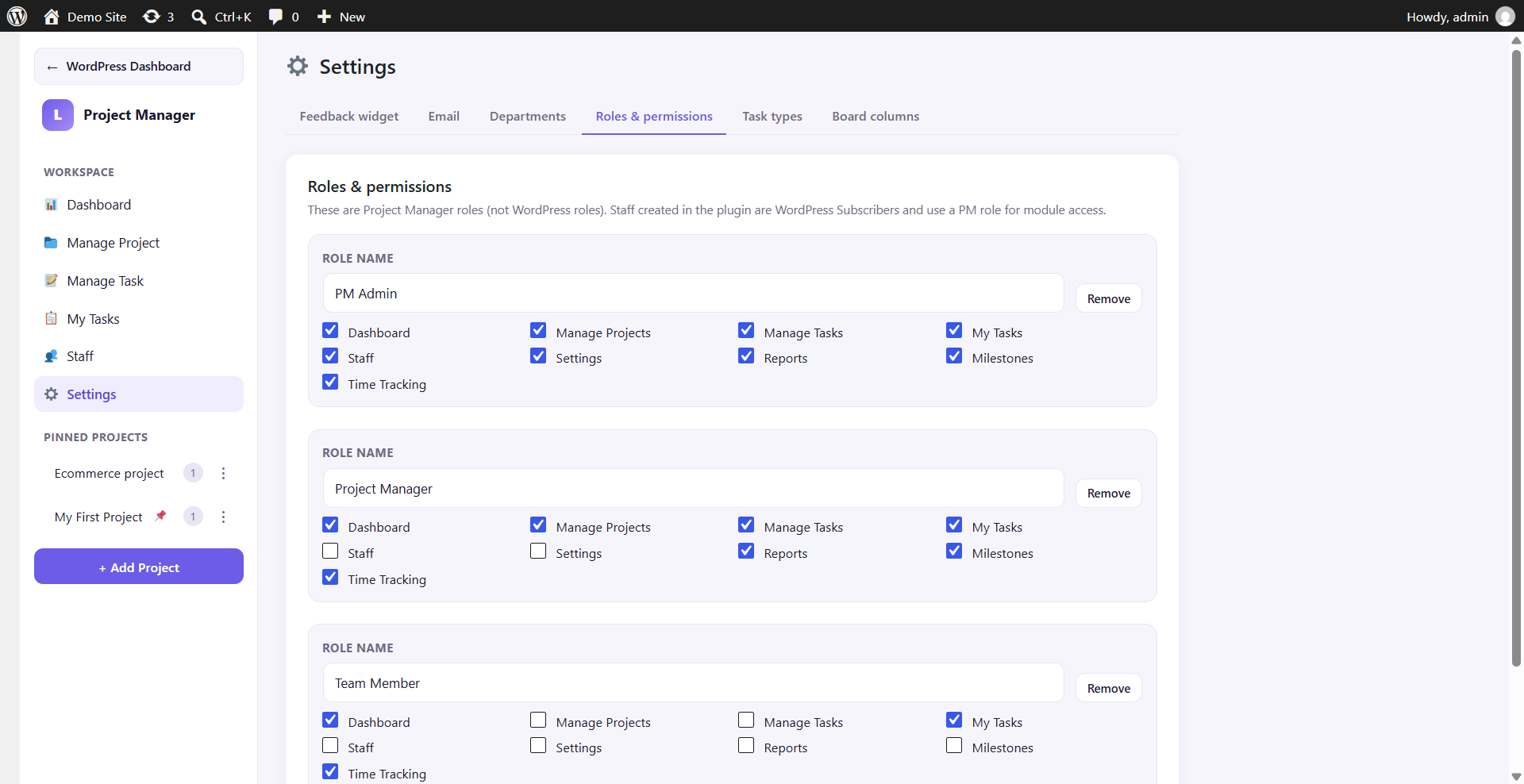
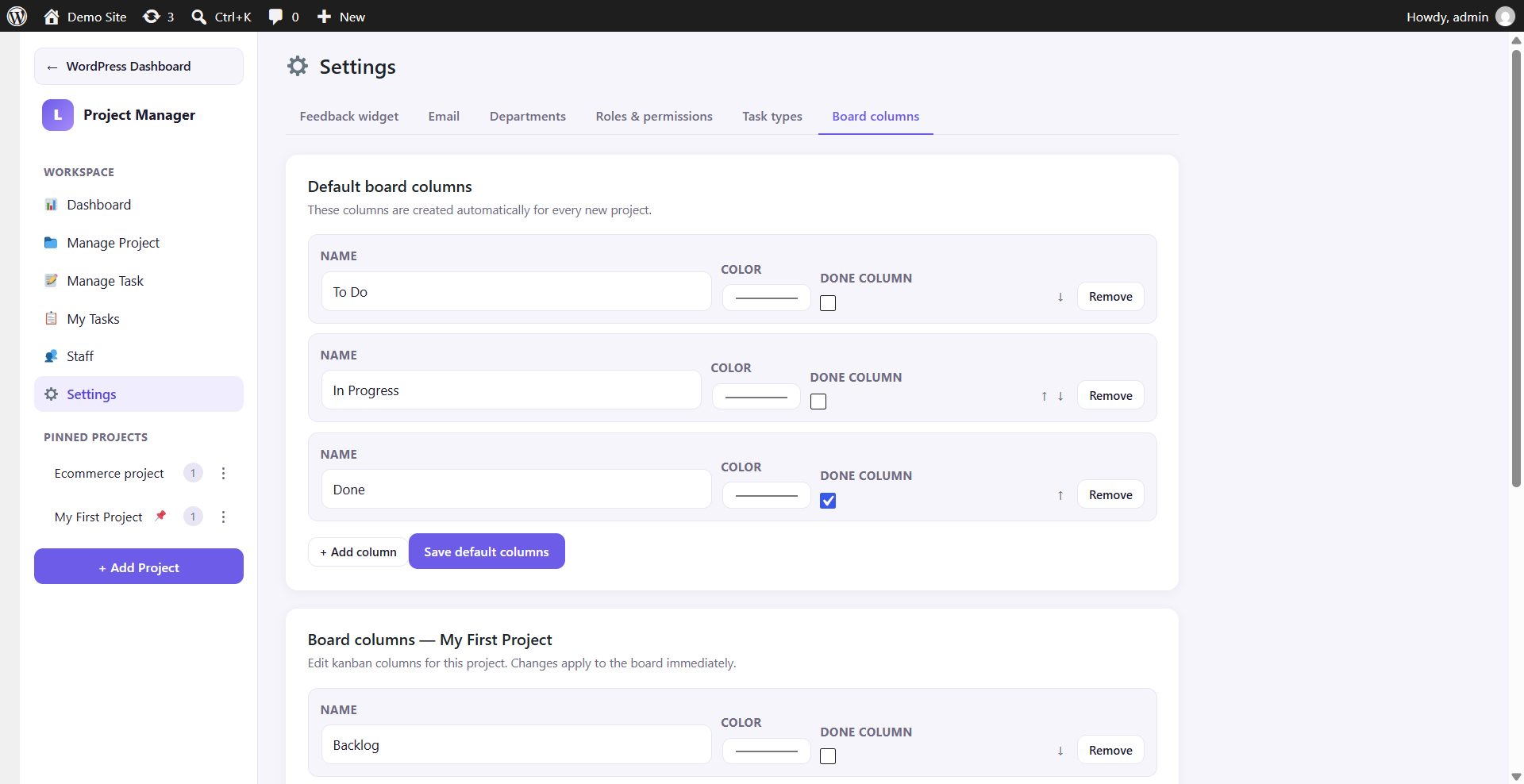
- Customize roles, email, and the public feedback widget under Settings.
KPI cards cover Total, Open, Completed, Overdue, High priority, and Unassigned. Charts break work down by status, priority, and project. Pin boards from Manage Project for sidebar access.