

Blog / Wordpress Support Ticket / Aug 17, 2026

WordPress Live Chat + AI Reply Suggestions: A Complete Support Ticket System

WordPress Live Chat + AI Reply Suggestions: A Complete Support Ticket System

WordPress Live Chat and AI Reply Suggestions: Build a Smarter Support Ticket System

Discover how WordPress live chat, AI-powered reply suggestions, and a centralized support ticket system can help businesses respond faster, organize customer conversations, and deliver a better support experience.

Customer support is no longer limited to email. Website visitors expect quick answers while they are browsing a product, checking an order, or trying to solve a technical problem. For WordPress businesses, adding live chat alongside a reliable support ticket system can create a much faster and more organized support workflow.

Modern support tools are also starting to use artificial intelligence to help support agents write responses, summarize conversations, and handle repetitive questions. Instead of replacing your support team, AI can work as an assistant that helps agents create better replies in less time.

Why WordPress Businesses Need More Than Email Support

Email is useful, but managing customer conversations entirely through an inbox can become difficult as your business grows. Important questions can get buried, multiple agents may respond to the same customer, and it can be difficult to understand which requests are still waiting for an answer.

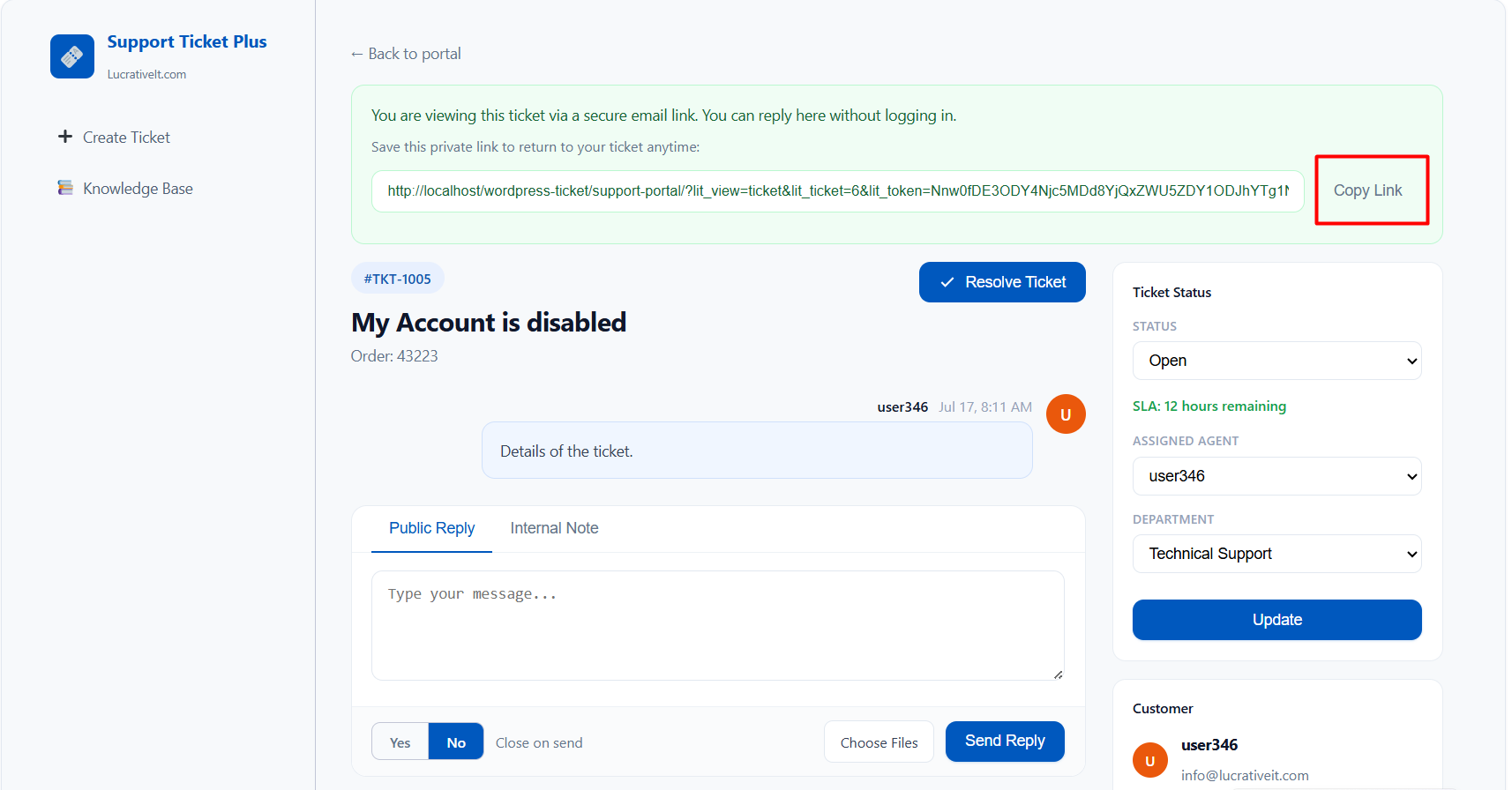
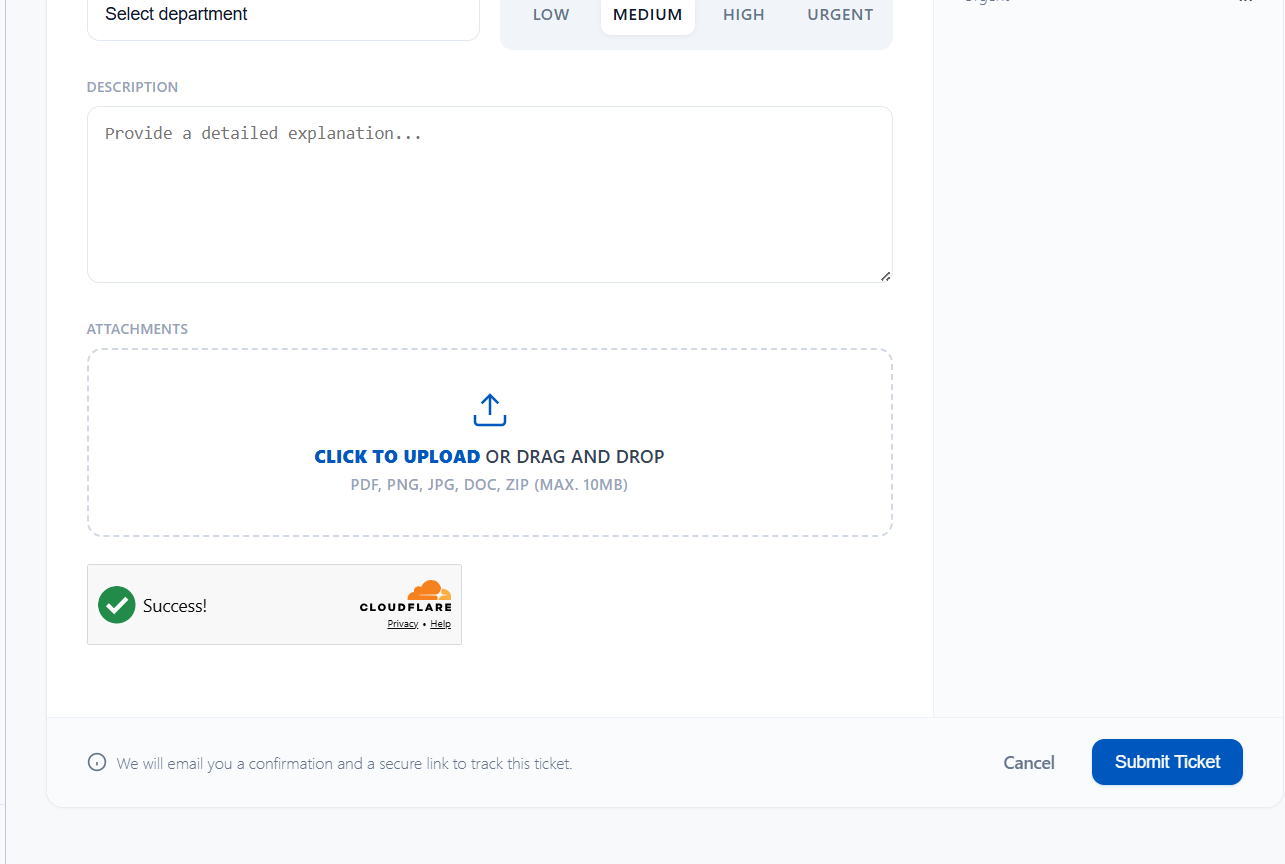
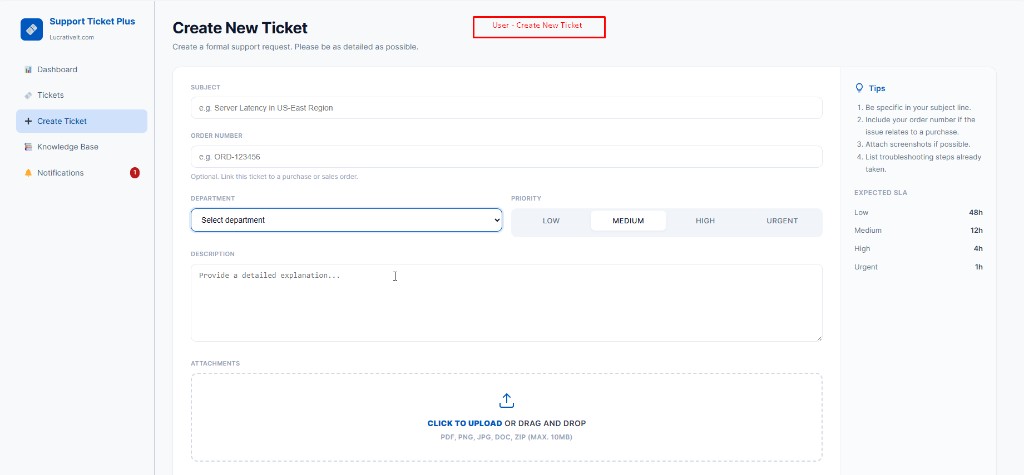
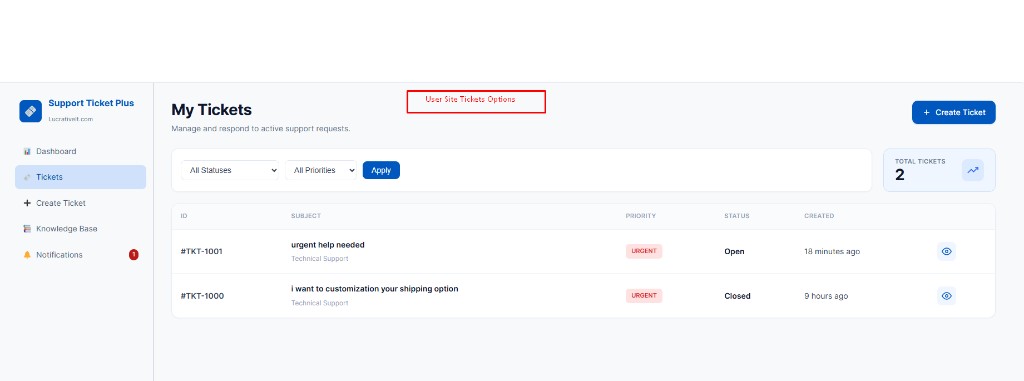
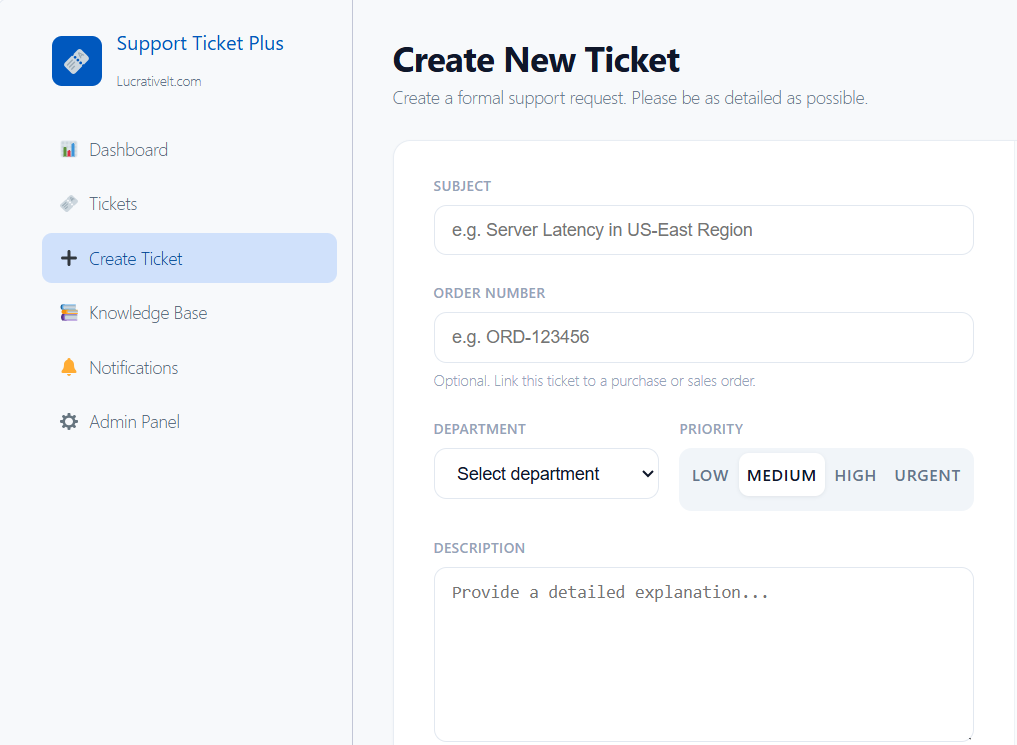
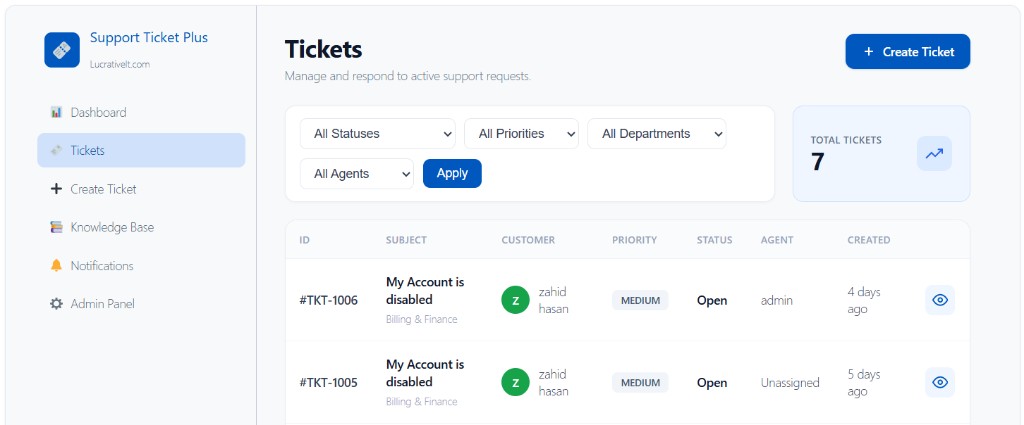
A WordPress support ticket system creates a structured workflow. Each request can have an owner, status, priority, department, and conversation history. Adding live chat gives visitors an immediate way to contact your team, while the ticket system provides a permanent record for follow-up and resolution.

What Is a WordPress Live Chat System?

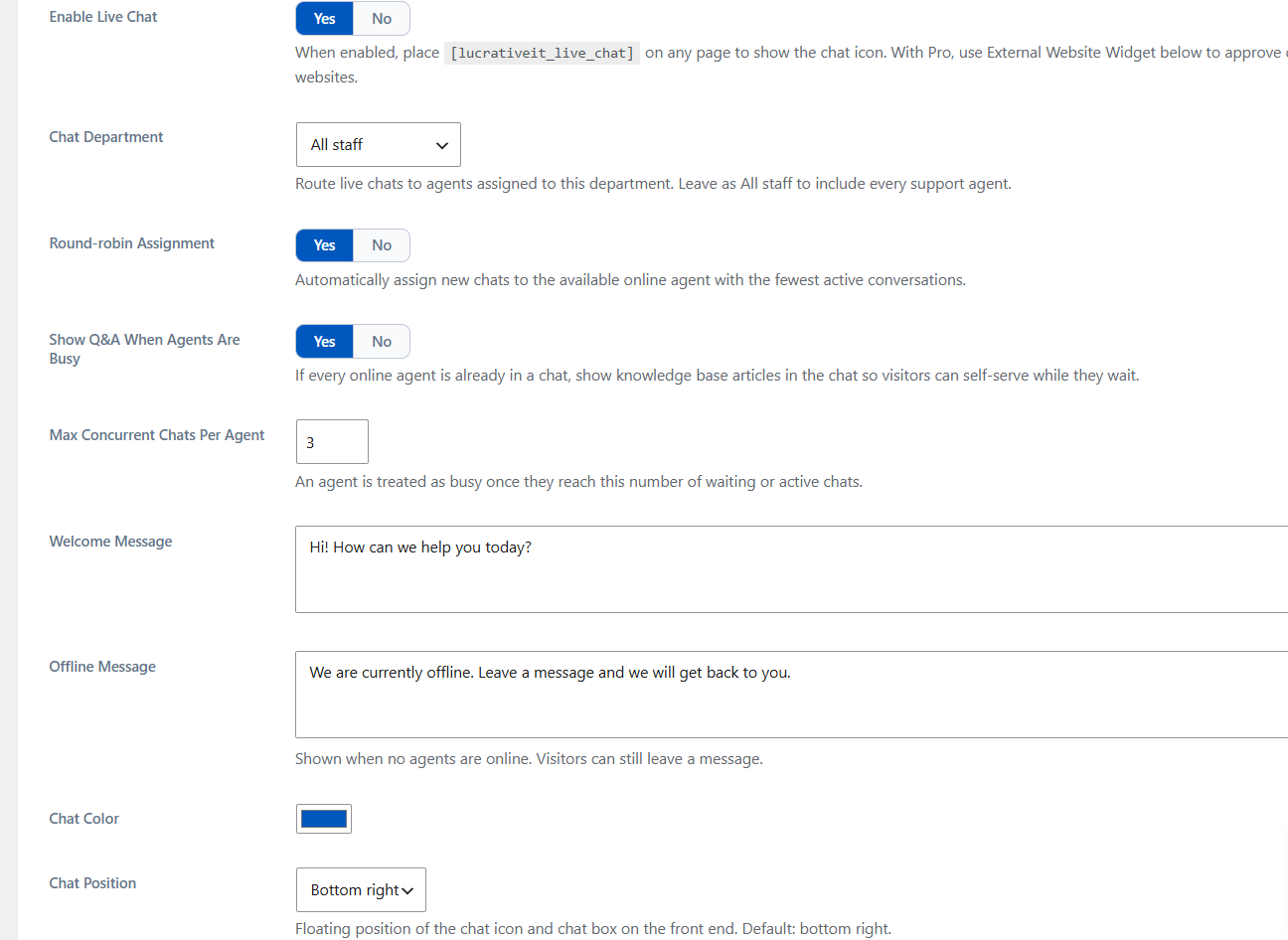
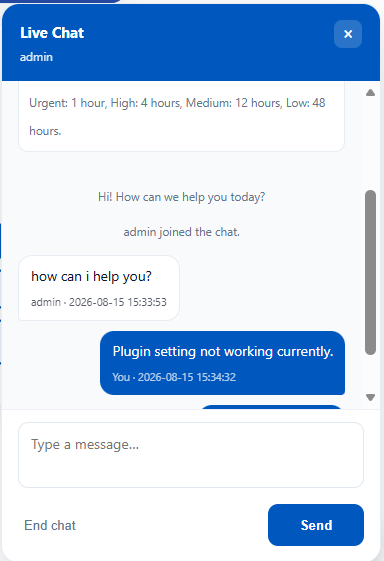
A WordPress live chat feature allows visitors to communicate with your support team directly from your website. Instead of opening an email application or searching for a contact page, customers can start a conversation from the page they are already viewing.

Instant Communication

Visitors can ask questions and receive help without leaving your website.

Faster Responses

Agents can respond to common questions while customers are actively browsing.

Better Experience

Customers get a convenient support channel instead of having to wait for email.

Combine Live Chat With a WordPress Support Ticket Plugin

Live chat is excellent for real-time conversations, but not every support issue can be resolved immediately. Technical problems, billing questions, feature requests, and complex customer issues often require additional investigation.

This is where a WordPress support ticket plugin becomes important. A ticket can preserve the complete conversation while allowing your team to assign the issue, change its status, add internal notes, and follow it until the problem is resolved.

Live Chat
Support Tickets
Real-time questions
Structured support requests
Fast customer interaction
Long-term conversation history
Ideal for simple questions
Ideal for complex issues
Immediate communication
Assignment, status and priority tracking

AI Reply Suggestions for WordPress Support

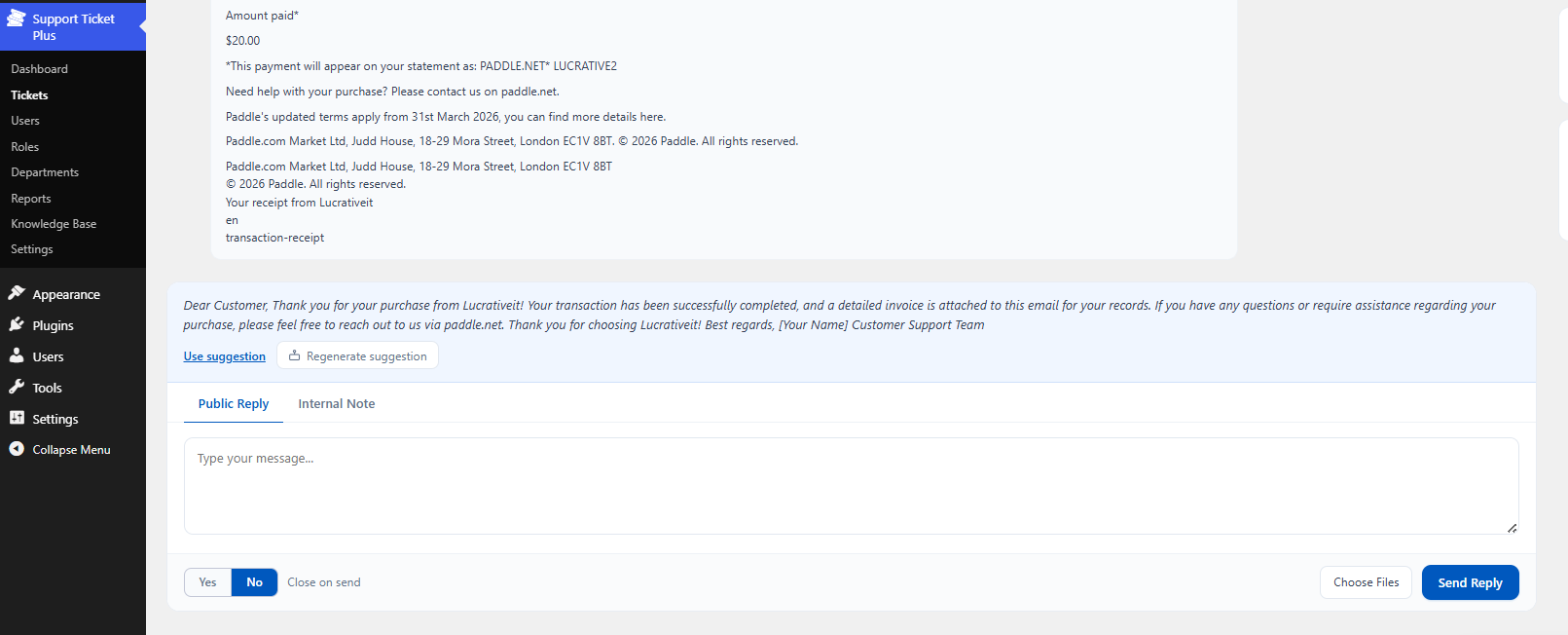
One of the most useful improvements to modern customer support is AI reply suggestions. Instead of writing every response from scratch, a support agent can use AI to generate an initial draft based on the customer's conversation.

The agent can then review the suggested response, make changes when necessary, and send the final message. This keeps the human agent in control while reducing the amount of repetitive writing required during a busy support day.

How AI Reply Suggestions Can Improve Support

Faster Ticket Responses

AI can create a starting point for common support questions, allowing agents to review and send responses more quickly.

Consistent Communication

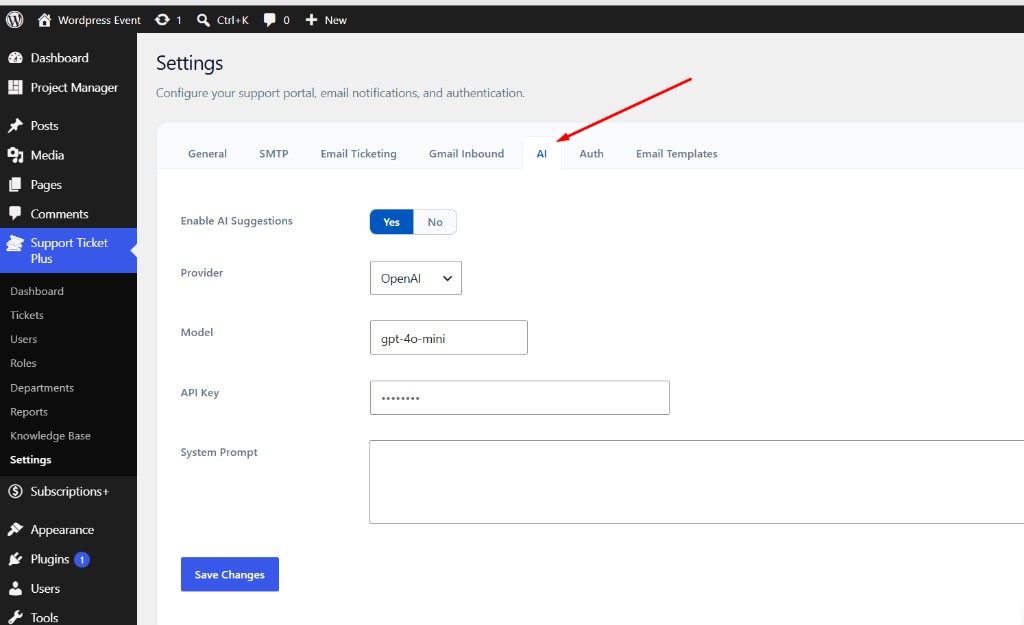
Custom instructions can help suggested replies follow your preferred tone, terminology, and support guidelines.

Less Repetitive Work

Agents do not have to repeatedly type similar explanations for frequently asked questions.

Human Review

AI suggestions can remain drafts until an agent reviews and approves the final response.

A Complete Customer Support Workflow

The real advantage comes from connecting these features instead of treating them as separate tools. A visitor can start with live chat, move to a support ticket when the issue requires additional work, and the support agent can use AI to prepare a helpful response.

1

Customer Starts a Conversation

The visitor opens the WordPress live chat widget and asks a question.

2

Agent Receives the Conversation

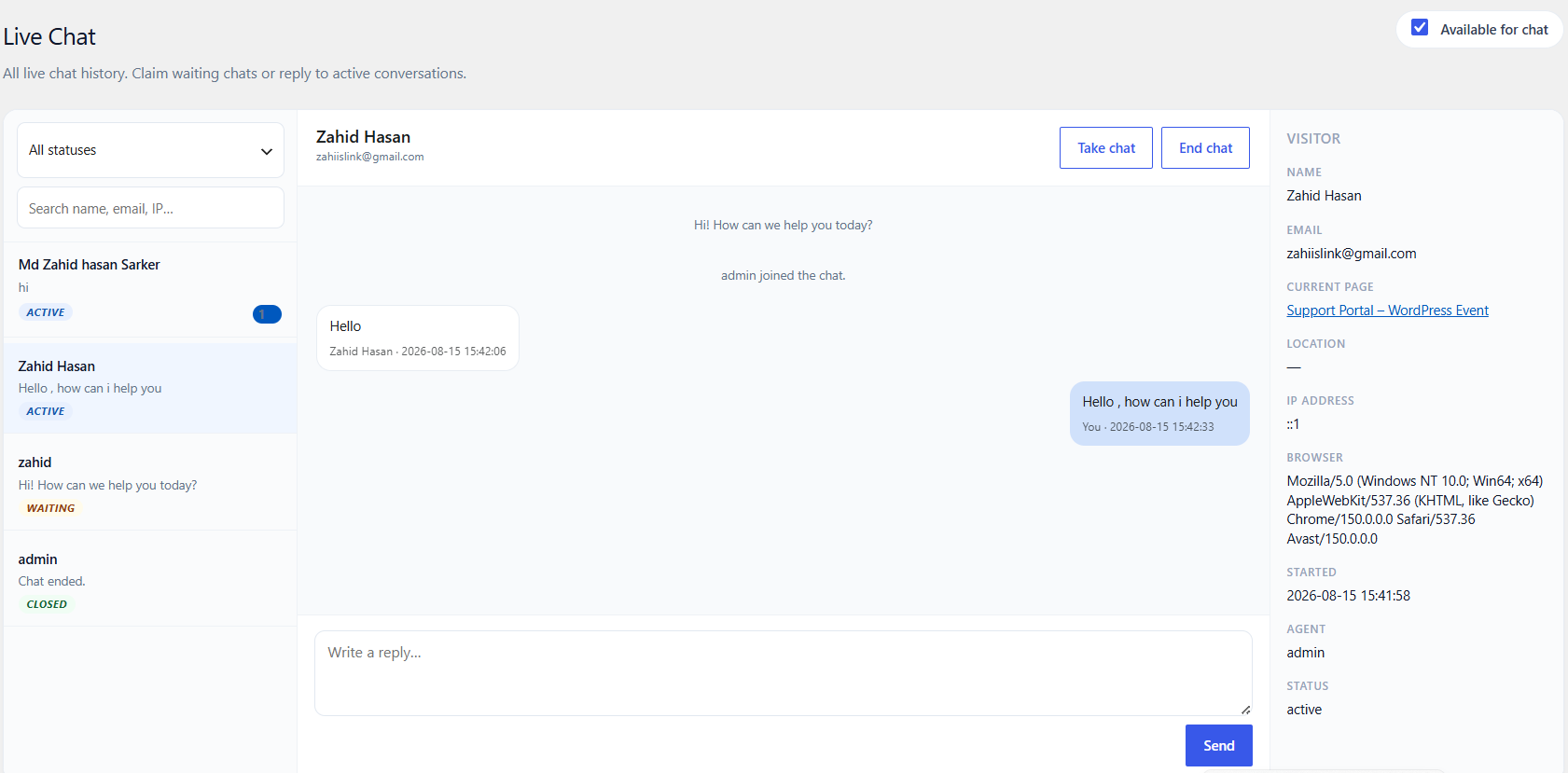
The support team can view and respond to the conversation from the WordPress dashboard.

3

Convert Complex Requests Into Tickets

Issues requiring additional investigation can be tracked through the support ticket workflow.

4

Generate an AI Reply Suggestion

AI analyzes the conversation and prepares a draft that the agent can edit.

5

Agent Reviews and Sends

The agent checks the suggested response and sends the final answer to the customer.

Features to Look for in a WordPress Support Ticket System

If you are choosing a support solution for your WordPress website, look beyond basic ticket creation. A modern support platform should help your team manage the entire customer conversation.

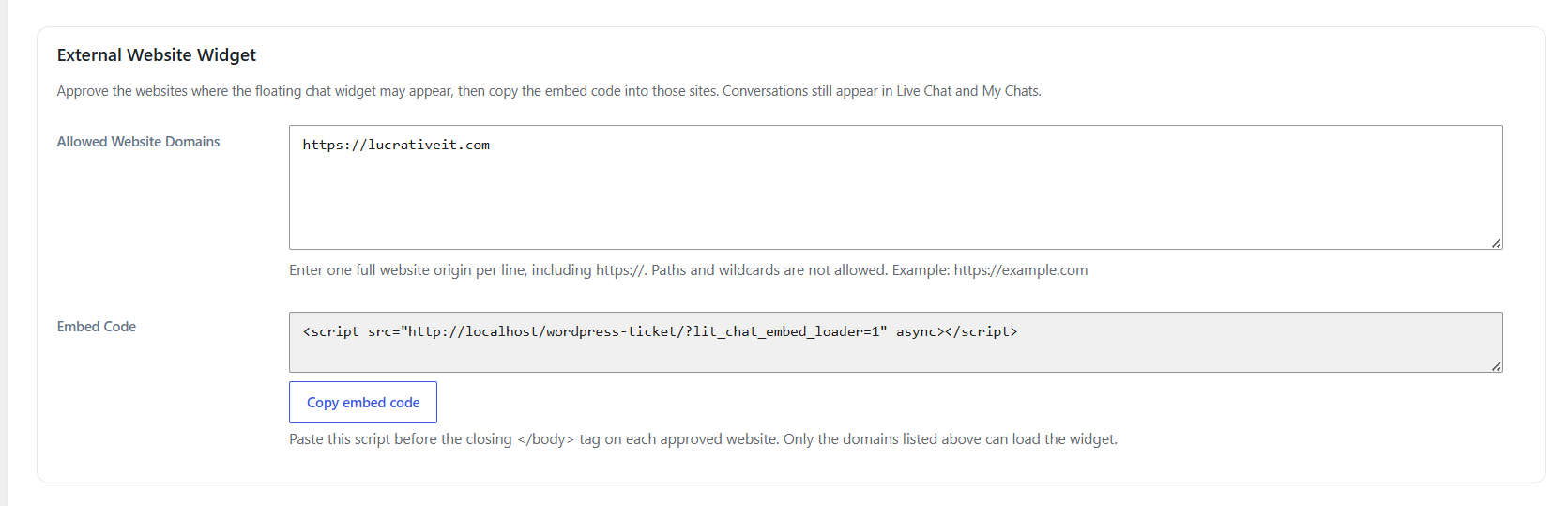
  • Live Chat: Connect with visitors in real time.
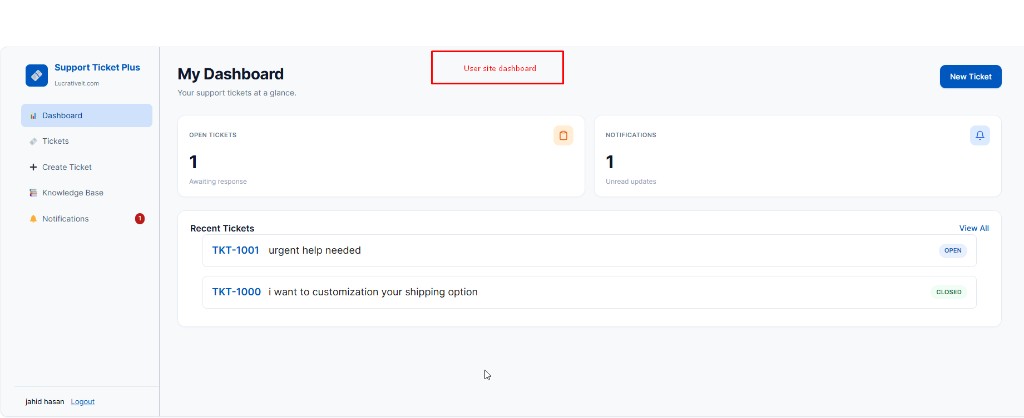
  • Ticket Management: Track support requests from creation to resolution.
  • AI Reply Suggestions: Generate editable response drafts for agents.
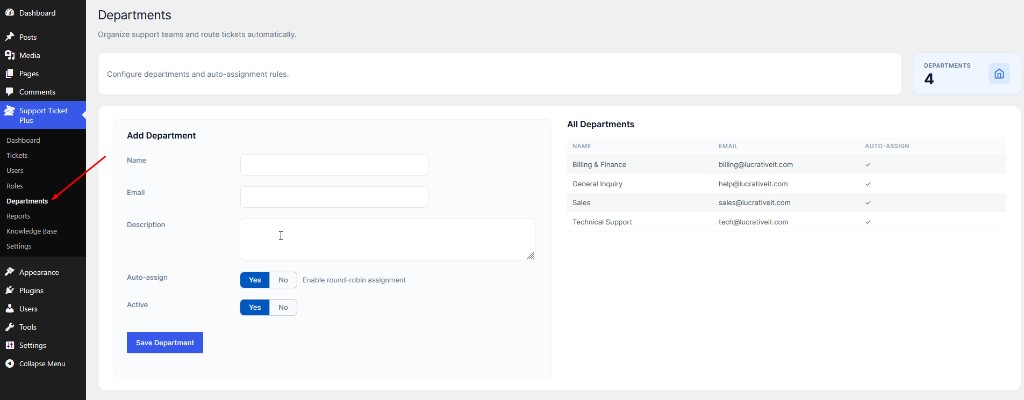
  • Departments: Route requests to the appropriate support team.
  • Priority and Status: Identify urgent and pending requests quickly.
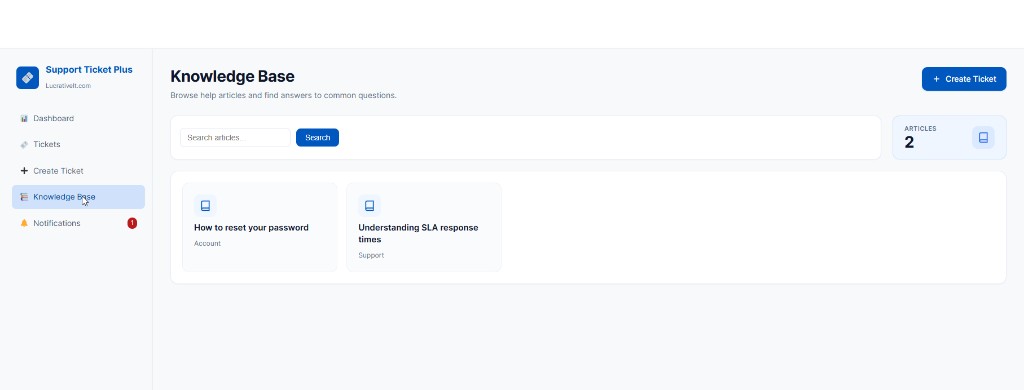
  • Knowledge Base: Help customers find answers before contacting support.
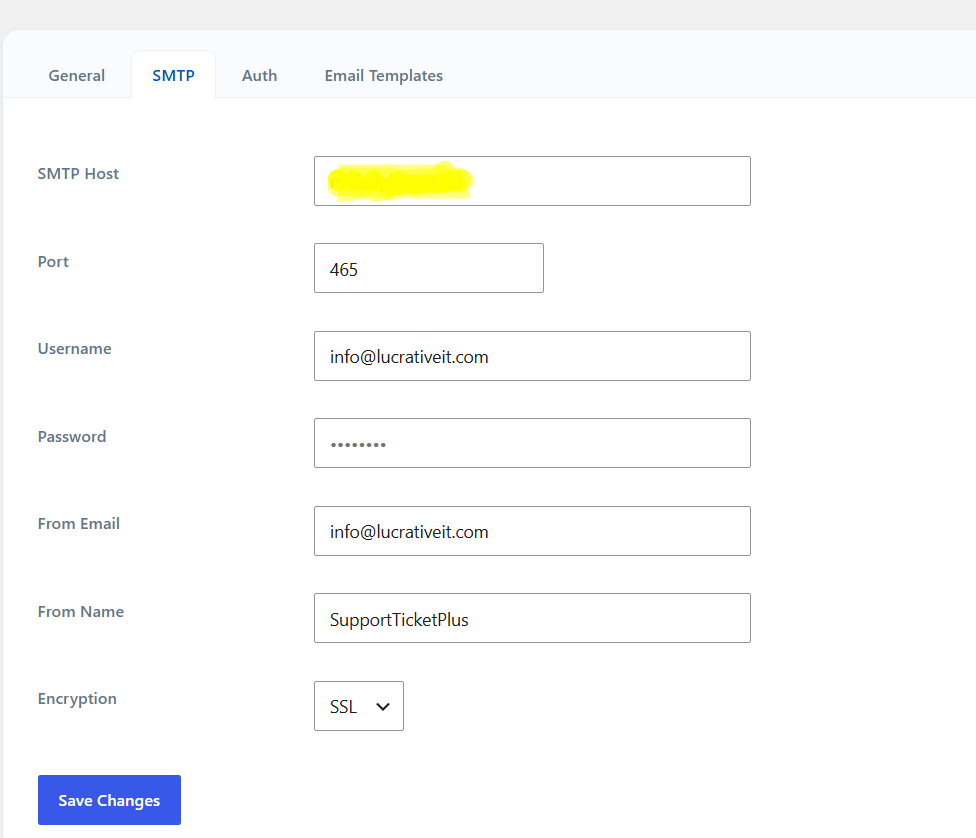
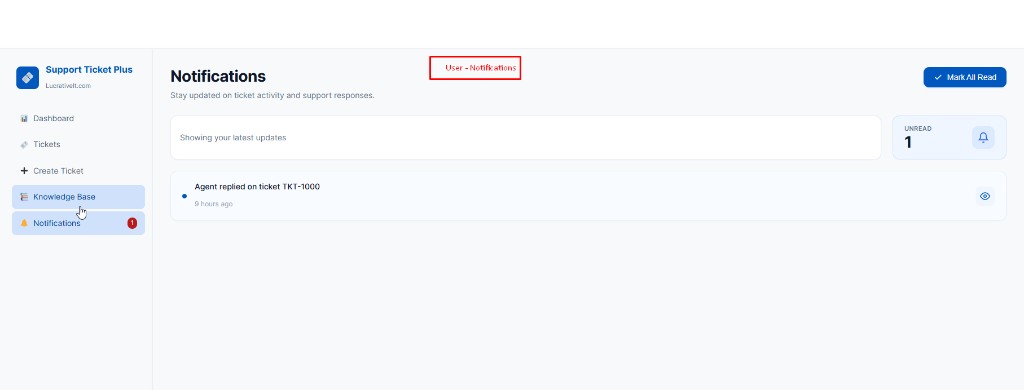
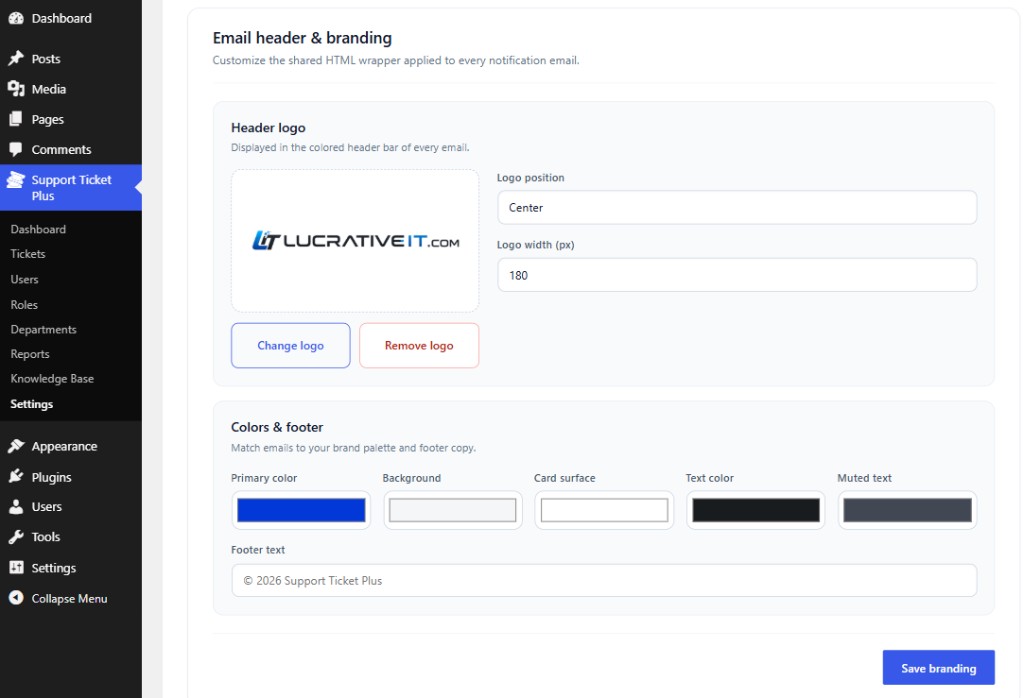
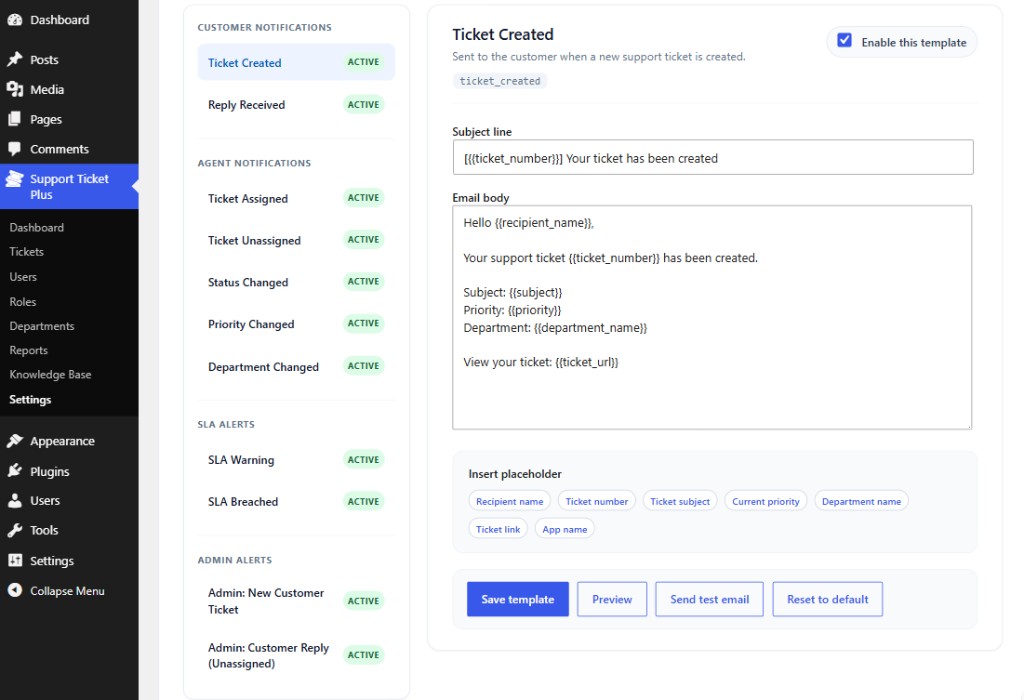
  • Email Notifications: Keep customers and agents informed about ticket updates.
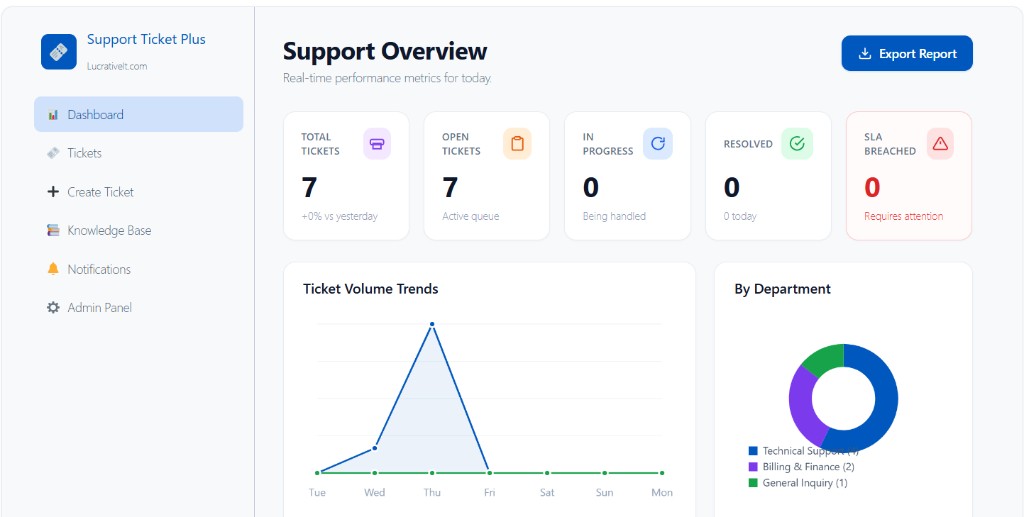
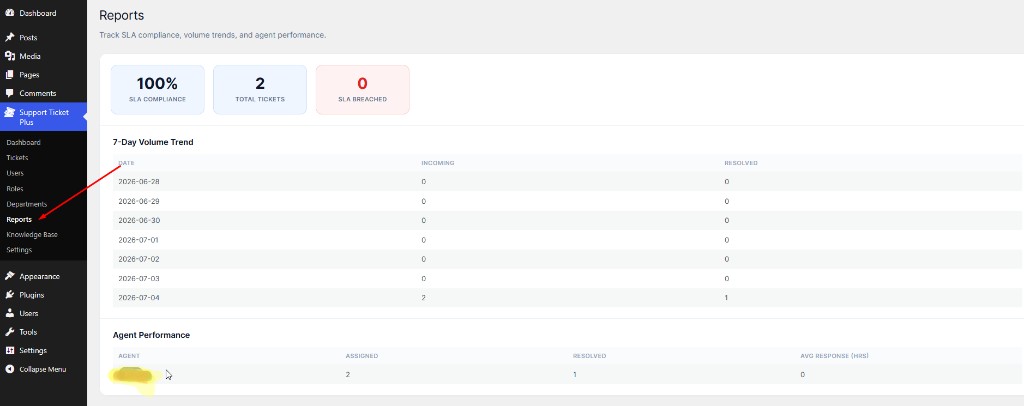
  • Reports: Monitor ticket volume, response times, and team performance.

Why AI Should Assist Your Support Team Instead of Replacing It

AI can be extremely useful for repetitive support tasks, but customer service often requires judgment and business context. A generated response should therefore be treated as a starting point rather than an automatic answer for every situation.

Giving agents the ability to review, edit, shorten, expand, or completely replace an AI suggestion provides a practical balance. The technology handles repetitive writing while your support team remains responsible for the final customer communication.

Build a Better WordPress Customer Support Experience

Combining WordPress live chat with a professional support ticket system gives customers a convenient way to contact your business while giving your team the tools needed to manage every request.

Add AI reply suggestions to the workflow and your agents can spend less time writing repetitive responses and more time solving the issues that actually require human attention.

Explore WordPress Support Ticket System Pro

Frequently Asked Questions

What is a WordPress live chat plugin?

A WordPress live chat plugin adds a chat interface to your website so visitors can communicate with your support team in real time.

What are AI reply suggestions?

AI reply suggestions are automatically generated response drafts based on the customer's conversation. Support agents can review and edit the draft before sending it.

Can live chat and support tickets work together?

Yes. Live chat is useful for immediate conversations, while support tickets provide structured tracking for issues that require follow-up or additional work.

Is AI suitable for customer support?

AI can be useful for generating drafts, summarizing conversations, and handling repetitive tasks. Human review is recommended for important or complex customer issues.

Why use a WordPress support ticket plugin?

A support ticket plugin helps organize customer requests using statuses, priorities, assignments, departments, conversation history, notifications, and reporting instead of relying only on an email inbox.

More articles

Continue reading

View all posts
How AI Is Revolutionizing Customer Support with Support Ticket

Wordpress Support Ticket

How AI Is Revolutionizing Customer Support with Support Ticket

Discover how AI is transforming customer support with LucrativeIt Support Ticket Plus Pro. Learn how AI-powered assistance, smarter ticket management, and automated workflows help businesses deliver faster responses, improve team productivity, and create better customer experiences directly inside WordPress.