Transparent pricing. Instant delivery after purchase.
Best value: Lifetime
Per Year
Renews annually
Flexible
$29.00/year
12 months of updates & support
Free installation on request
7-day return policy
Instant digital download
Unlimited domains
Best value
Lifetime
Pay once, own forever
$99.00one-time
Lifetime updates & support
Free installation on request
14 days money back guarantee
Instant digital download
Unlimited domains
Wordpress Subscription and Recurring Billing
Subscription and Recurring Billing System for Wordpress
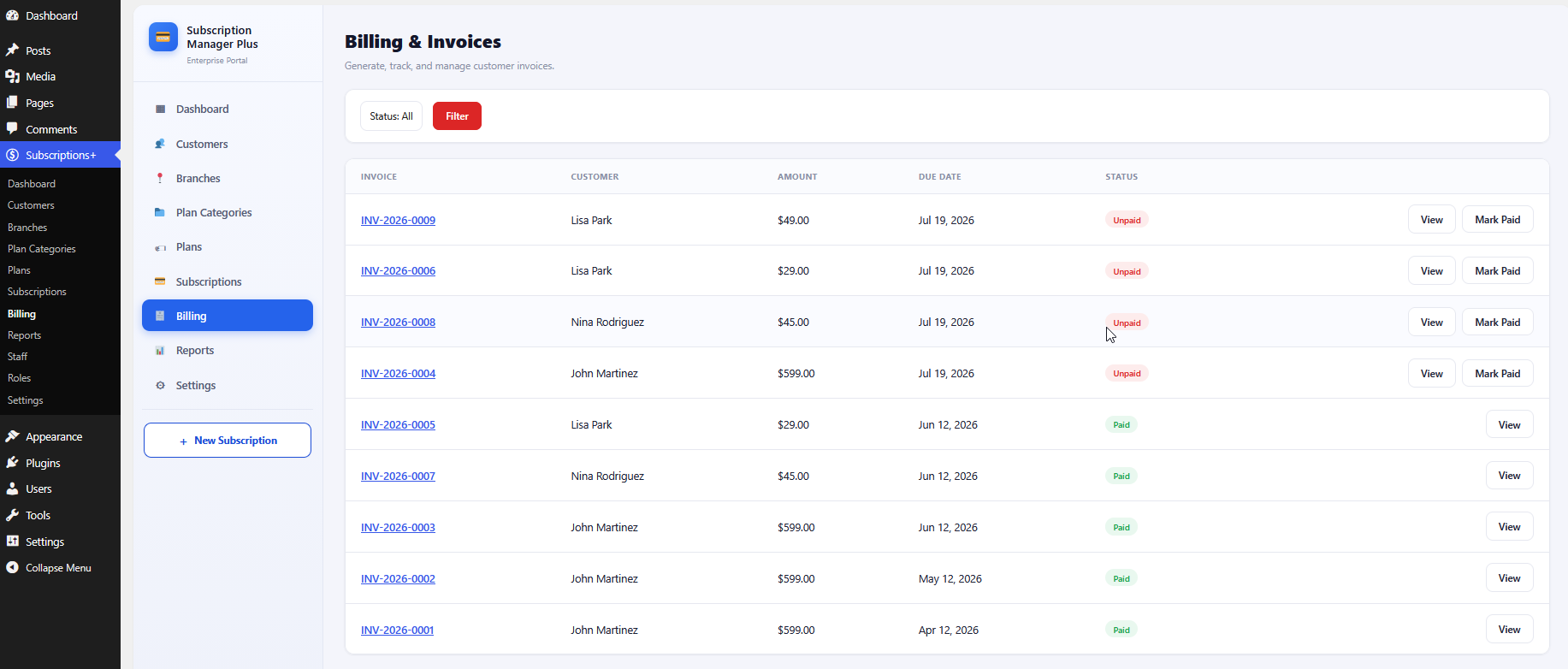
Lucrativeit Subscription & Recurring Billing(WPBillify) is a powerful WordPress subscription and recurring billing plugin that helps you create, sell, and manage subscription plans directly from your WordPress website.
Lucrativeit Subscription and Recurring Billing (WpBillify)
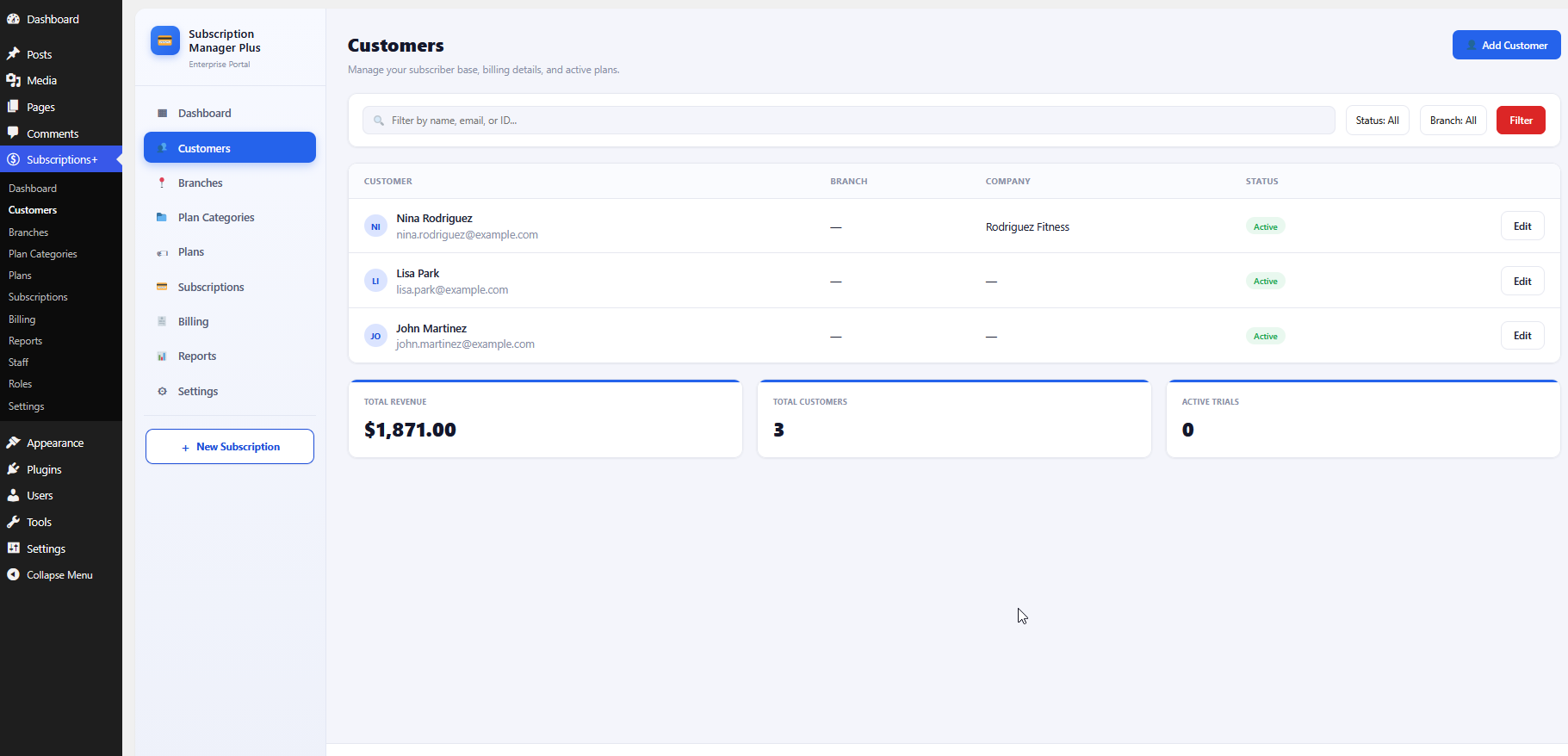
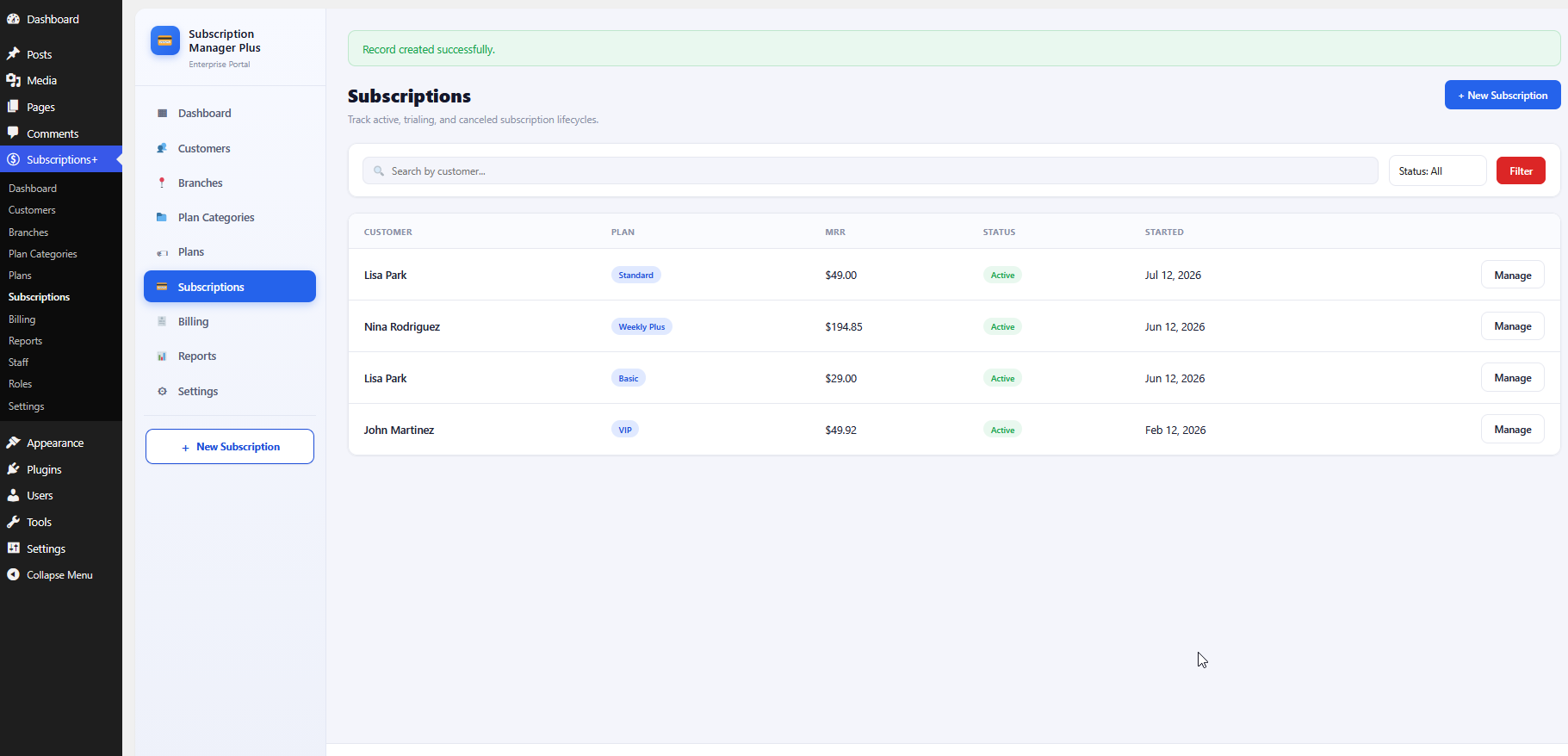
Enterprise subscription management for WordPress: customers, branches, plans,
subscriptions, recurring billing, invoices, reports, and public pricing pages
with on-page checkout.
Version 1.0.0WordPress 6.2+PHP 7.4+GPL-2.0-or-laterAdmin menu: Subscriptions+
1. Product Overview
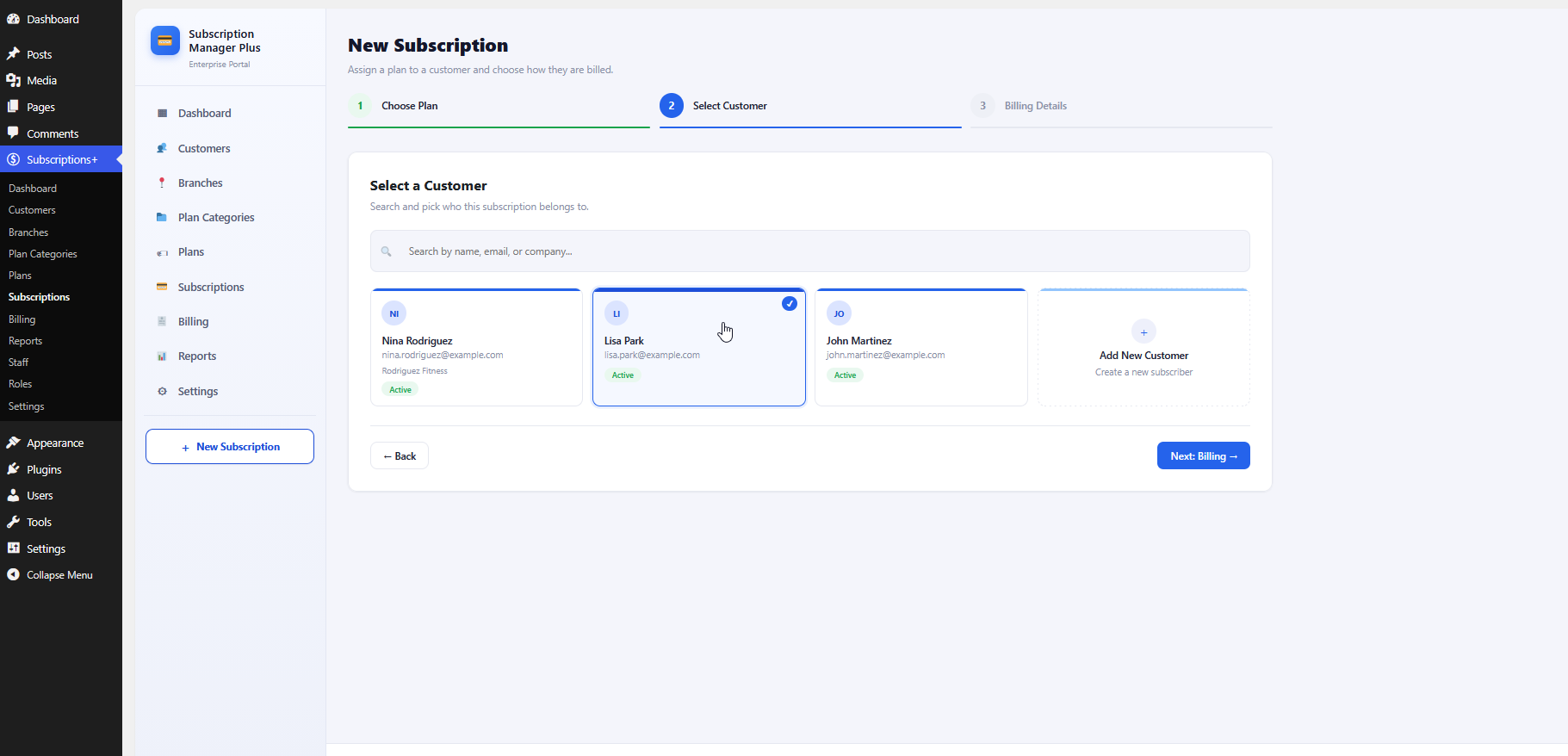
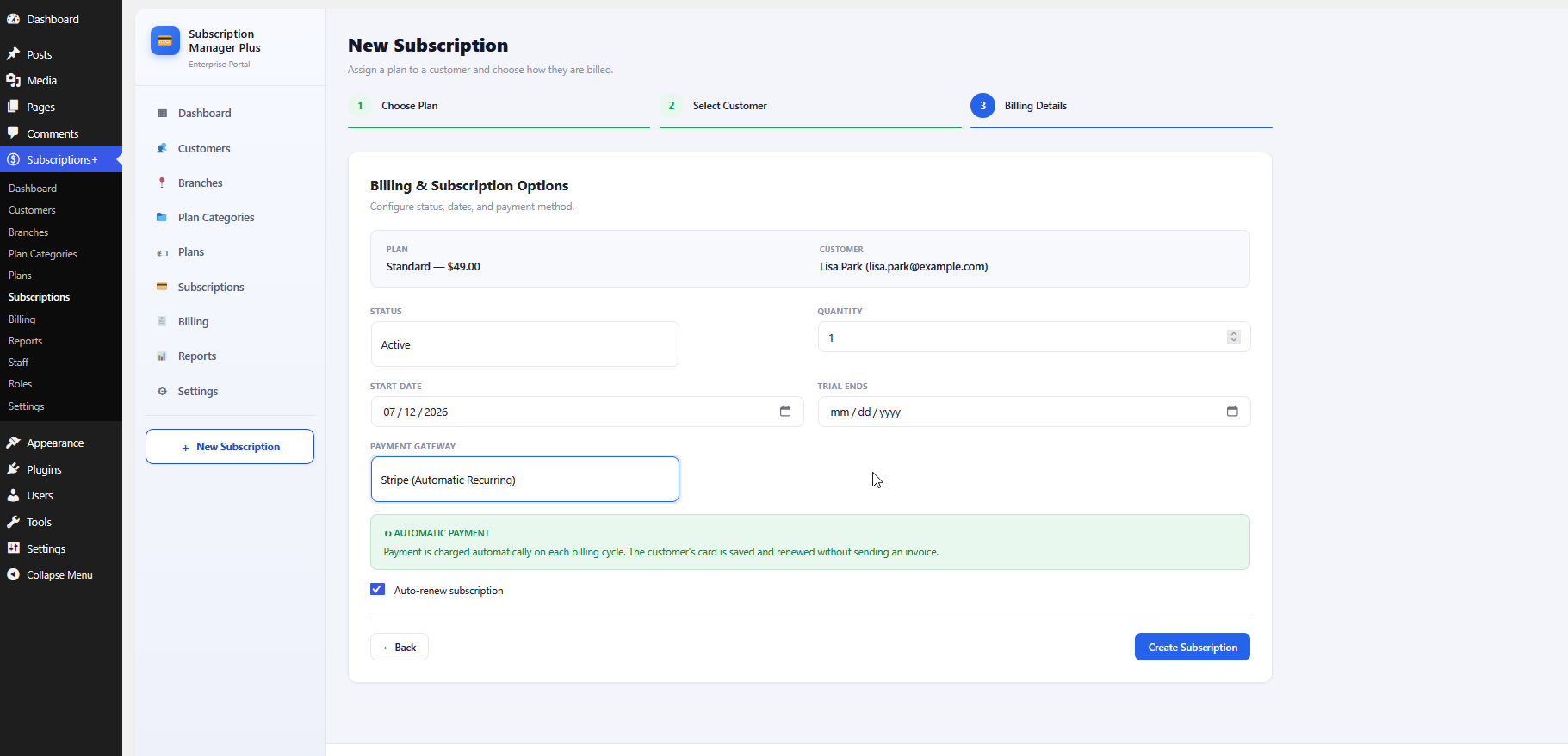
Lucrativeit Subscription and Recurring Billing (WpBillify) runs a complete billing workspace inside WordPress with its
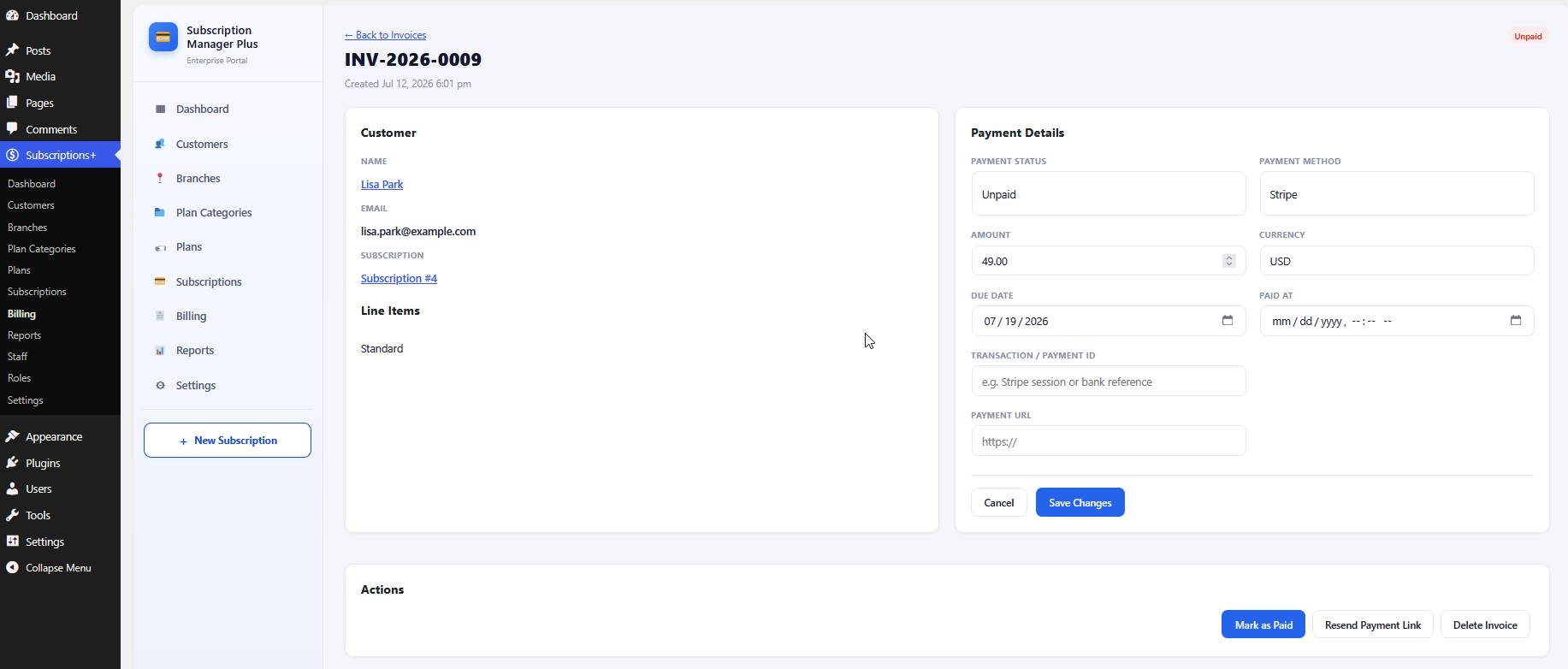
own billing engine. Stripe charges cards automatically each cycle; Manual billing emails
an invoice with a payment link. A setup wizard imports industry demo packs
(Gym, ISP, Coaching, SaaS, Software License) so the workspace is usable in minutes.
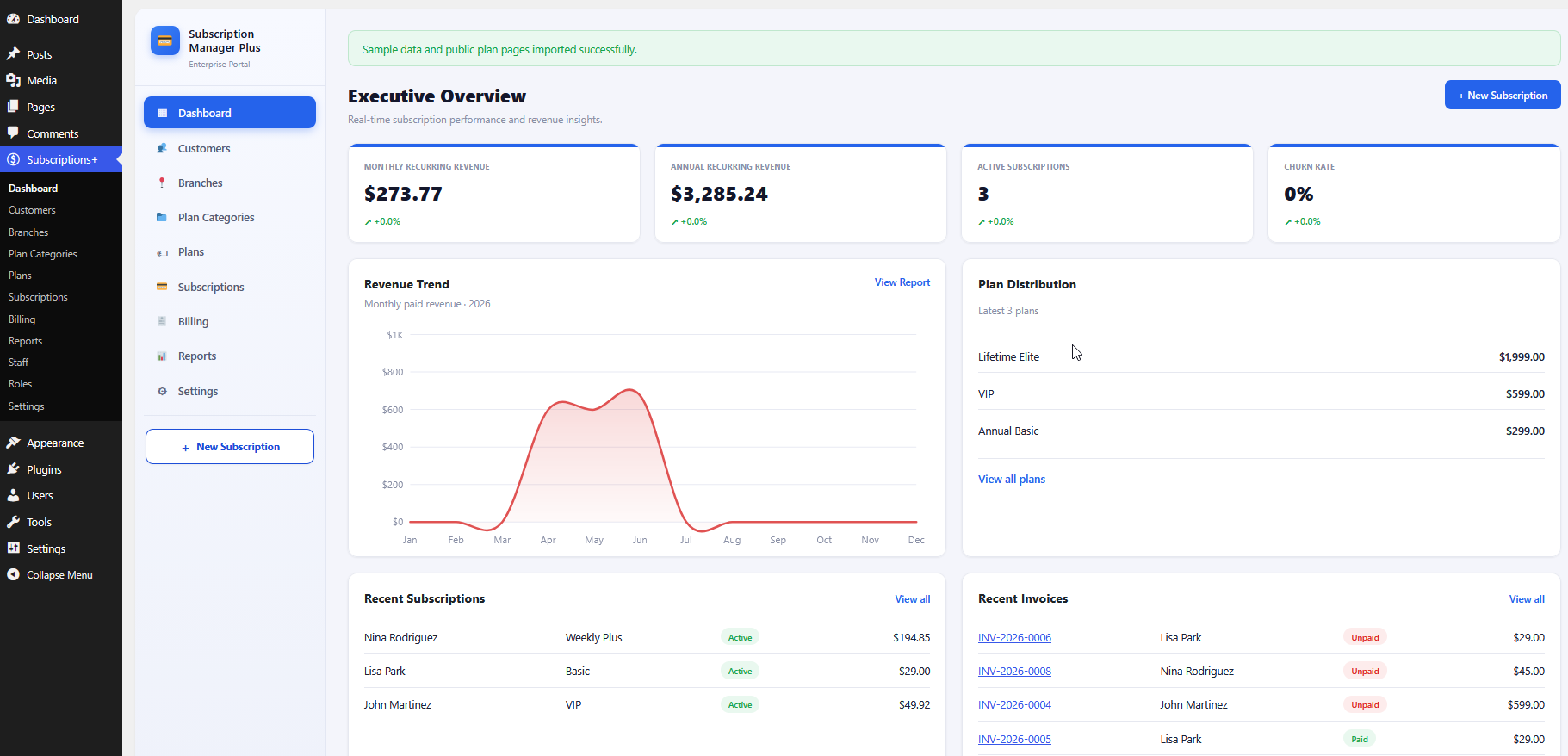
Executive Overview dashboard with real-time revenue insights.
2. Technical Specification
Item
Detail
Product name
Lucrativeit Subscription and Recurring Billing (WpBillify)
Plugin slug
lucrativeit-subscription-recurring-billing
Version
1.0.0
Platform
WordPress 6.2 or later
PHP
7.4 or later
Database
Custom tables with wp_lsp_ prefix (created on activation)
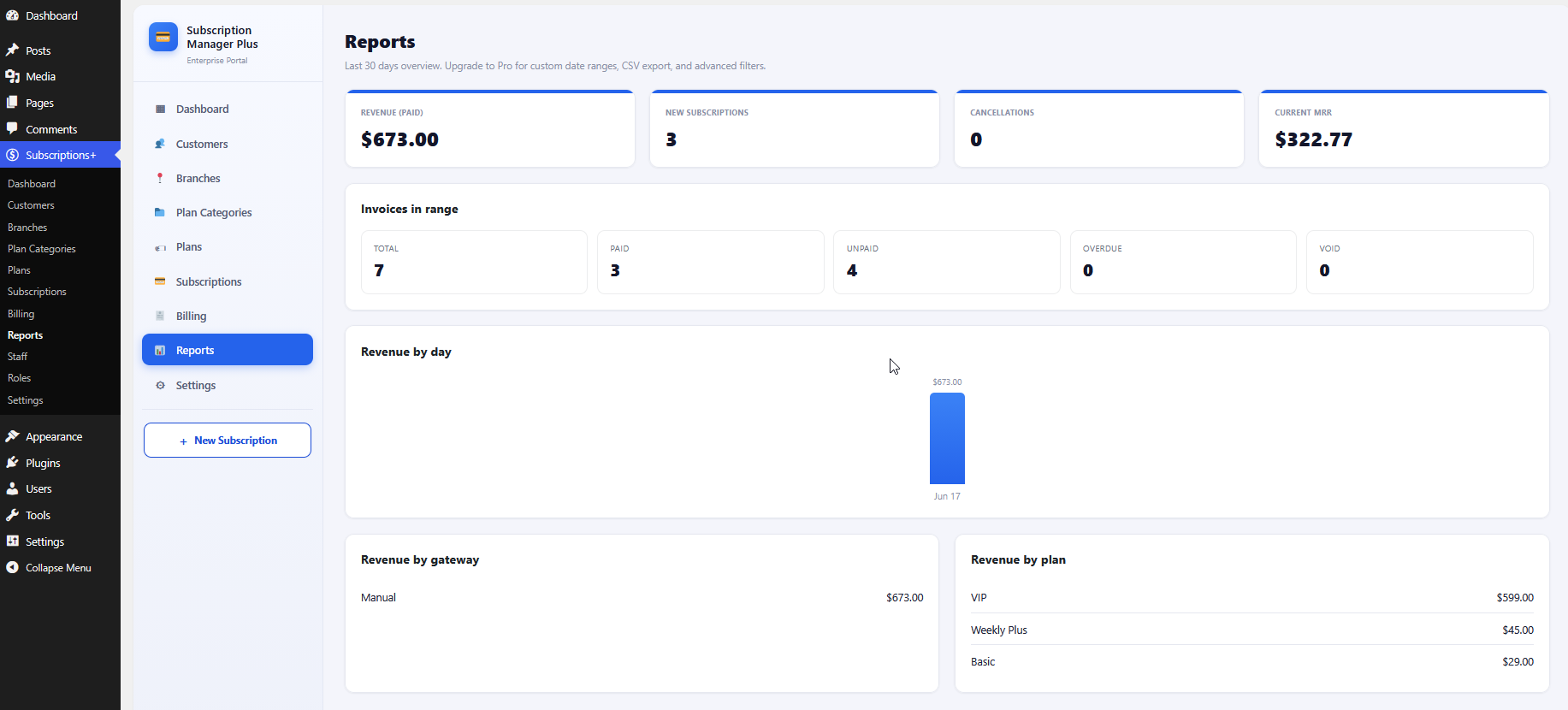
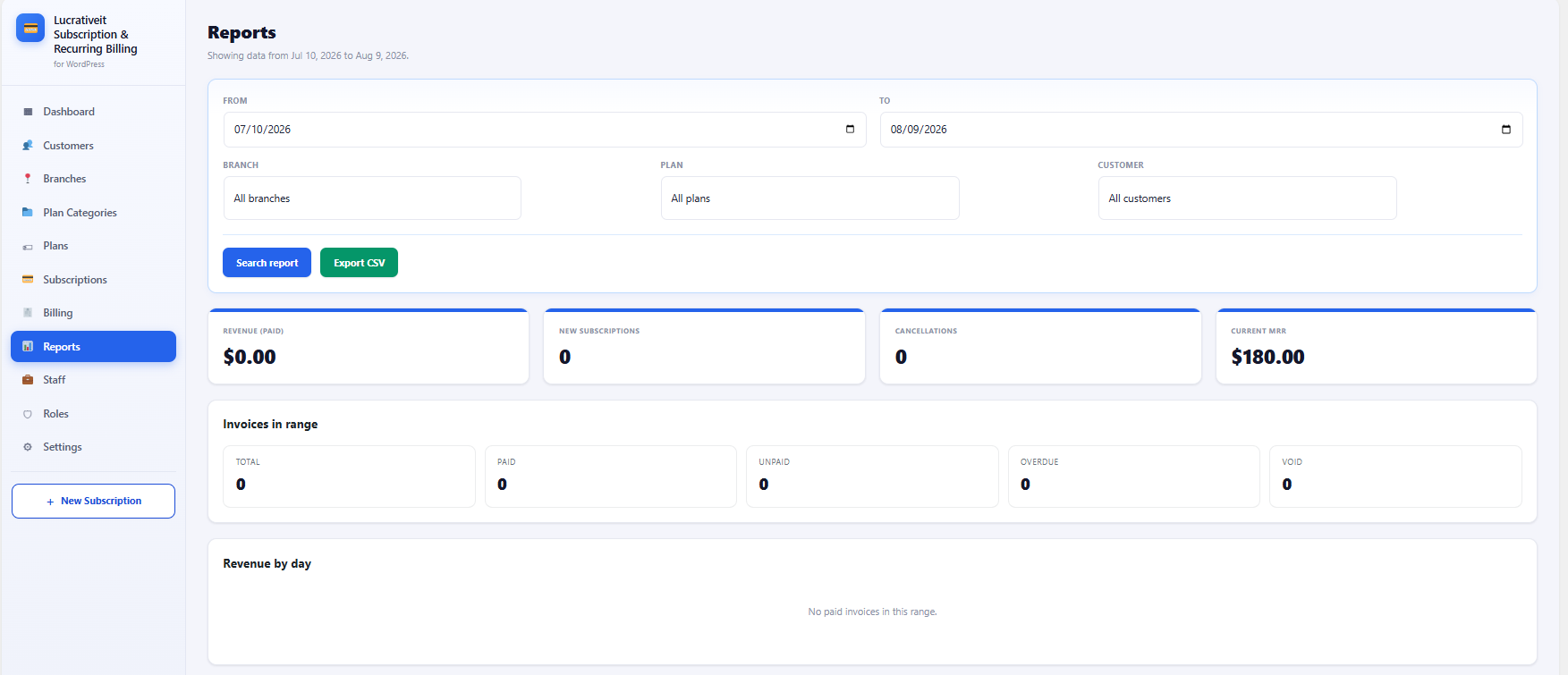
Paid revenue, new subscriptions, cancellations, and current MRR (last 30 days)
Invoice counts by status: total, paid, unpaid, overdue, void
Revenue-by-day bar chart with hover tooltips
Revenue breakdown by gateway and by plan
Reports dashboard. Custom ranges, CSV export, and advanced filters require the Pro add-on.
7. Configuration
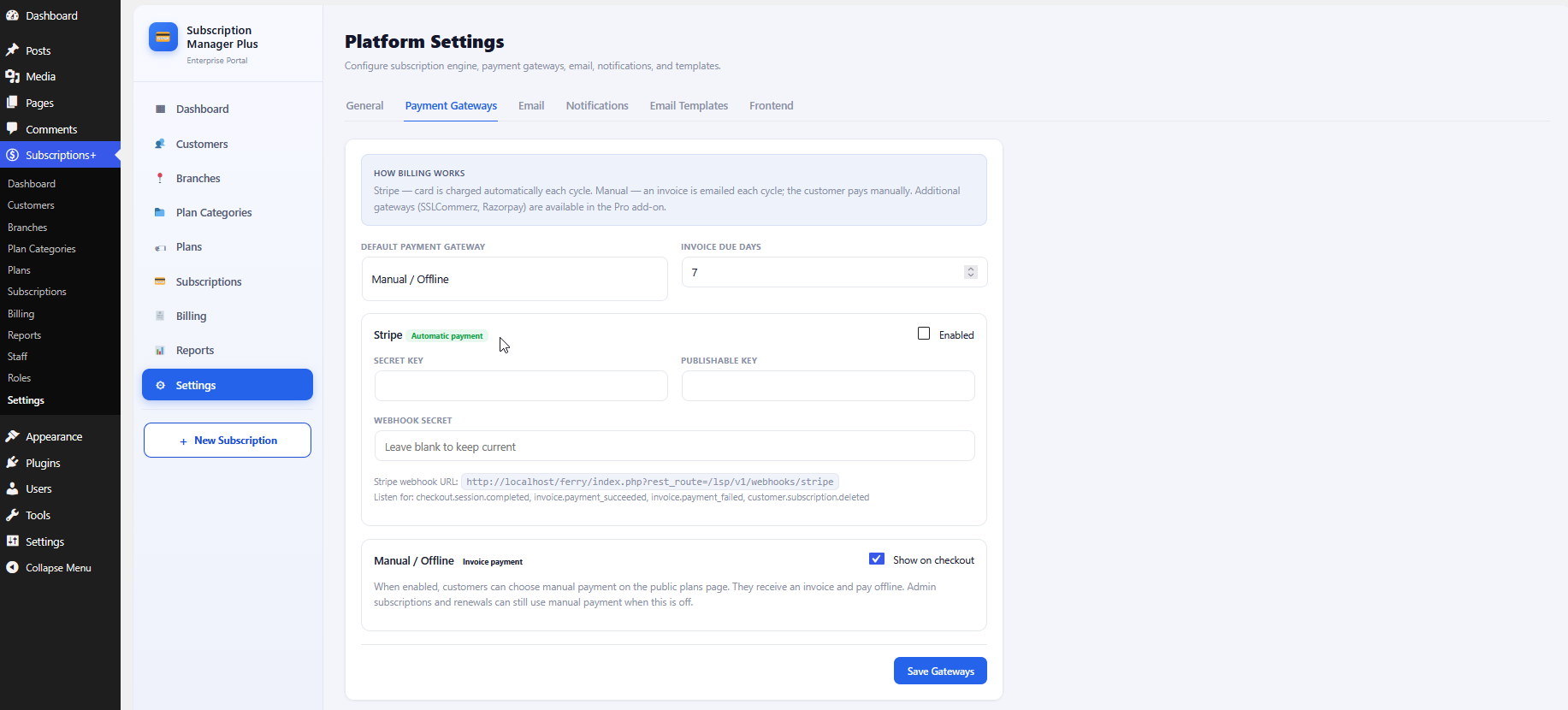
7.1 Payment Gateways
Stripe API keys, webhook secret and URL, default gateway, and invoice due days.
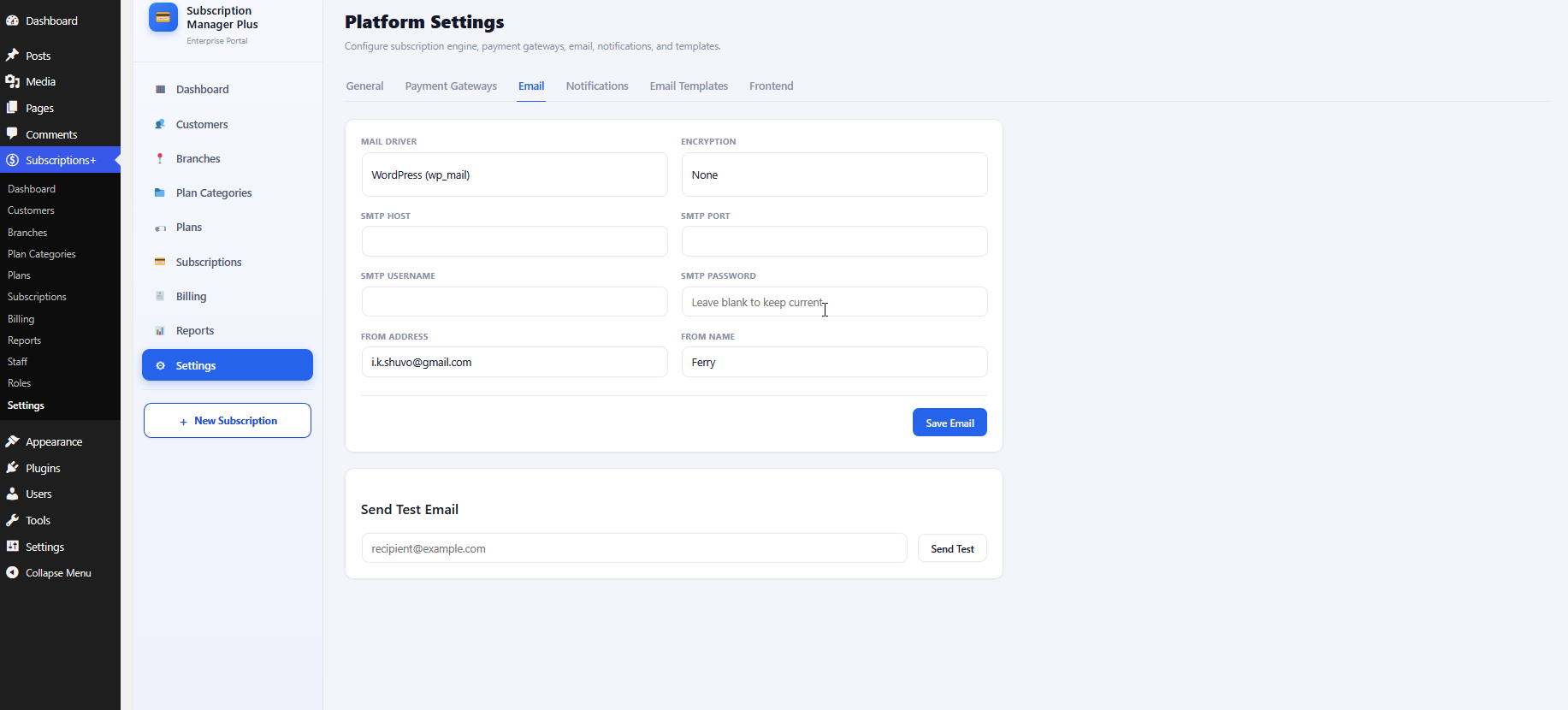
7.2 Email / SMTP
Mail driver, encryption, SMTP credentials, from name/address, plus test email.
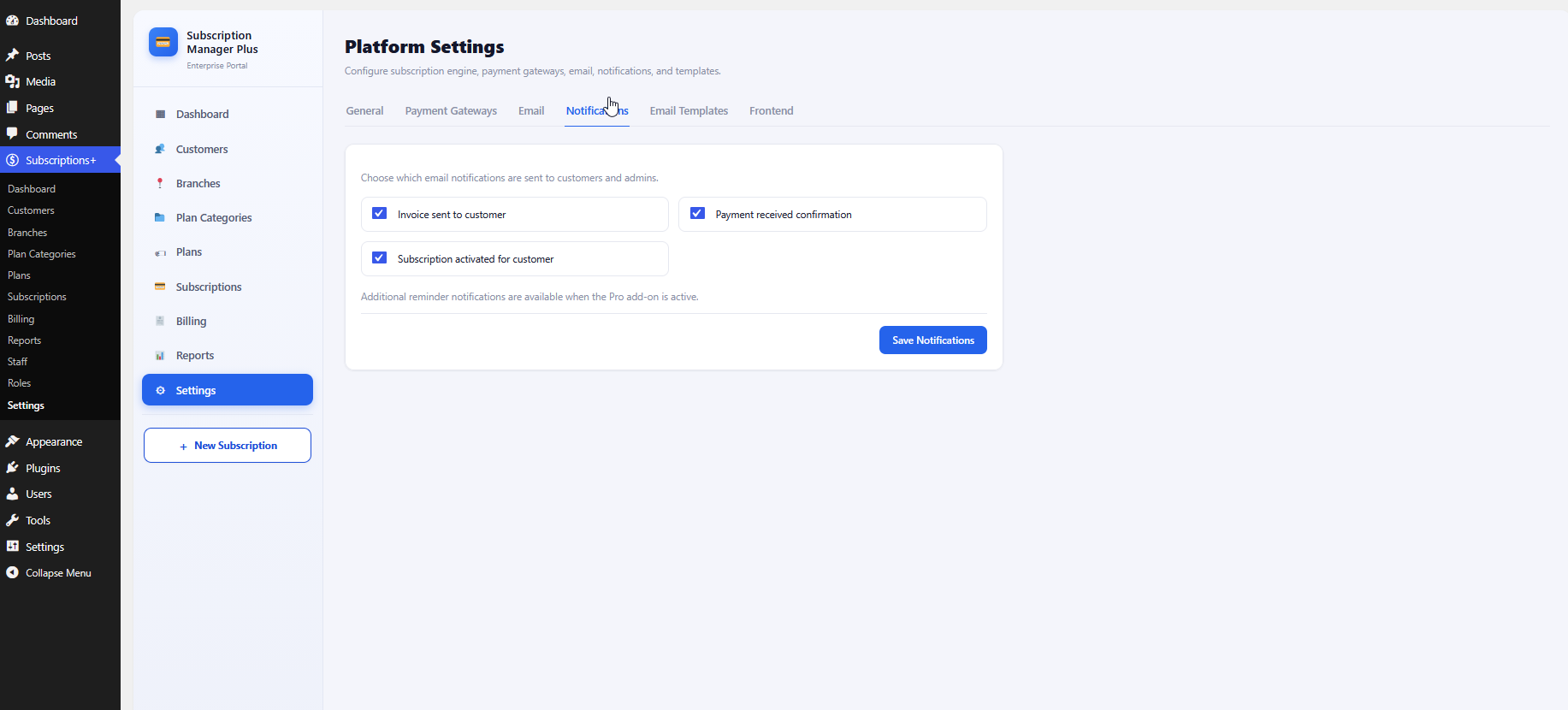
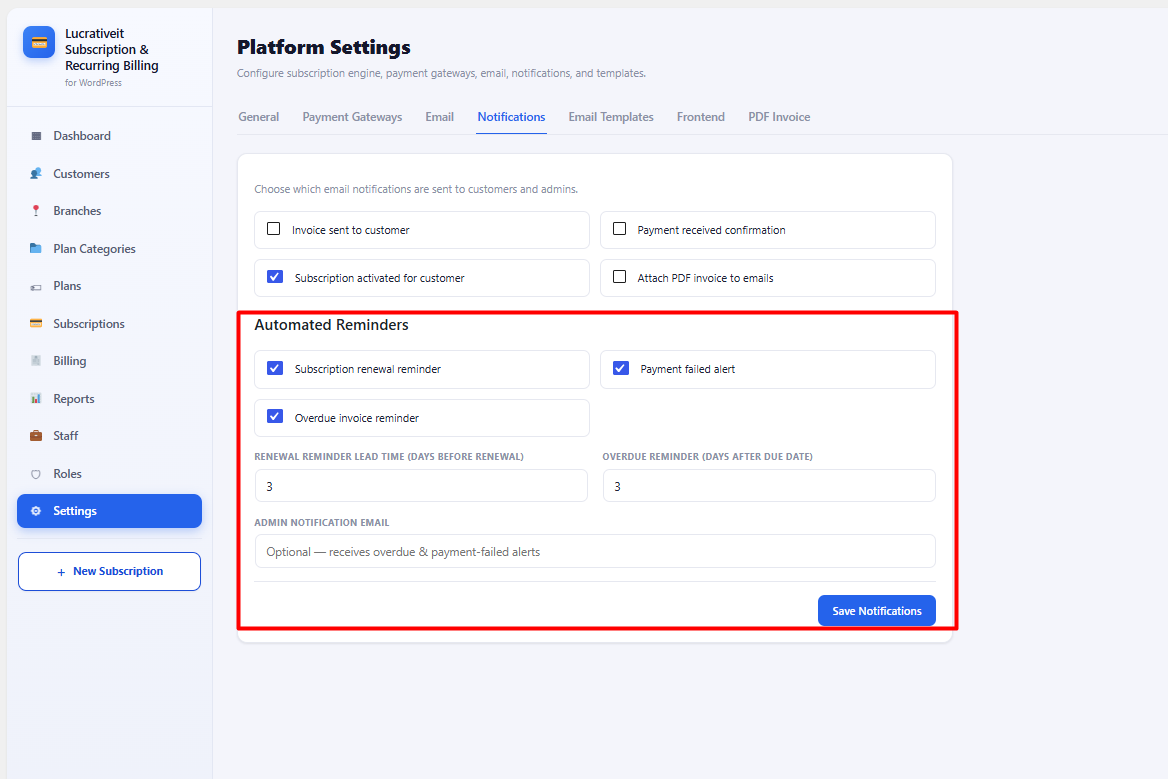
7.3 Email Notifications (Free & Pro)
Core email notifications are included in both Free and Pro. Under
Settings → Notifications you can enable or disable each type:
Notification
Free
Pro
Invoice sent to customer
✔
✔
Payment received confirmation
✔
✔
Subscription activated for customer
✔
✔
Additional reminder notifications
—
✔
Attach PDF invoice to emails
—
✔
Core notification toggles. Additional reminders unlock when the Pro add-on is active.
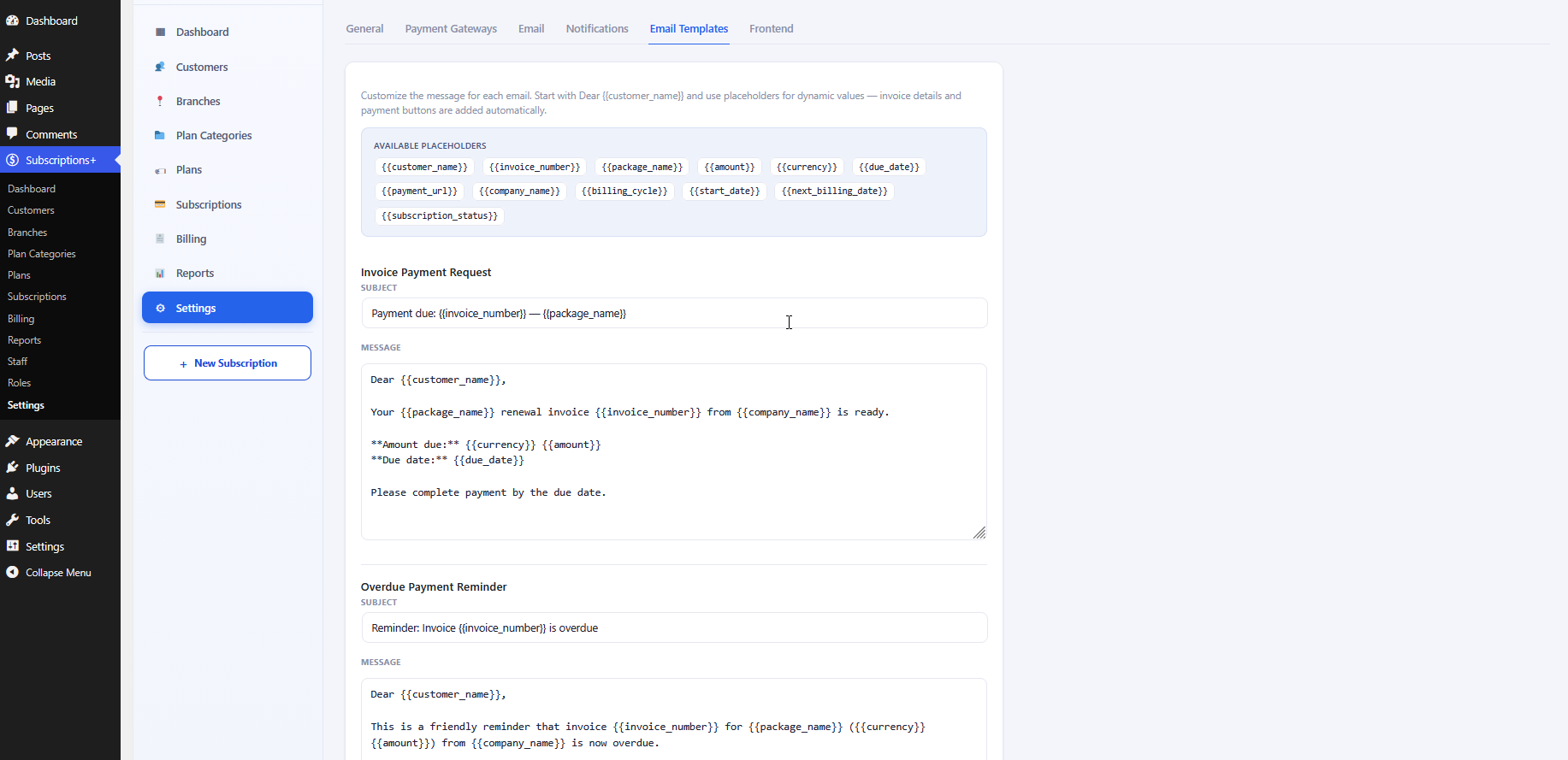
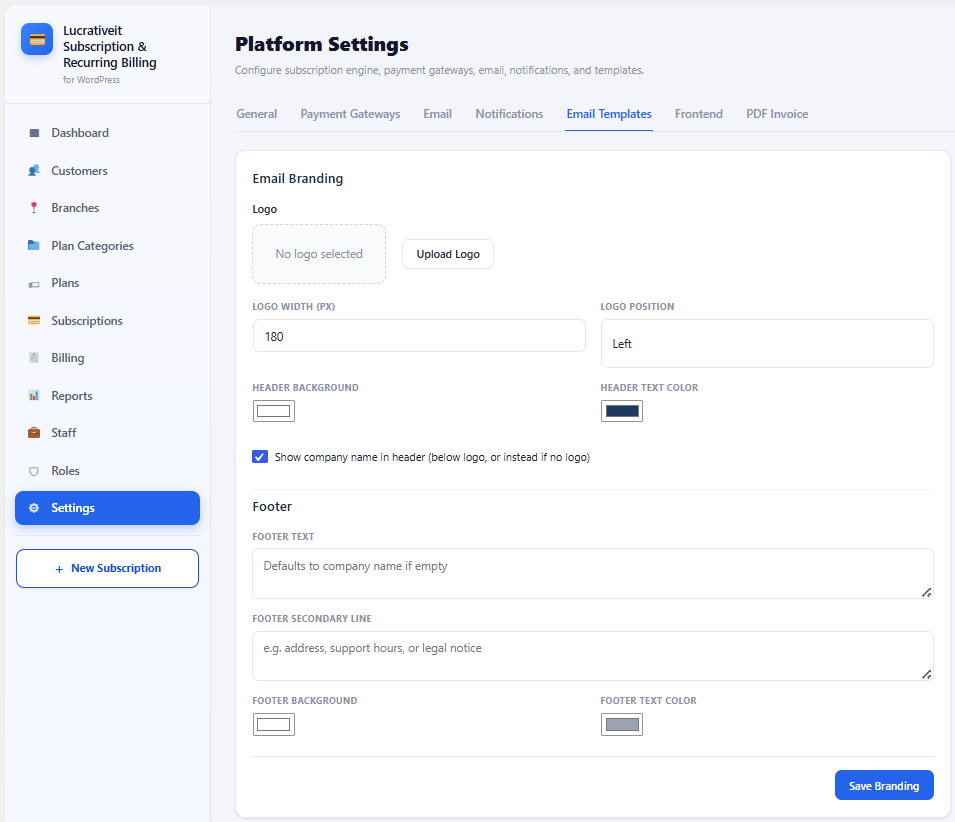
7.4 Email Templates (Free & Pro)
Editable templates ship in both Free and Pro. Customize subject and body for each email;
invoice details and payment buttons are appended automatically. Available templates:
Editable templates for payment requests, overdue reminders, payment success, and activation.
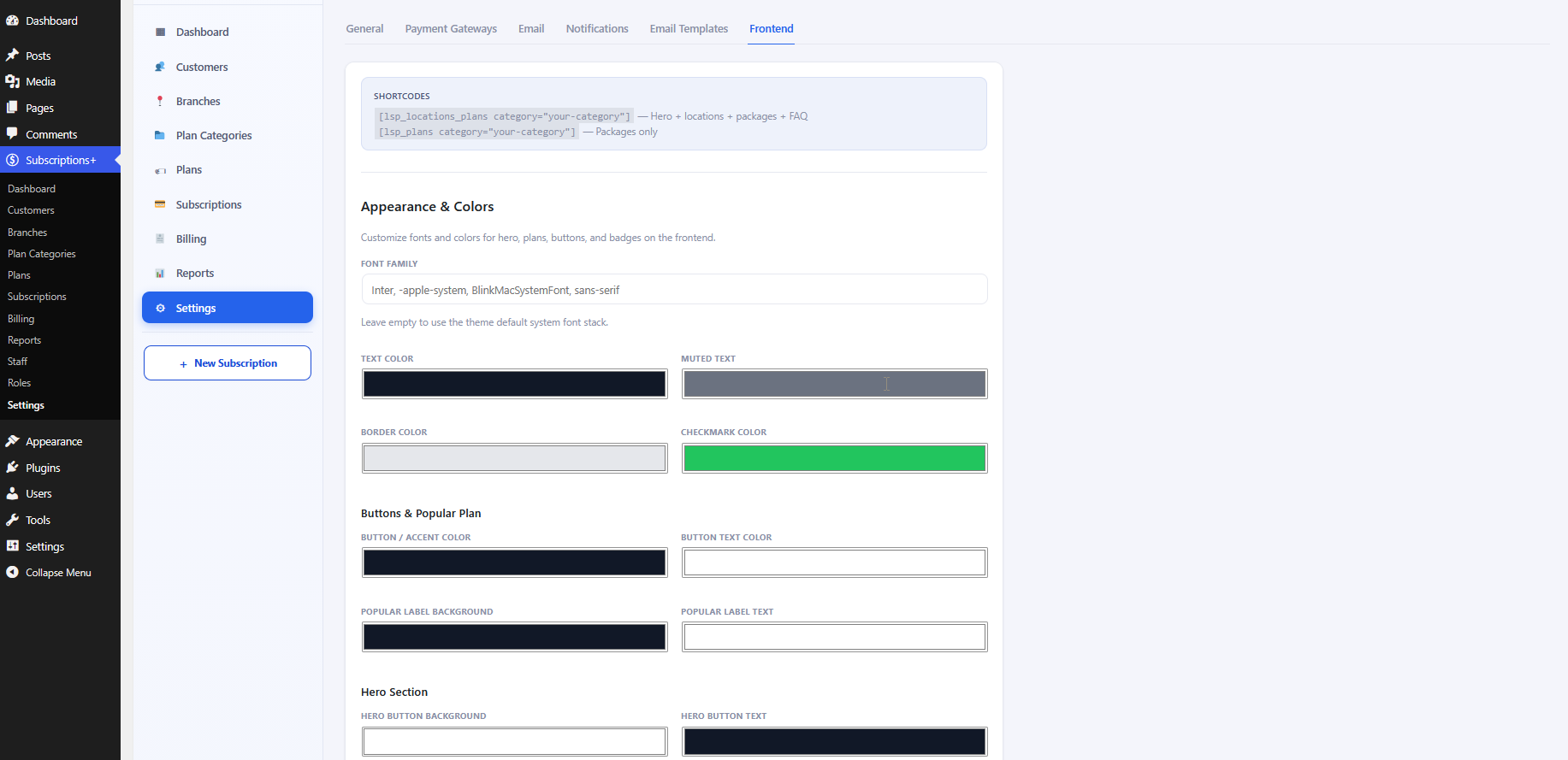
7.5 Frontend Appearance
Fonts, text/border/checkmark colors, button accents, popular-badge and hero styling.
8. Public Frontend & Shortcodes
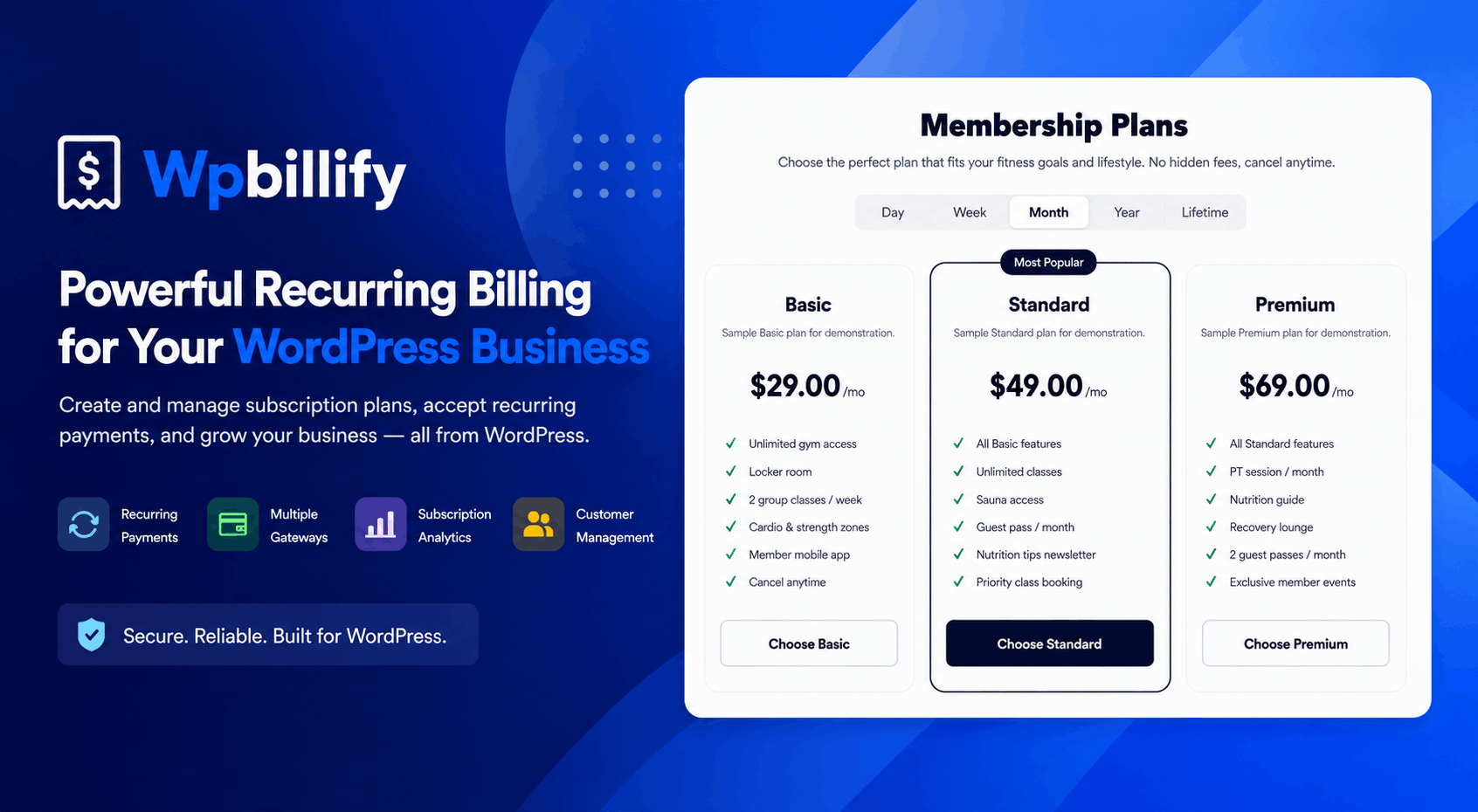
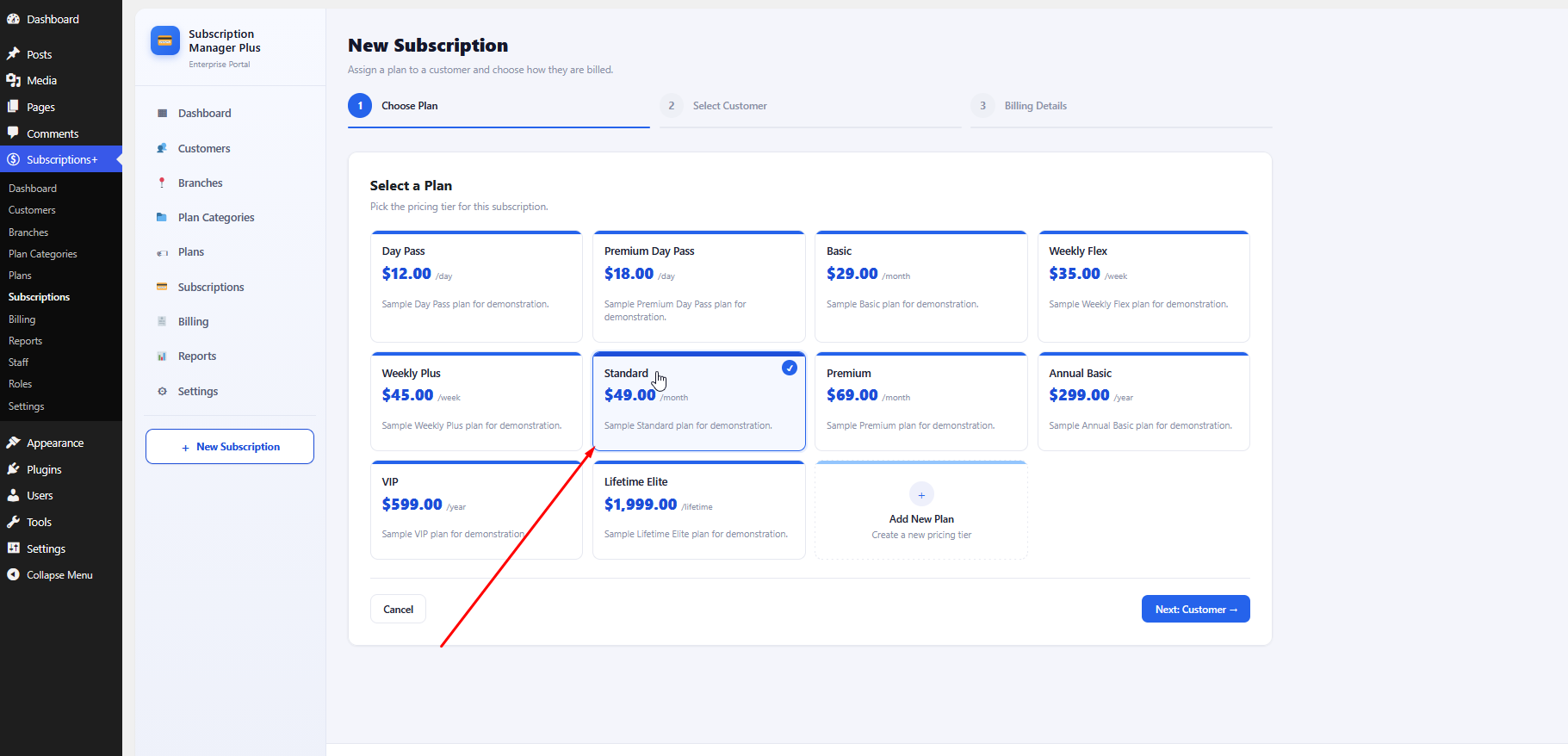
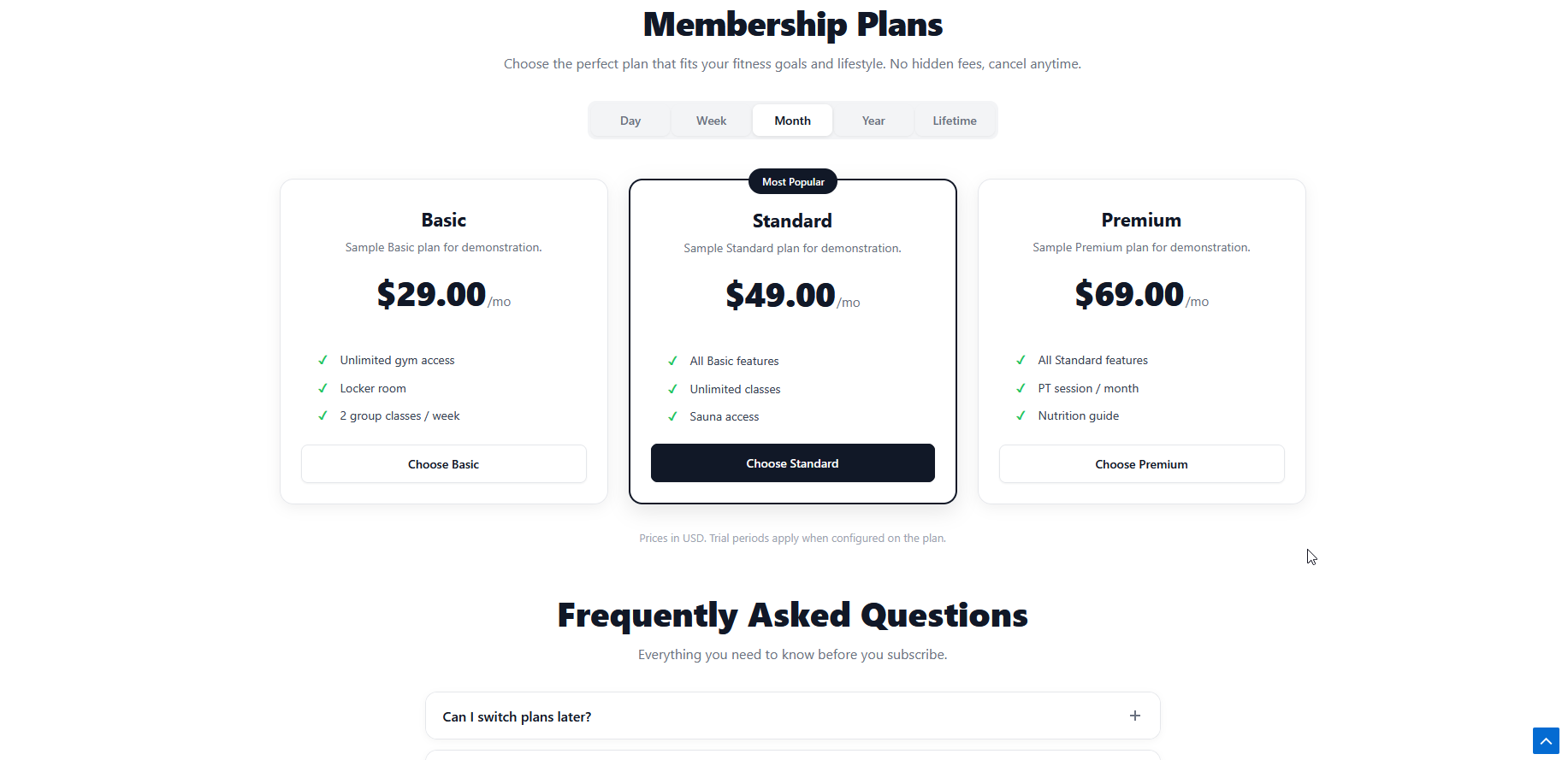
Responsive pricing tables with interval tabs (Day, Week, Month, Year, Lifetime),
Most Popular badge, on-page checkout, plus optional hero, locations grid, and FAQ.
[lsp_locations_plans category="your-category-slug"] Hero + locations + packages + FAQ
[lsp_plans category="your-category-slug"] Pricing table and checkout only
[lsp_hero title="Headline" image_path="..."] Hero section only
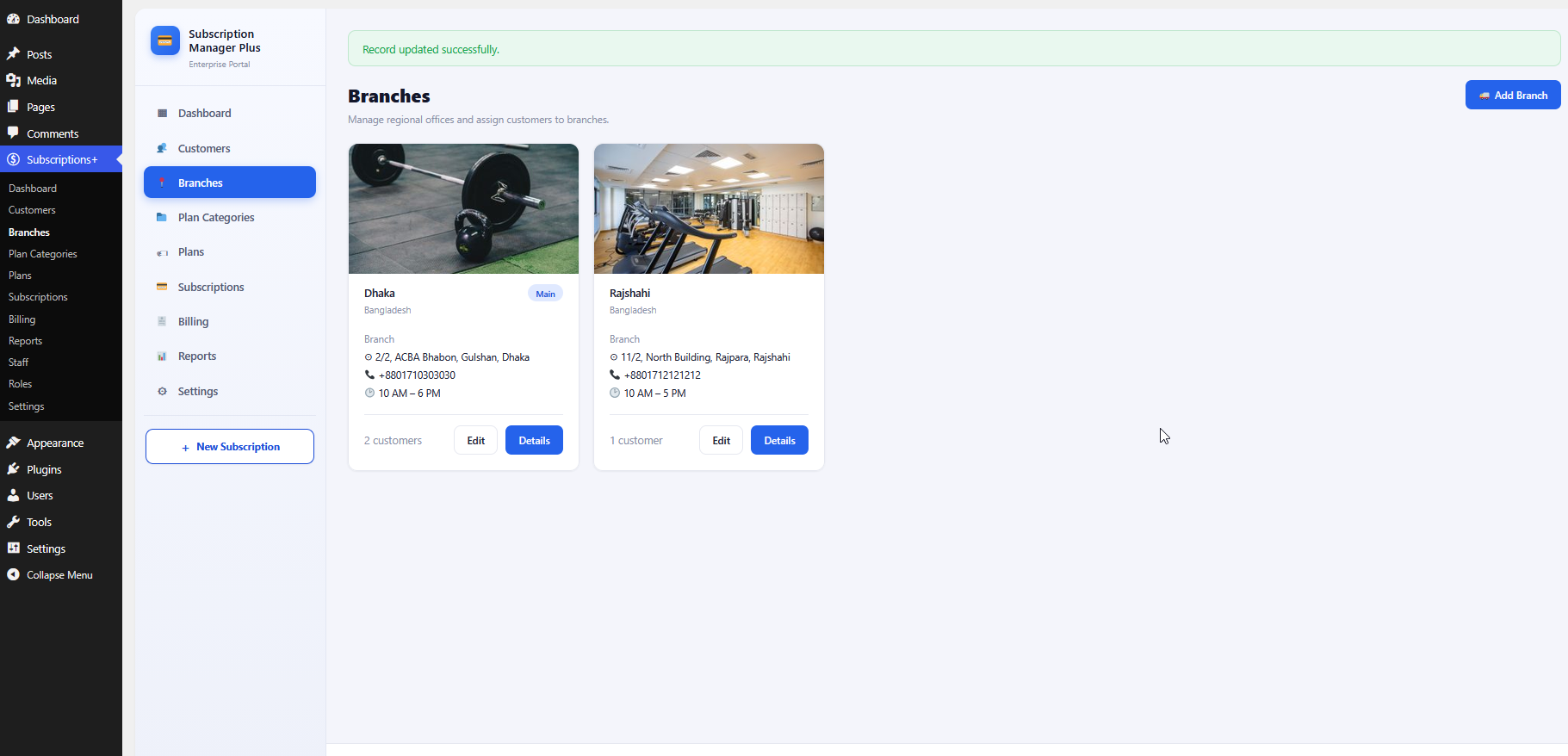
[lsp_locations] Branch locations grid only
[lsp_faq] FAQ accordion only
Public membership plans and FAQ rendered by shortcodes.
Stripe supports automatic recurring billing. Manual, SSLCommerz, Razorpay, and PayPal are invoice-based: an invoice or payment link is emailed each cycle and the customer pays manually.
Do I need another e-commerce plugin?
No. WpBillify is self-contained with its own billing engine, checkout shortcodes, and built-in payment gateways (Stripe, Manual, SSLCommerz, Razorpay, and PayPal).
How do I display plans on my site?
Create a plan category, add active plans, then either click Create public pages on Plan Categories or add [lucrsure_locations_plans category="your-slug"] to any page. Customize under Settings → Frontend.
Can I sell daily, weekly, or lifetime plans?
Yes. Plans support daily, weekly, monthly, yearly, and lifetime intervals. The public pricing table shows tabs for every interval that has at least one active plan.
What does the demo import include?
For each selected category: sample plans, customers, subscriptions, invoices, a public page with the full shortcode layout, and a hub page linking category pages.
What is included in the Pro add-on?
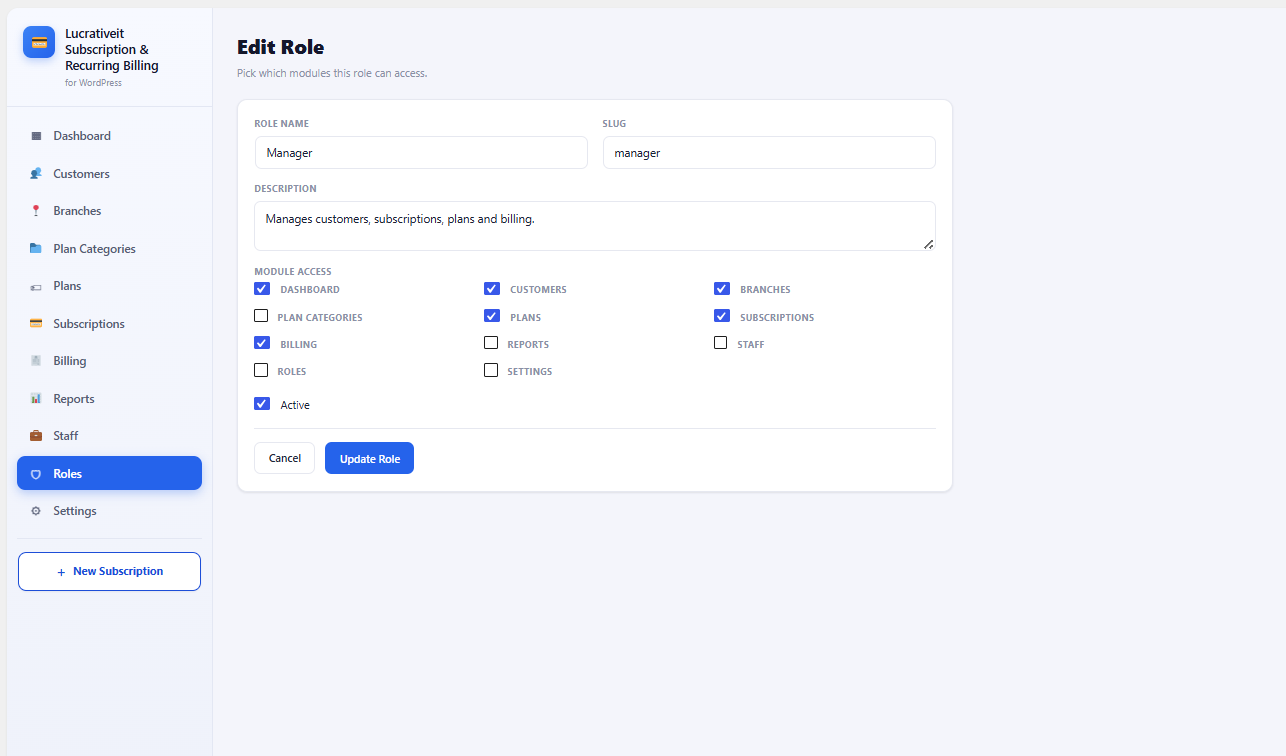
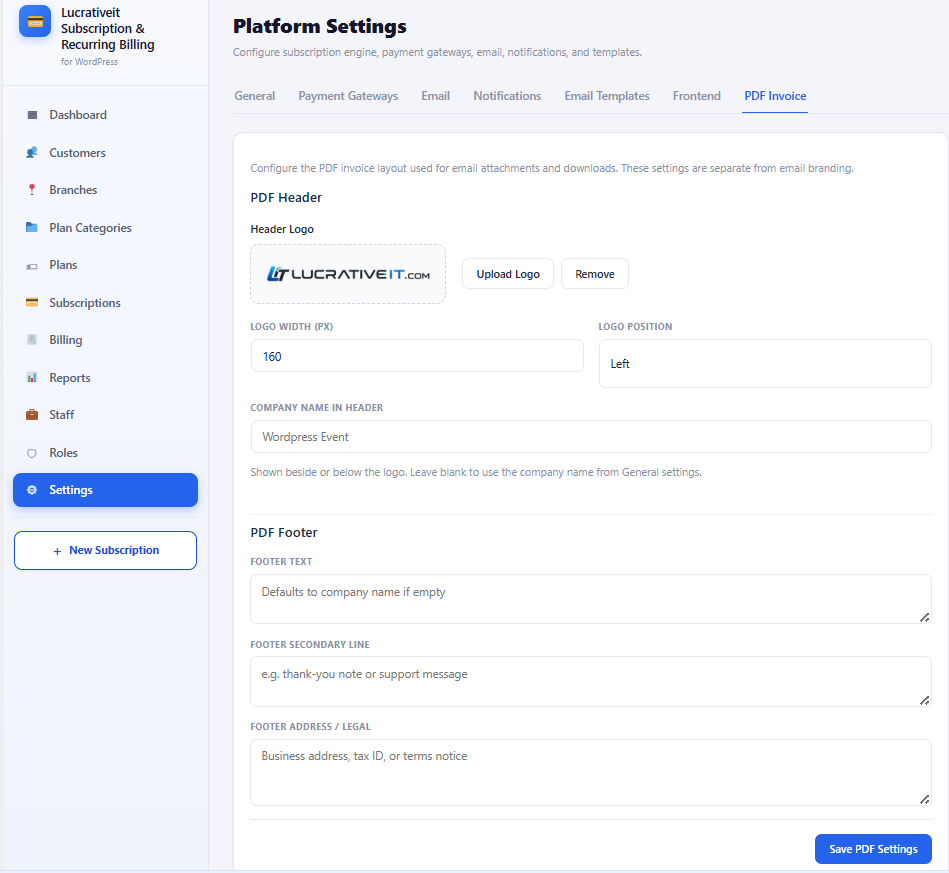
Advanced reports (custom ranges, filters, CSV), staff & roles, email branding, PDF invoices, and automated reminder notifications.
Why is a Stripe payment still unpaid after checkout?
On return from Stripe, WpBillify verifies the Checkout session and marks the invoice paid (confirmation email included). Configure the Stripe webhook secret for renewals. Manual payments stay unpaid until marked paid by an admin.
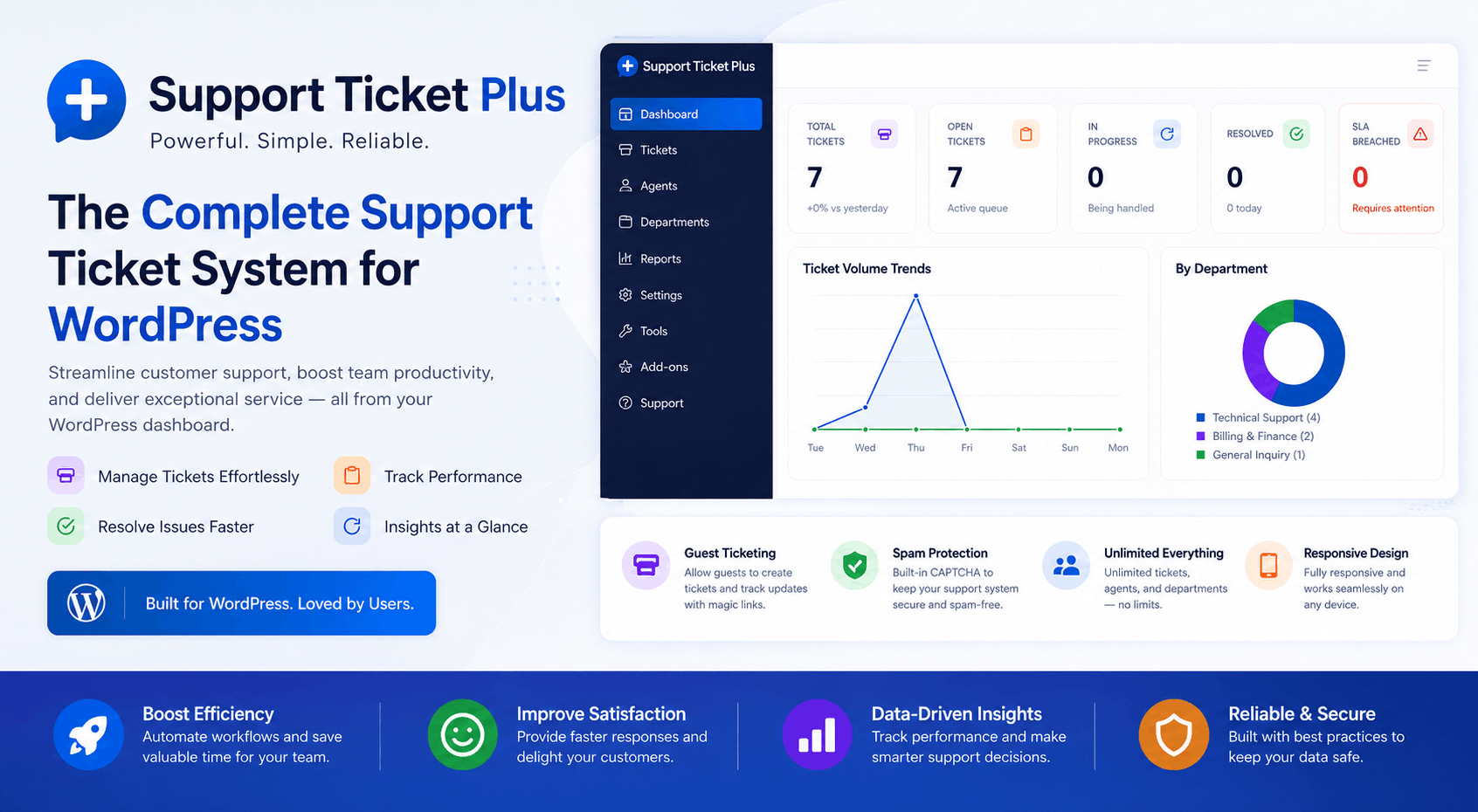
A complete WordPress help desk plugin with Email-to-Ticket, Reply-by-Email, ticket assignment, SLA tracking, knowledge base, file attachments, email notifications, and advanced reporting to streamline your customer support.