
WPBillify vs WooCommerce Subscriptions: Which Should You Use?
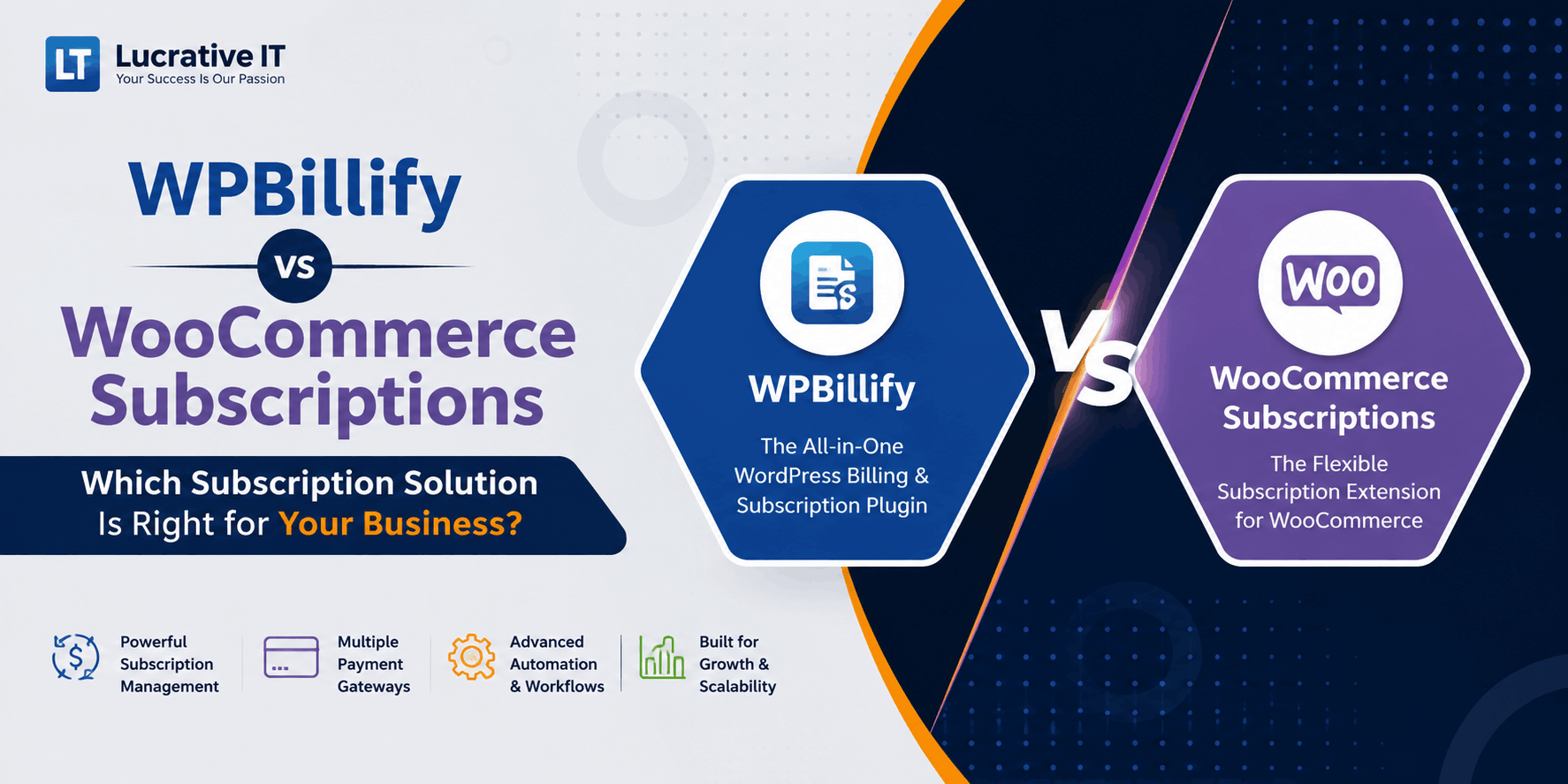
WPBillify vs WooCommerce Subscriptions: Which Should You Use?
If you're searching for a WooCommerce subscriptions alternative, you've probably already run into the two biggest sticking points: the official plugin's price tag, and how much manual dunning and portal work still lands on you after checkout. Here's a straight, feature-by-feature comparison of WPBillify and WooCommerce Subscriptions to help you pick the right one for your store.
Quick Verdict
Choose WooCommerce Subscriptions if...
- You're already deep in the WooCommerce ecosystem and want the "official" first-party option
- You need the widest possible range of third-party extension compatibility
- Budget isn't the deciding factor
Choose WPBillify if...
- You want built-in dunning management and a self-service customer billing portal without extra add-ons
- You want a lighter, faster plugin that doesn't require a stack of paid extensions to feel complete
- You're setting up recurring billing for the first time and want a simpler onboarding flow
What Is WooCommerce Subscriptions?
WooCommerce Subscriptions is the official recurring-payments extension built by Automattic for the WooCommerce ecosystem. It bolts subscription products, renewal orders, and recurring payment gateways onto a standard WooCommerce store. It's mature, widely documented, and compatible with most other WooCommerce extensions — but it's also a paid, single-purpose add-on that assumes you're already comfortable running a full WooCommerce stack.
What Is WPBillify?
WPBillify is a subscription and recurring-billing plugin built to work as a standalone system on top of WordPress, without requiring you to build your entire store logic around WooCommerce Subscriptions' order-and-renewal model. It bundles the billing engine, automated dunning (failed-payment retry logic), and a customer-facing billing portal into the core plugin, rather than treating them as separate paid extensions.
Feature-by-Feature Comparison
| Feature | WPBillify | WooCommerce Subscriptions |
|---|---|---|
| Recurring billing engine | Included, native | Included, native |
| Automated dunning / failed-payment retries | Built in | Requires a separate extension |
| Self-service customer billing portal | Built in | Basic "My Account" view only |
| Requires full WooCommerce store setup | No | Yes |
| Free trials & sign-up fees | Supported | Supported |
| Proration on plan changes | Supported | Supported, configuration-heavy |
| WP-Cron based automation | Yes | Yes |
| Third-party extension ecosystem | Growing | Extensive |
| Setup time for a first subscription product | Faster, fewer moving parts | Slower, more configuration |
| License cost | Lower | Higher, plus paid add-ons for dunning/portal |
Note: feature availability can change between plugin versions — always confirm current specs on each plugin's official page before making a final call.
Pricing: What You Actually Pay
This is where the comparison gets practical fast. WooCommerce Subscriptions is priced as a single annual license, but that price only covers the core recurring billing logic. If you also want automated dunning, a polished customer portal, or advanced reporting, you're typically stacking on additional paid extensions — and each one adds its own renewal fee and its own point of failure when WordPress or WooCommerce updates.
WPBillify takes a bundled approach: dunning management and the customer billing portal are part of the core plugin rather than optional add-ons, which keeps the total cost of ownership lower and reduces the number of separate plugins you're relying on to stay compatible with each other.
Setup & Learning Curve
WooCommerce Subscriptions inherits WooCommerce's full complexity — product types, order statuses, renewal order objects, and gateway-specific tokenization settings. That's powerful if you need it, but it's a lot of surface area for a store owner who just wants to sell three subscription tiers.
WPBillify is built around a narrower, more direct setup flow: create a plan, set the billing interval and price, connect a payment gateway, and publish. Because dunning and the customer portal ship with the plugin, there's no separate onboarding step for those pieces once the core plugin is active.
Who Should Use WooCommerce Subscriptions
If you're running a large, already-established WooCommerce store with dozens of extensions and a development team comfortable maintaining that stack, WooCommerce Subscriptions' maturity and extension ecosystem are hard to beat. It's the safer default when broad third-party compatibility matters more than setup speed or bundled cost.
Who Should Use WPBillify
WPBillify fits stores and SaaS-style sellers who want recurring billing without committing to a full WooCommerce buildout, or who are tired of paying separately for dunning and portal add-ons on top of a subscriptions license. It's a strong pick if you value a faster setup, a lower total cost, and fewer plugins to keep updated in lockstep.
Frequently Asked Questions
Is WPBillify a full replacement for WooCommerce Subscriptions?
For stores that don't need WooCommerce Subscriptions' full extension ecosystem, yes — WPBillify covers the core recurring billing, dunning, and customer portal functionality most subscription businesses actually use.
Does WPBillify require WooCommerce to be installed?
No. WPBillify is built to run its own billing logic on WordPress rather than depending on a full WooCommerce store setup.
Which plugin handles failed payments better?
WPBillify includes automated dunning (failed-payment retry logic) as a core feature. WooCommerce Subscriptions handles retries at a basic level but typically needs a separate extension for a full dunning workflow.
Can I migrate existing subscribers from WooCommerce Subscriptions to WPBillify?
Migration is possible but should be planned carefully around your payment gateway's tokenized customer data. Test on a staging site first and confirm gateway-side compatibility before migrating live subscribers.
Ready to simplify your recurring billing?
See how WPBillify handles subscriptions, dunning, and customer self-service in one plugin.
Explore WPBillifyMore articles
Continue reading
Subscription
How to Set Up Stripe for Subscription & Recurring Billing in WordPress
Learn how to connect Stripe to the Lucrativeit Subscription & Recurring Billing plugin in about five minutes — add your API keys to accept payments, then create a webhook so automatic renewals, failed payments, and cancellations sync to WordPress.

Subscription
How to Set Up Recurring Billing in WordPress
Looking for a reliable recurring payments WordPress plugin? This guide breaks down what to look for, how automated subscription billing works, and why WPBillify is built for memberships, SaaS, and invoicing sites that need dependable recurring revenue.
Subscription
How to Sell Subscriptions on WordPress Without WooCommerce
Don't want to bolt WooCommerce Subscriptions onto a full WooCommerce store just to bill customers monthly? This guide walks through selling subscriptions on WordPress without WooCommerce — using WPBillify's free built-in billing engine, payment gateways, and pricing-page shortcodes — from install to your first paying subscriber.